Umami - Developer Guide
Deploy Umami on AWS with our step-by-step guide. Learn how to launch, configure, secure with SSL, and operate it reliably in your AWS environment.

Binuka is a junior DevOps engineer at Meetrix, working on AWS cloud infrastructure and the products the company publishes on AWS Marketplace. He deploys and tests each product on a clean stack before it ships, and handles the configuration, SSL and DNS work that comes with it.
He also builds the monitoring side of those deployments, putting Grafana dashboards on top of Prometheus so a customer can see what their instance is doing, and works on Jitsi Meet customisation for clients who need the interface to look like their own product.
Documentation is the other half of the role. He writes most of the AWS and GCP developer guides on this blog, covering launching the marketplace image, wiring DNS and SSL, first-run admin setup, where the logs live, upgrades and teardown. He holds a BSc (Hons) in Information Technology from the Sri Lanka Institute of Information Technology.
Deploy Umami on AWS with our step-by-step guide. Learn how to launch, configure, secure with SSL, and operate it reliably in your AWS environment.
Deploy Invantra on AWS with our step-by-step guide. Learn how to launch, configure, secure with SSL, and operate it reliably in your AWS environment.
Deploy Apache Guacamole on Google Cloud Platform with our step-by-step guide. Learn how to launch the Meetrix image from GCP Marketplace, configure the deployment, point DNS, secure it with SSL, and reach your servers over RDP, SSH and VNC from a browser.
Deploy Rancher on Google Cloud Platform with our step-by-step guide. Learn how to launch the Meetrix image from GCP Marketplace, configure the deployment, point DNS, secure it with SSL, and manage your Kubernetes clusters from one dashboard.
Deploy Apache Guacamole on AWS with our step-by-step guide. Learn how to launch, configure, secure with SSL, and operate it reliably in your AWS environment.
tldraw vs Excalidraw compared: which is actually open source, what each costs, how both stack up against Miro, and the 2025 tldraw license change most comparisons miss.
ERPNext demo options that still work in 2026: the ERPNext online demo through a Frappe Cloud trial, the demo login on a fresh install, built-in demo data, and every module you get after setup.
Deploy Rancher on AWS with our step-by-step guide. Learn how to launch, configure, secure with SSL, and operate it reliably in your AWS environment.
Deploy Zulip on Google Cloud Platform with our step-by-step guide. Learn how to launch the Meetrix image from GCP Marketplace, configure SMTP, point DNS, create your first organization, and run your self-hosted team chat.
Deploy Zammad on Google Cloud Platform with our step-by-step guide. Learn how to launch the Meetrix image from GCP Marketplace, configure the deployment, point DNS, secure it with SSL, and run your self-hosted help desk.
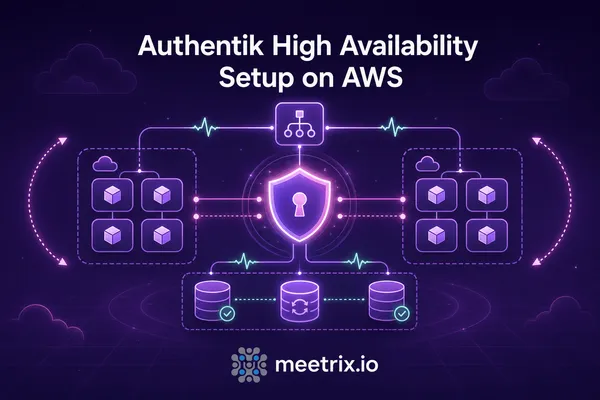
Authentik high availability on the current architecture: no Authentik Redis to run anymore, stateless server and worker nodes, PostgreSQL sizing, health checks, shared storage and outpost versions.
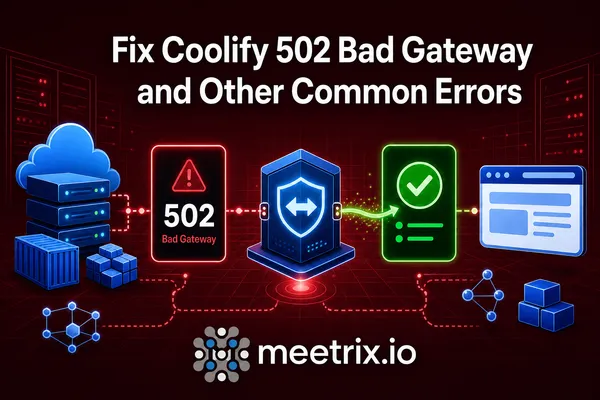
Fix a Coolify bad gateway error fast: the Port Exposes setting behind most 502s, how to restart Coolify, Coolify down after a reboot, password resets and rollback.
Supabase self-hosted security best practices: secrets, RLS, key exposure, network isolation, and the honest answer on HIPAA compliance for a self-hosted stack.

Embed Jitsi Meet in WordPress with a Jitsi Meet WordPress plugin or a plain iframe to your own server. Why meet.jit.si embeds stop after 5 minutes, plus the gotchas.
A hands-on Wekan demo: the kanban board, swimlanes, WIP limits and rules, what Wekan pricing really means, and which competitors are worth a look instead.
The Jitsi whiteboard is off on self-hosted servers. Turn on the Jitsi Meet whiteboard with the Excalidraw backend, on Docker or a manual install, step by step.
Deploy Zulip on AWS with our step-by-step guide. Learn how to launch, configure, secure with SSL, and operate your self-hosted team chat reliably in your AWS environment.
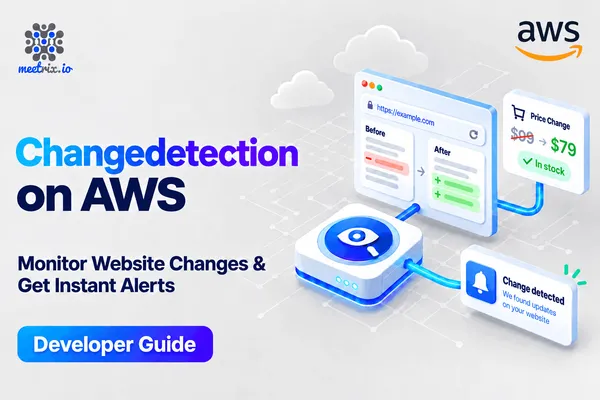
Deploy changedetection.io on AWS with our step-by-step guide. Learn how to launch, configure, secure with SSL, and operate it reliably in your AWS environment.
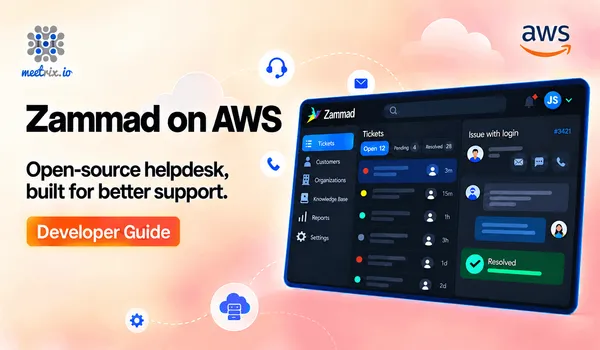
Deploy Zammad on AWS with our step-by-step guide. Learn how to launch, configure, secure with SSL, and operate your self-hosted help desk reliably in your AWS environment.
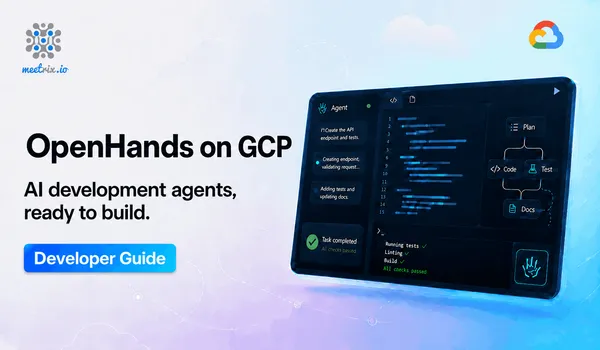
Deploy OpenHands, the open-source AI software engineering agent platform, on Google Cloud Platform with our step-by-step guide. Learn how to launch, secure with SSL, configure an LLM provider, and connect your Git repositories.
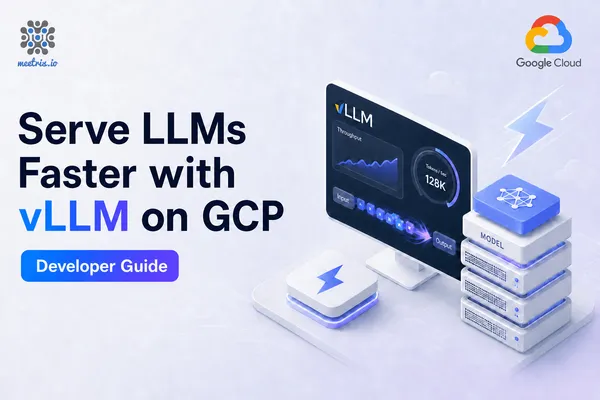
Deploy vLLM, the high-throughput OpenAI-compatible LLM inference server, on Google Cloud Platform. Learn how to launch a GPU VM, pick a model, point DNS, issue SSL, and call the API.
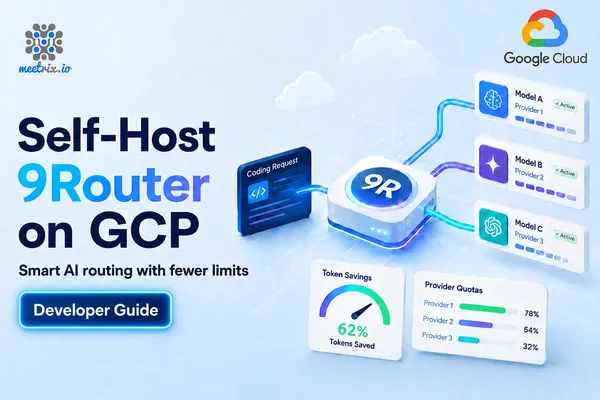
Deploy 9Router, the self-hosted AI routing proxy, on Google Cloud Platform with our step-by-step guide. Learn how to launch, secure with SSL, connect LLM providers, and point Claude Code, Codex, Cursor, and other CLI tools at a single endpoint.
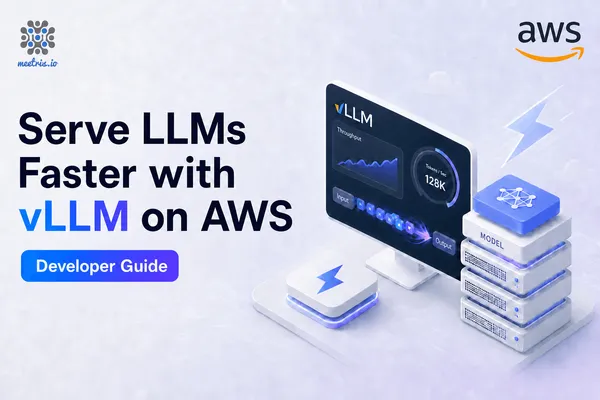
Deploy vLLM, the high-throughput OpenAI-compatible LLM inference server, on AWS with our step-by-step CloudFormation guide. Learn how to launch a GPU instance, pick a model, secure it with SSL, and call the API.
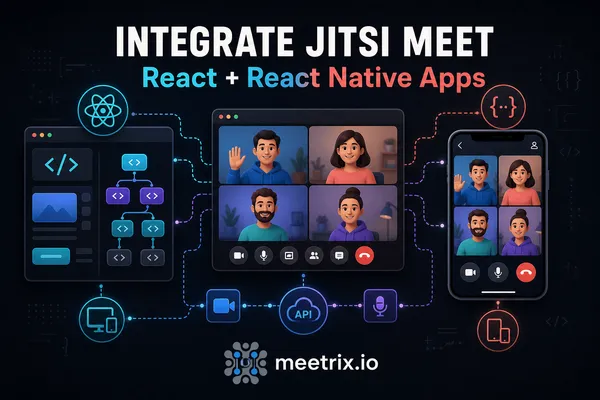
Jitsi React integration, done properly: the official @jitsi/react-sdk for web, @jitsi/react-native-sdk for mobile, real code, and the gotchas that trip up a first install.
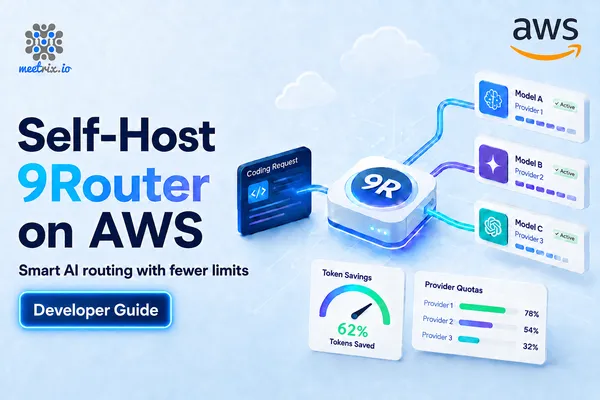
Deploy 9Router, the self-hosted AI routing proxy, on AWS with our step-by-step CloudFormation guide. Learn how to launch, secure with SSL, connect LLM providers, and point Claude Code, Codex, Cursor, and other CLI tools at a single endpoint.
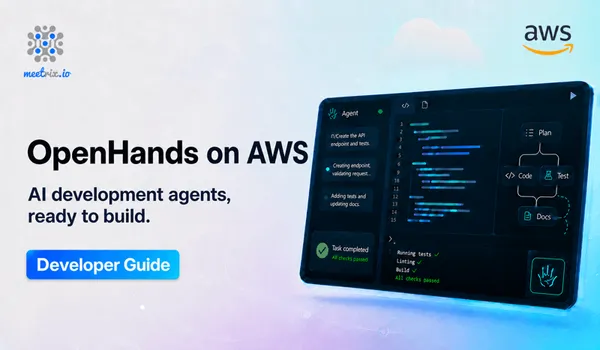
Deploy OpenHands, the open-source AI software engineering agent platform, on AWS with our step-by-step CloudFormation guide. Learn how to launch, secure with SSL, configure an LLM provider, and connect your Git repositories.
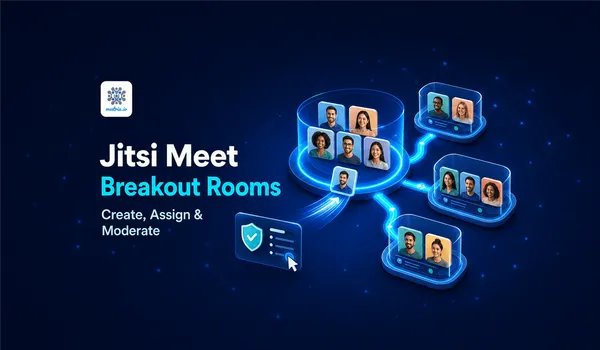
Yes, Jitsi Meet has breakout rooms, enabled by default today. Here's how to create them, assign participants, and lock down moderator controls.
Deploy Hermes Agent, a self-hosted autonomous AI agent with persistent memory, on AWS with our step-by-step CloudFormation guide. Learn how to launch, secure with SSL, configure a model provider, and connect it to Telegram, Discord, Slack, WhatsApp, and Signal.
Deploy Hermes Agent, a self-hosted autonomous AI agent with persistent memory, on Google Cloud Platform. Learn how to launch, configure a model provider, and connect it to Telegram, Discord, Slack, WhatsApp, and Signal.
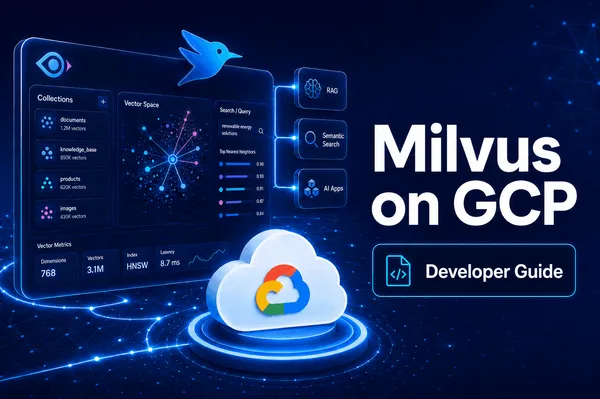
Deploy Milvus vector database on Google Cloud Platform with our step-by-step guide. Learn how to launch, configure, and connect to a self-hosted Milvus instance for AI and RAG applications.
Deploy Milvus vector database on AWS with our step-by-step guide. Learn how to launch, configure, secure, and connect to a self-hosted Milvus instance for AI and RAG applications.
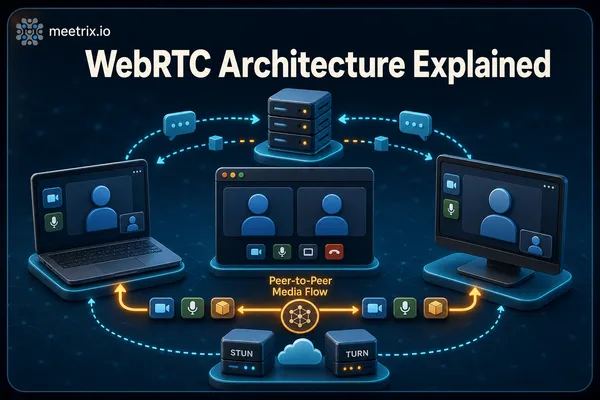
How does WebRTC work? The WebRTC architecture with a diagram, how WebRTC signaling, SDP and ICE connect two browsers, the full connection flow, and when media goes mesh, SFU or MCU.
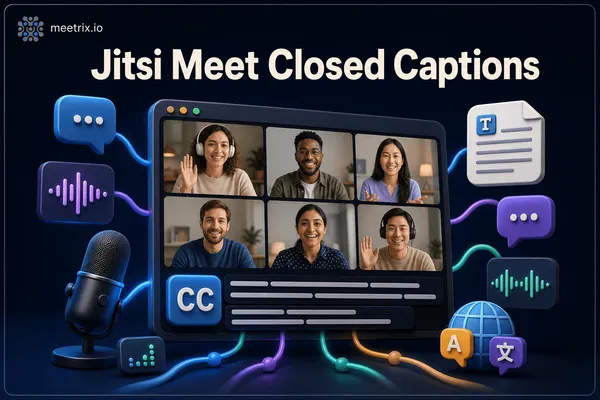
Jitsi Meet closed captions ship as an optional Subtitles button, off by default on self-hosted servers. Here's how live captions work and how to turn them on.

Jitsi Meet security best practices and the misconfigurations that cause real incidents: open room creation, rooms with no default password, lobby mode, JWT pinning, exposed ports, and the Jitsi CVEs to patch.
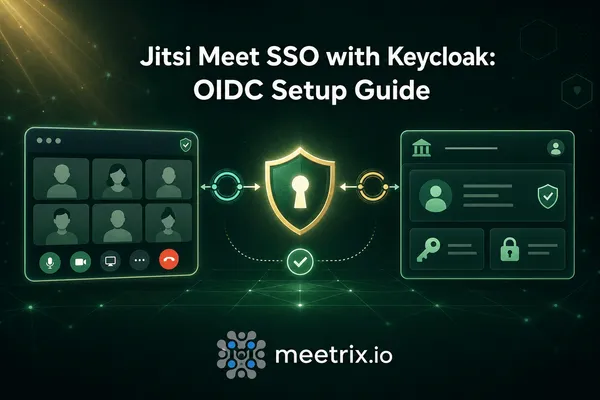
Jitsi Keycloak SSO, the actual setup: since Jitsi has no native OIDC support, this covers the adapter that bridges Keycloak login to the JWT Prosody expects.
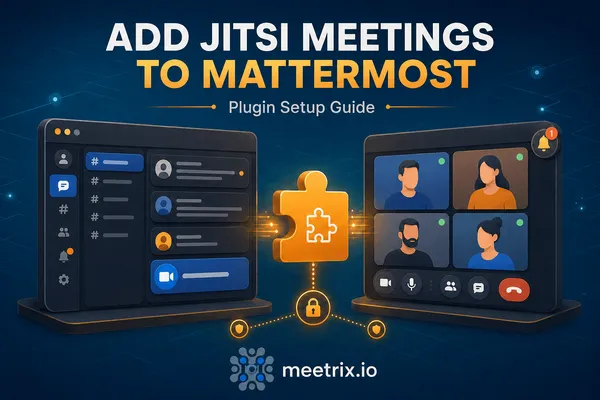
Set up the Mattermost Jitsi plugin: manual install (not Marketplace), server config, starting a call with /jitsi, and the participant limit most people hit on the free server.
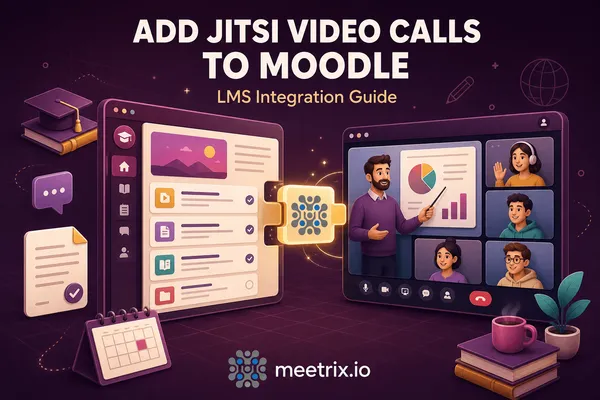
Moodle Jitsi integration with the official mod_jitsi plugin: install it, configure your server, add a Jitsi activity to a course, and set up moderator roles.
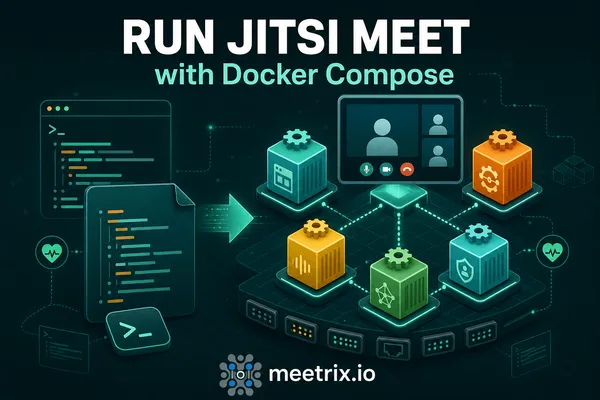
Jitsi Docker Compose, the full setup: the official docker-jitsi-meet stack, .env config, HTTPS, JVB_ADVERTISE_IPS for real calls, and where Jibri fits in.
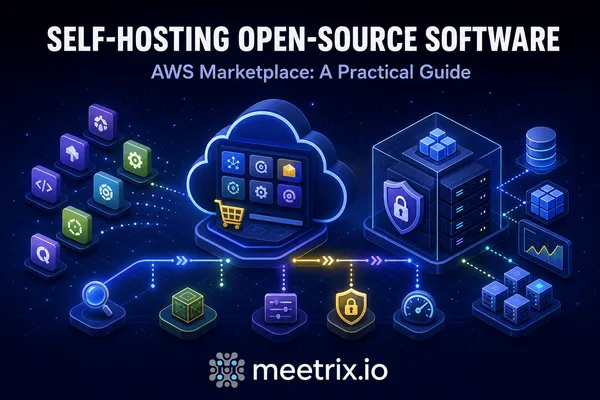
Self hosted software on AWS explained: what it costs versus SaaS, which open source tools replace Zoom, Drive, Firebase and Auth0, and how to deploy them.
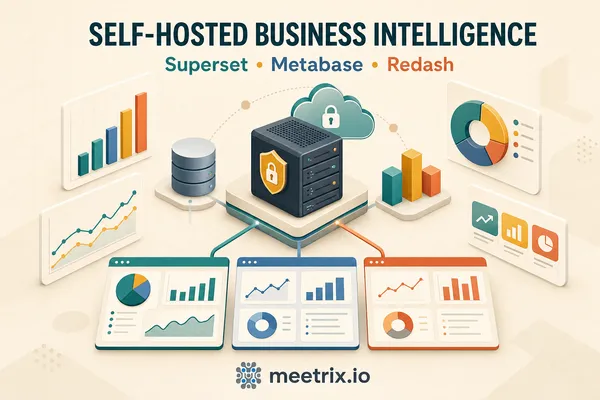
Self-hosted business intelligence explained: what it costs, how Superset, Metabase, and Redash compare, and how to deploy open source BI tools on AWS.
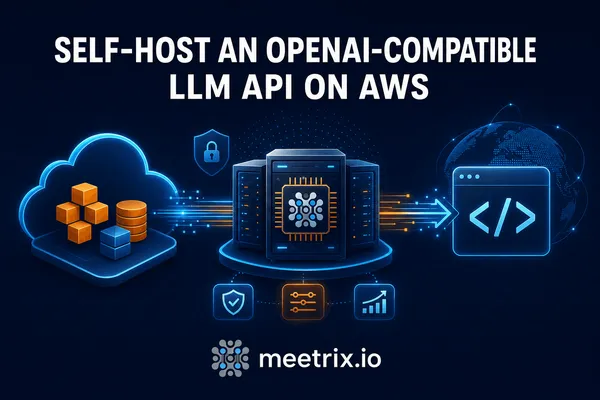
Run an OpenAI compatible API self-hosted on AWS: point the OpenAI SDK's base_url at Ollama, vLLM, or a pre-built AMI without rewriting a line of app code.
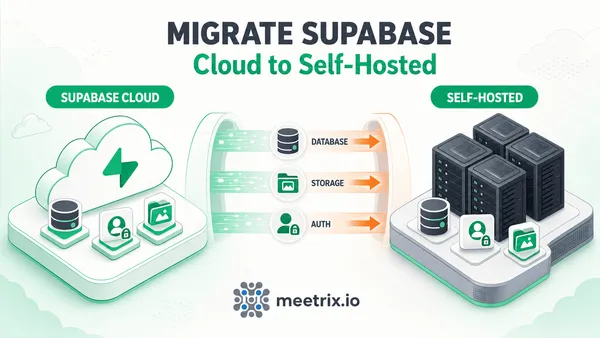
Migrate Supabase Cloud to self-hosted step by step: export the database, transfer storage objects, reconnect auth, and what actually breaks along the way.
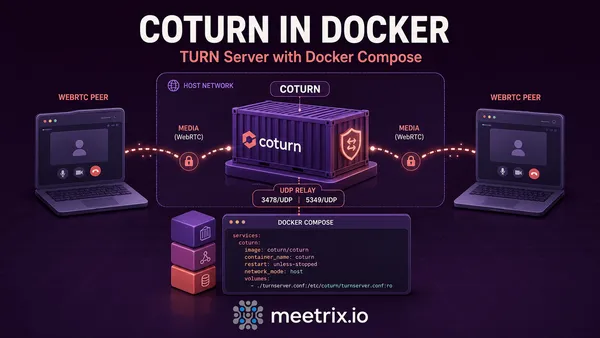
Run coturn in Docker with a working docker-compose example, the real turnserver.conf settings, and the host networking gotcha that breaks most first attempts.
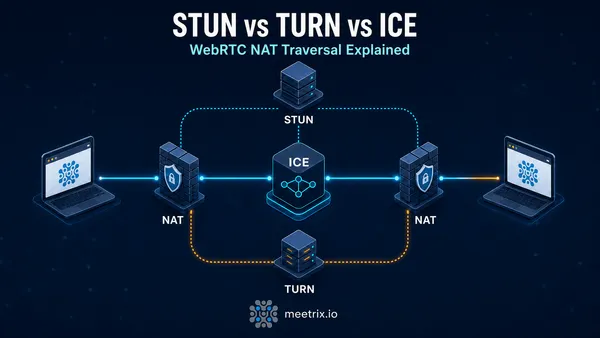
STUN vs TURN vs ICE explained plainly: what each one actually does, why WebRTC calls fail behind NAT, and when you need your own TURN server.

Jitsi Meet features most people miss: polls, how to change your background, Jitsi Etherpad shared notes and noise suppression. Where each one lives and what the server needs.
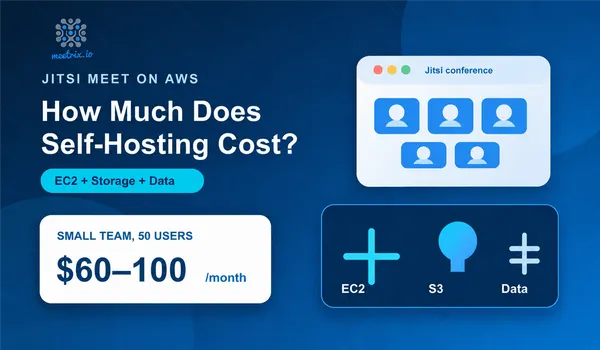
Jitsi pricing, worked out: Jitsi Meet is free, Jitsi hosting on AWS isn't. EC2 by team size, server requirements, bandwidth, recording, and how JaaS pricing compares.
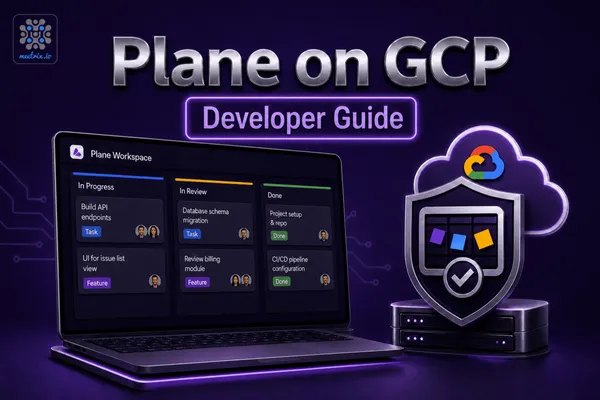
Deploy Plane, the open-source Jira alternative, on Google Cloud Platform with the Meetrix pre-configured image. Self-hosted, with issues, sprints, and roadmaps.
Deploy Cal.diy on Google Cloud Platform with our step-by-step guide. Learn how to launch the Meetrix image from GCP Marketplace, configure the deployment, point DNS, and set up your self-hosted scheduling platform.
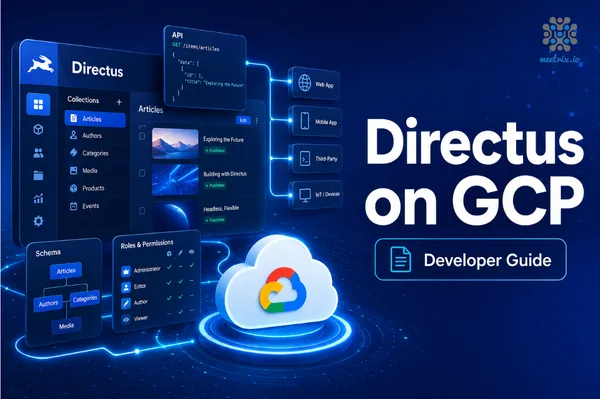
Deploy Directus on Google Cloud Platform with our step-by-step guide. Learn how to launch the Meetrix image from GCP Marketplace, configure the deployment, point DNS, and access your self-hosted headless CMS.
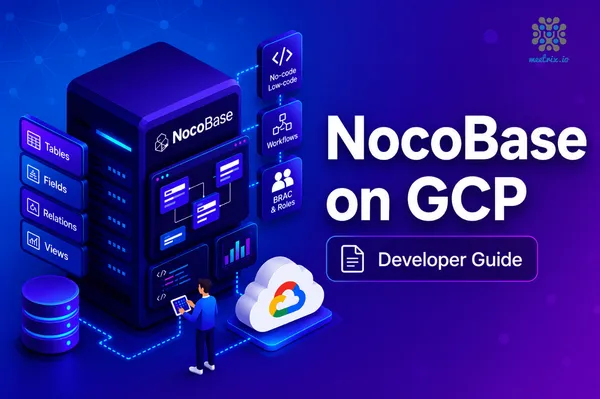
Deploy NocoBase on Google Cloud Platform with our step-by-step guide. Learn how to launch the Meetrix image from GCP Marketplace, configure the deployment, point DNS, and access your self-hosted no-code platform.
Deploy Supabase on Google Cloud Platform with our step-by-step guide. Learn how to launch the Meetrix image from GCP Marketplace, configure the deployment, point DNS, and access Studio for your self-hosted Firebase alternative.
Deploy Listmonk on Google Cloud Platform with our step-by-step guide. Learn how to launch, configure, connect Gmail SMTP, and operate a self-hosted newsletter manager reliably in your GCP environment.
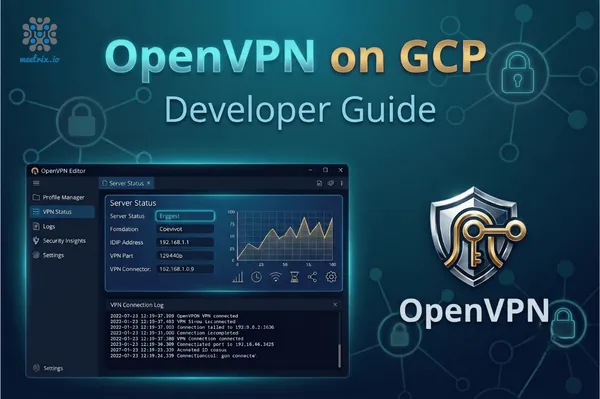
Deploy OpenVPN on Google Cloud Platform with our step-by-step guide. Learn how to launch the Meetrix image from GCP Marketplace, generate client profiles, and securely connect using OpenVPN Connect.
Learn how to deploy and configure a self-hosted Metabase BI analytics server on Google Cloud Platform using the Meetrix pre-configured GCP image. This guide covers deployment, DNS, SSL, database connections, and troubleshooting.
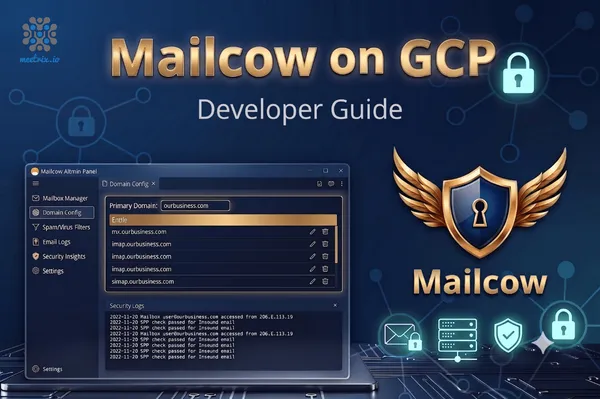
Learn how to deploy and configure a self-hosted Mailcow mail server on Google Cloud Platform using the Meetrix pre-configured GCP image. This guide covers deployment, DNS, DKIM/SPF/DMARC, domain and mailbox setup, webmail access, and troubleshooting.
Learn how to deploy and configure RustDesk remote desktop server on Google Cloud Platform using the Meetrix pre-configured GCP image. This guide covers deployment, static IP setup, DNS, SSL, client configuration, and troubleshooting.
Learn how to deploy and configure Redash on Google Cloud Platform using the Meetrix pre-configured GCP image. This guide covers deployment, DNS, SSL setup, email configuration, and troubleshooting.
Deploy Headscale on AWS with our step-by-step guide. Learn how to launch, configure, secure with SSL, and operate it reliably in your AWS environment.
Deploy Keycloak on AWS with our step-by-step guide. Learn how to launch, configure, secure with SSL, and operate it reliably in your AWS environment.
Deploy Flowise on AWS with our step-by-step guide. Learn how to launch, configure, secure with SSL, and operate it reliably in your AWS environment.
Deploy Ghost on AWS with our step-by-step guide. Learn how to launch, configure, secure with SSL, and operate it reliably in your AWS environment.
Deploy OpenVPN on AWS with our step-by-step guide. Learn how to launch, configure, generate client profiles, and securely connect using OpenVPN Connect.
Step-by-step guide to deploy, configure, and operate Redash on AWS using Meetrix.
Deploy Odoo on AWS with our step-by-step guide. Learn how to launch, configure, secure with SSL, and operate it reliably in your AWS environment.

Install and configure Apache Superset on AWS with a secure, scalable setup.
Deploy Appsmith on AWS with our step-by-step guide. Learn how to launch, configure, secure with SSL, and operate it reliably in your AWS environment.
Get Grafana up and running on AWS with our step-by-step guide. Learn how to deploy, configure, and optimize it for secure, scalable monitoring and observability in the cloud.
Deploy Directus on AWS with our step-by-step guide. Learn how to launch, configure, secure with SSL, and operate it reliably in your AWS environment.
Get Moodle up and running on AWS with our step-by-step guide. Learn how to deploy, configure, and optimize it for secure, scalable team collaboration or a DevOps command center in the cloud.
Binuka Ranatunga is a Junior DevOps Engineer at Meetrix, with 69 published articles on the Meetrix blog. Junior DevOps engineer at Meetrix. Deploys and tests the products the company publishes on AWS Marketplace, builds the Grafana and Prometheus monitoring that goes with them, and works on Jitsi Meet customisation.
Mainly Development, Collaboration, Jitsi Meet. Development makes up the largest share of the work, with 54 published articles.
Yes. Meetrix maintains production images for AWS Marketplace and Google Cloud Marketplace, and the guides published here are written while deploying those products on live infrastructure. Screenshots and command output come from that run rather than from vendor documentation.
Technical claims are checked against our own deployments and reviewed by the engineer who maintains the relevant image before an article goes live. Corrections are applied to the article itself, and the publish date moves with any substantive update.
Email support@meetrix.io with the article URL and your question. If a step no longer works, tell us which one - that is how most of our updates get triggered.