These are the questions we get most about Jitsi Meet, from people deciding whether to use it and people already running it. The answers are short on purpose; each one links to a longer guide when there is more to say.
On this page
The basics
What is Jitsi Meet?
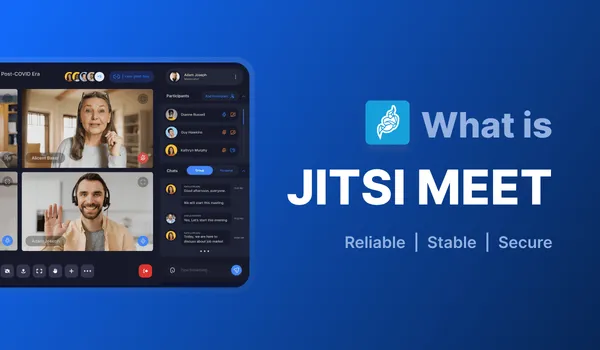
An open source video conferencing app that runs in the browser, with apps for Android and iOS. It is built on WebRTC, and the same software powers the free meet.jit.si service and thousands of self-hosted servers. What is Jitsi covers the background.
Is Jitsi Meet free?
Yes. It is licensed under Apache 2.0, so you can use it, change it and run it commercially without paying Jitsi. On meet.jit.si, the person who starts a meeting now has to sign in, which cut down abuse. On your own server you decide the rules.
What parts does it have?
Prosody (the XMPP server that handles signalling), Jicofo (the focus that runs each conference), the Jitsi Videobridge (JVB, which forwards media), the web front end, and optionally Jibri for recording and Jigasi for phone dial-in. Jitsi architecture shows how they talk to each other.
Participants and webinars
How many participants can a Jitsi meeting have?
Our working number for a meeting where everyone has a camera on is about 35. Past that, the limit is less the server than the participants' laptops and connections, because each browser decodes several video streams at once. meet.jit.si caps rooms at 100.
With one presenter and everyone else watching, one room can go much higher. We tested real hardware from 100 to 235 users in this sizing write-up.
Can I run a webinar with 1,000 participants?
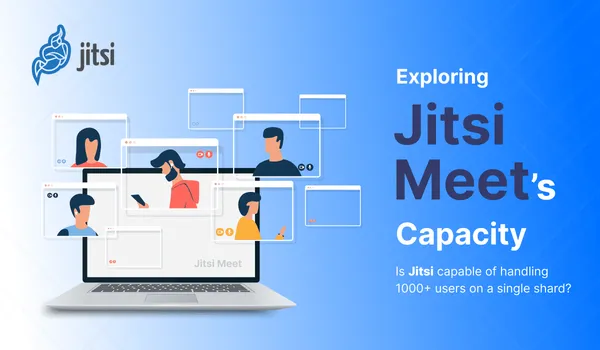
Yes, with several videobridges working together on one conference, so viewers are spread across bridges. It needs planning and load testing before the day. The details are in can Jitsi handle 1,000+ users, and Jitsi load testing shows how to prove it before your audience does.
Encryption and security
Are Jitsi Meet calls encrypted?
Always, in transit. WebRTC media is encrypted between each browser and the videobridge with DTLS-SRTP. The bridge decrypts packets to route them and encrypts them again for each receiver, so whoever runs the bridge could technically read the media. On a self-hosted server that is you.
Is Jitsi Meet end-to-end encrypted?
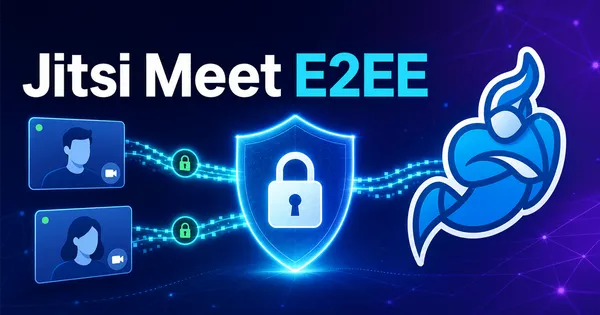
Optionally. Our original 2019 answer here was "no", and that has changed: Jitsi added end-to-end encryption that a moderator can switch on per meeting. It relies on insertable streams, so everyone needs a supported browser, and some features (like server-side recording) stop working while it is on. Jitsi Meet encryption explained covers how it works and how to enable it.
How do I stop strangers from creating meetings on my server?
Turn on authentication so only signed-in users can start rooms, and let guests join after that. JWT, LDAP and SSO options are compared in Jitsi authentication methods, and Jitsi Meet security best practices lists the misconfigurations we find most often.
Recording and streaming
Can Jitsi Meet record meetings?
Two ways. Local recording saves the meeting in the browser of the person recording, with no server setup. Server-side recording and live streaming to YouTube use Jibri, which joins the meeting as a hidden participant; see how Jibri recording works.
Can Jitsi connect to phones?
Yes, through Jigasi, a SIP gateway. People can dial in from a phone number, and you can call out to phones from a meeting. Setup is in adding a SIP gateway with Jigasi.
Jitsi compared
Is Jitsi Meet better than Zoom?
For a finished product used as-is, Zoom is more polished and has more features in the desktop app. Jitsi is better when you want to host meetings yourself (Zoom can't be fully self-hosted), put them inside your own product, or keep recordings and data on your own servers. For a five-person team that just wants to talk, pay for Zoom. Jitsi vs Zoom vs Google Meet goes point by point.
Is Jitsi Meet better than Google Meet?
As a hosted service, Google Meet is more reliable and more integrated with Google Workspace, and Google has a head start on WebRTC in Chrome. But you can't self-host Google Meet or change how it works. If you are building a product, you end up back at Jitsi or another open source option.
Jitsi vs Kurento, Janus or LiveKit?
Jitsi is a complete meeting app. Kurento, Janus, mediasoup and LiveKit are media servers or toolkits you build an app on. If you want meetings working this week, start with Jitsi. If you are building a custom real-time product, look at LiveKit vs Jitsi and the best open source WebRTC media servers.
Self-hosting
What are the Jitsi Meet server requirements?
For a small team, 4 vCPUs and 8 GB of RAM on one server is a good start. Bandwidth is what usually runs out first, so check your provider's egress pricing. The bandwidth calculator gives a per-participant estimate. Installing Jitsi Meet on Ubuntu walks through the setup, and which ports to open covers the firewall.
How much does self-hosting cost?
The software is free; servers and bandwidth are not. What it costs to self-host Jitsi Meet on AWS has real monthly numbers.
Can someone run it for us?
Yes. We set up, customize and support Jitsi for companies that don't want to run it themselves. See commercial support for Jitsi.
Frequently Asked Questions
How many participants can join a Jitsi meeting?
On a well-sized self-hosted server, around 35 people with cameras on is a comfortable meeting. With one presenter and everyone else muted, one room can go much higher, and a webinar setup with several videobridges can reach 1,000 viewers.
Is Jitsi Meet end-to-end encrypted?
Calls are always encrypted in transit, but the videobridge decrypts and re-encrypts media by default. Optional end-to-end encryption can be switched on per meeting in supported browsers, which stops the bridge from reading the media.
Is Jitsi Meet free?
Yes. Jitsi Meet is open source under the Apache 2.0 license, free to use on meet.jit.si and free to self-host, including commercially. On your own server you pay only for the servers and bandwidth.
Can Jitsi Meet record meetings?
Yes, in two ways. Local recording saves the meeting in the browser of whoever clicks record. Server-side recording and live streaming use Jibri, which you run on your own server.
Is Jitsi better than Zoom?
Zoom has a more polished desktop app and more features out of the box. Jitsi wins when you need to self-host, embed meetings in your own product, or keep meeting data on your own servers.
What are the Jitsi Meet server requirements?
For a small team, one server with 4 vCPUs and 8 GB of RAM runs Meet and the videobridge together. Bandwidth matters more than CPU: plan for each participant's video to be sent to every other participant through the bridge.