What is Plane?
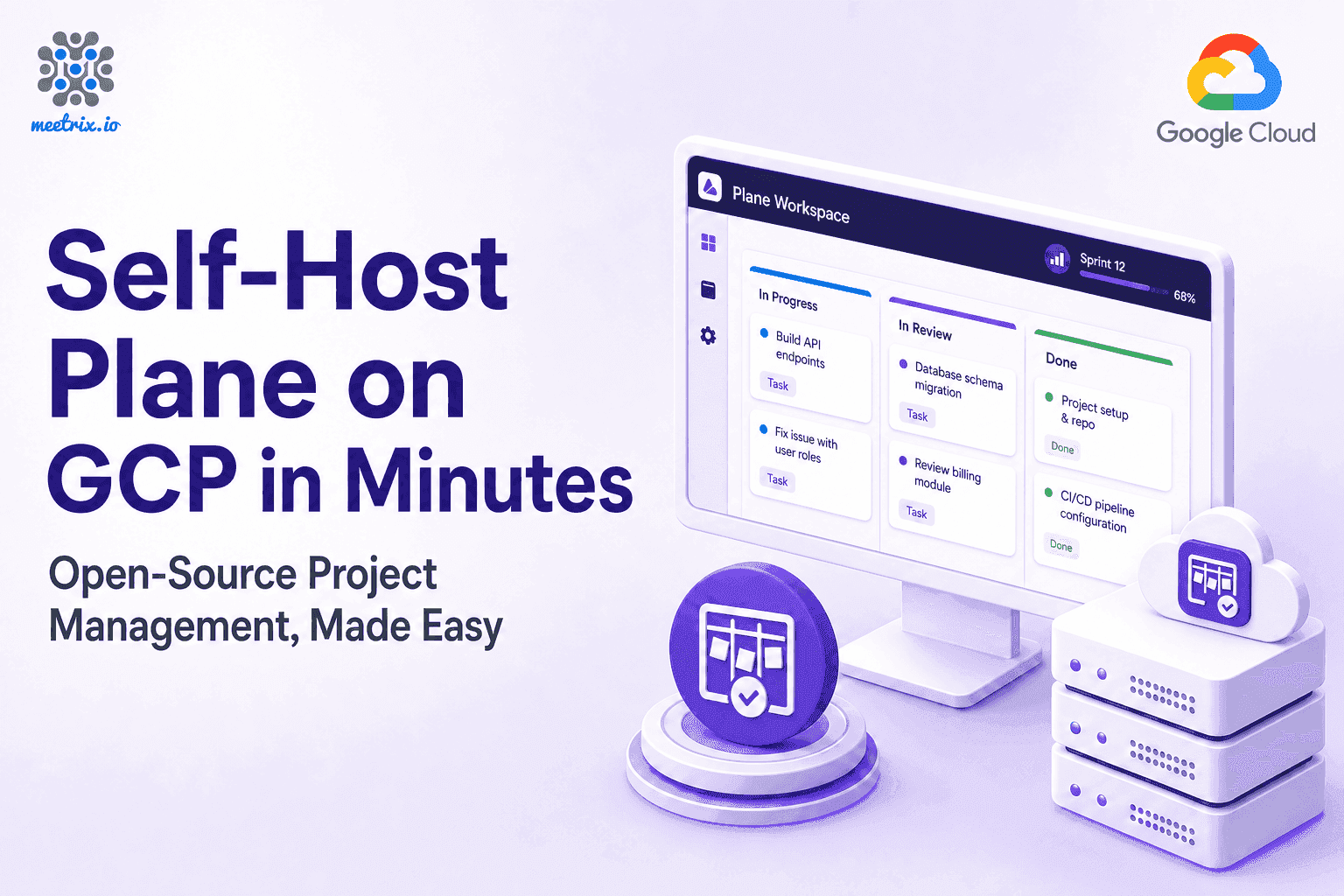
Plane is an open-source project management platform built as an alternative to Jira. It covers issues, cycles (sprints), modules and roadmaps, with list, Kanban, calendar and Gantt-style views.
Is Plane a real alternative to Jira?
For most teams, yes. It covers what people mainly use Jira for: issue tracking, sprint planning, grouping work and roadmaps. Jira still has deeper workflow customisation and a larger app marketplace.
Is Plane free?
Plane's Community Edition is open source under AGPL-3.0 with no per-user fee. On AWS or Google Cloud you pay for the server, plus any Meetrix software fee shown on the marketplace listing.
How do I sign in the first time?
Open God Mode, Plane's instance admin, at /god-mode on your domain (the InstanceAdminUrl on AWS) and sign in with the admin email and password you set at deployment. Then create your workspace.
Where does my project data live?
Inside your own AWS account or GCP project, on a dedicated server with its own PostgreSQL database. Nobody outside your organisation has access to your issues or roadmaps.
Can I migrate my issues from Jira?
Plane includes import tooling for common trackers. Budget time to map custom fields and workflows, since no two trackers structure issues the same way. Meetrix can help plan the move.
Which machine size should I choose?
t3.medium on AWS, or e2-medium (2 vCPU, 4 GB memory) on Google Cloud for small to mid-sized teams. Resize to a larger machine as usage grows.
How do I upgrade?
When a new version is published on the marketplace, back up your server data, remove the old deployment and launch the new version.