What is a TURN server and do I need one?
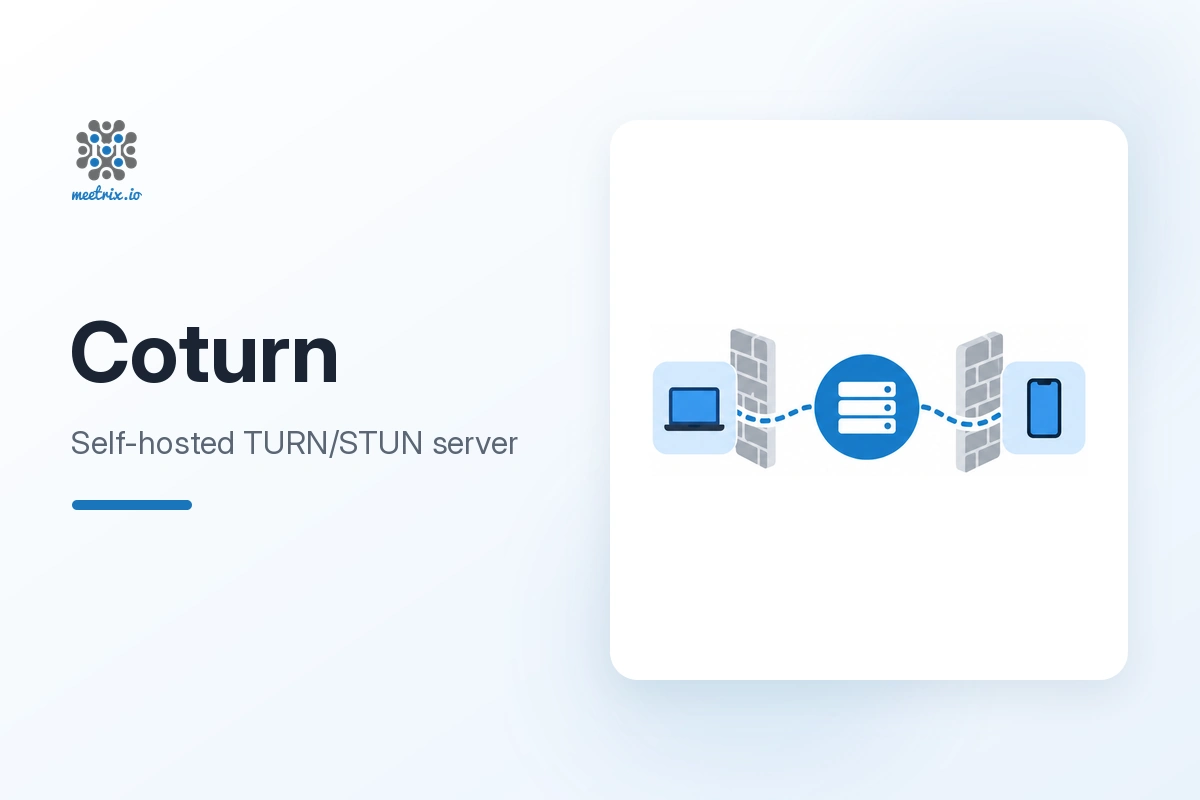
A TURN server relays WebRTC media when two peers cannot connect directly, usually because of a restrictive NAT or corporate firewall. Without one, those users get a failed call with no clear error. If your app uses WebRTC, you need one.
What is the difference between STUN and TURN?
STUN only helps two peers find their public IP and port so they can try a direct connection. TURN relays the actual media when that direct connection is not possible. It uses more bandwidth, but works on almost any network.
Which ports does Coturn need?
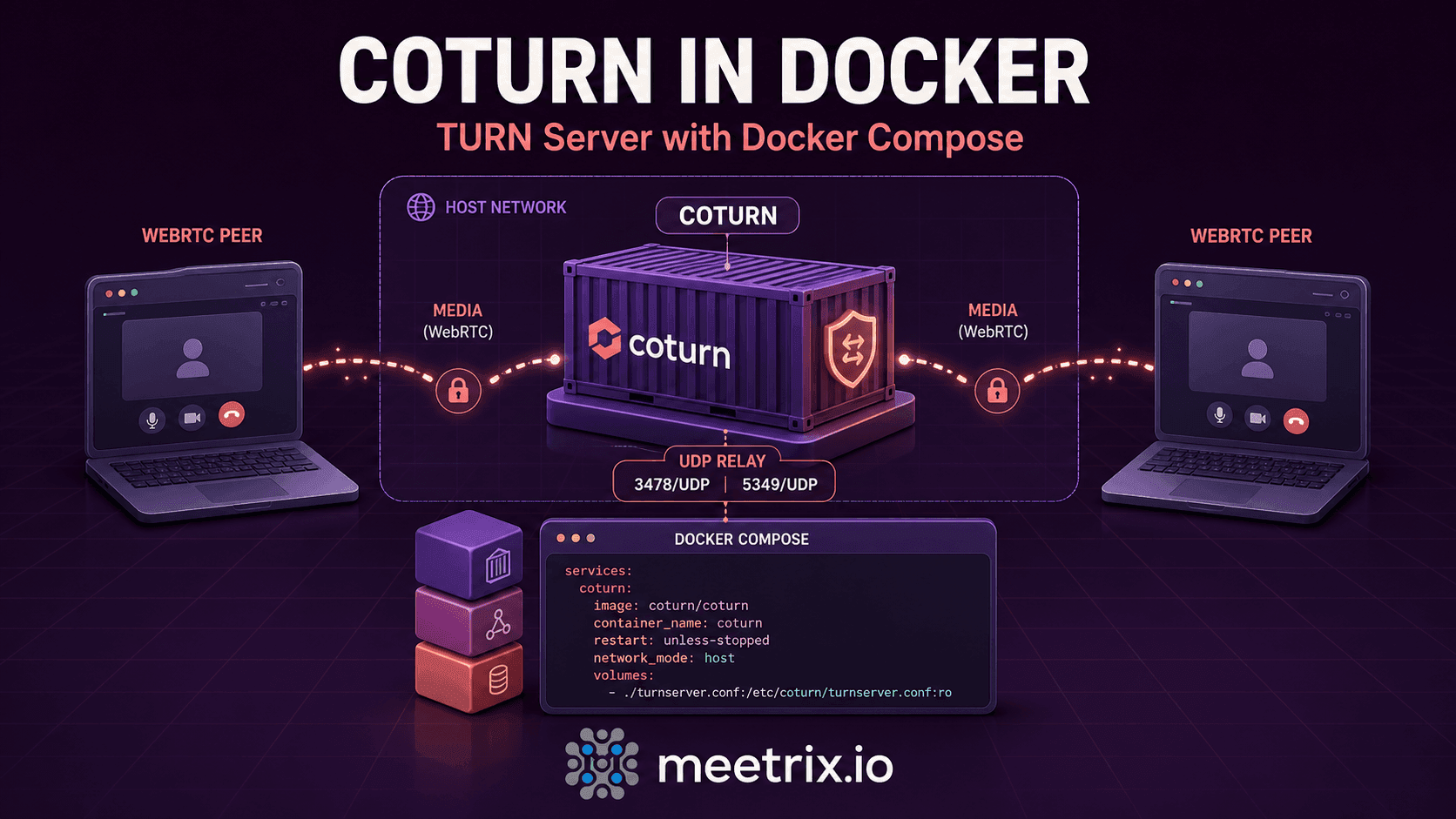
Port 3478 over UDP and TCP for STUN and TURN, TCP 5349 for TURN over TLS, and the UDP relay range 49152-65535. Keep TCP 80 open for the Let's Encrypt challenge and TCP 22 if you want SSH access.
Can I use this Coturn server with Jitsi Meet?
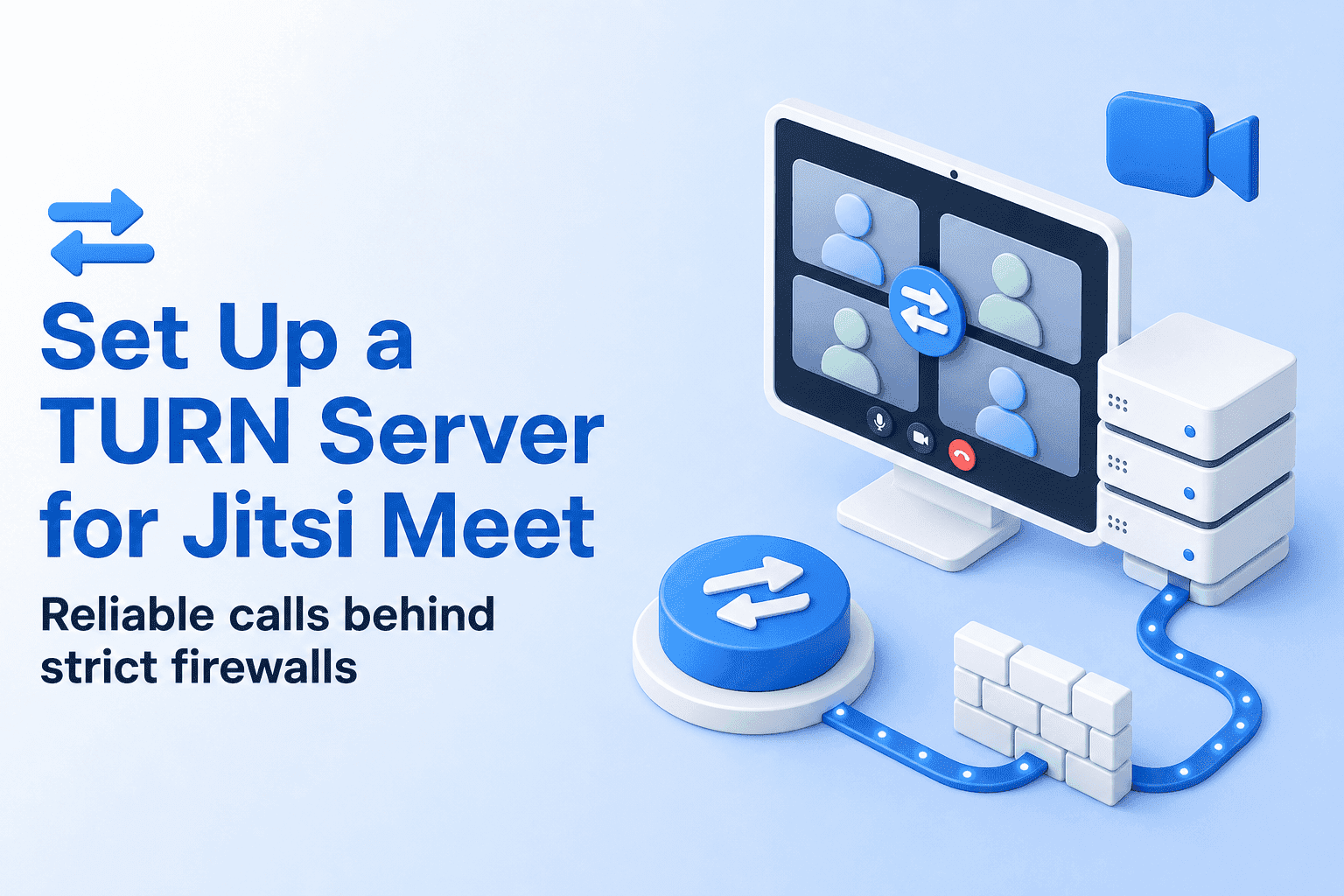
Yes. Coturn is the most widely used TURN server in the Jitsi ecosystem. Point your Jitsi Meet configuration at the server's TURN URL and static auth secret.
Can I use my own domain?
Yes, and you should. You enter the domain at launch, point a DNS A record at the server and generate a Let's Encrypt certificate for it.
How do I rotate the TURN authentication secret?
Edit static-auth-secret in /etc/turnserver.conf, then restart Coturn with sudo systemctl restart coturn.
How do I renew the SSL certificate?
Let's Encrypt certificates expire every 90 days. Run sudo certbot renew and restart Coturn, or set up a cron job to renew automatically.
Can it handle high traffic?
Yes. Move to a larger machine type, or run several Coturn instances in parallel for high availability. Meetrix can help design the right setup for your traffic.