Open-source Zoom alternative

Self-hosted Jitsi Meet video conferencing on AWS and Google Cloud

Run your own Jitsi Meet platform, sized for 50, 100, 250 or 500 concurrent users, with optional recording. The pre-configured images wire up the video bridges, SSL and Jibri for you, so meetings run on servers in your own cloud account.

  • 50 to 500 concurrent users
  • Recording with Jibri
  • Unlimited hosts
Jitsi Meet video conferencing products from Meetrix

What is Jitsi Meet?

Jitsi Meet is an open-source (Apache 2.0) WebRTC video conferencing platform and a popular alternative to Zoom, Microsoft Teams and Google Meet. Participants join from a link in the browser without an account, and self-hosting keeps meetings, recordings and data on infrastructure you control.

What's in the Meetrix Jitsi Meet images

The hard part of self-hosting Jitsi is wiring several video bridges to one deployment, terminating SSL and getting Jibri to record. The marketplace images arrive with that done.

How to set up a self-hosted Jitsi Meet server

  1. Pick your plan

    Choose the tier that matches your peak concurrent participants, then decide whether you need recording.

  2. Launch the deployment

    Subscribe on AWS Marketplace or Google Cloud Marketplace, enter your domain and admin email, and choose instance types. For recording, create a storage bucket first.

  3. Point DNS and install SSL

    Create an A record for your meeting domain with the server's public IP, then run the certificate step from the guide if SSL was not set up automatically.

  4. Start a meeting

    Open your domain, enter a meeting name and click Start meeting. On recording plans, use Start recording from the toolbar.

Choose your cloud

Jitsi Meet plans

Pick a plan by peak concurrent participants, then choose whether you need recording. Each plan is listed on both marketplaces.

PlanServersRecordingAWSGoogle Cloud
50 users1 (Meet + JVB)NoAWSGoogle Cloud
50 users + recording2 (Meet + JVB, Jibri)YesAWSGoogle Cloud
100 users1 (Meet + JVB)NoAWSGoogle Cloud
100 users + recording2 (Meet + JVB, Jibri)YesAWSGoogle Cloud
250 users3 (Meet, 2 JVB)NoAWSGoogle Cloud
250 users + recording4 (Meet, 2 JVB, Jibri)YesAWSGoogle Cloud
500 users3+ (Meet, 2+ JVB)NoAWSGoogle Cloud
500 users + recording4+ (Meet, 2+ JVB, Jibri)YesAWSGoogle Cloud

Server counts are for the Google Cloud plans. On the 500-user plans you choose the number of JVB (and Jibri) servers at deployment. Read the full plan comparison →

Jitsi Meet ports and requirements

Open the public ports in your AWS security group or GCP firewall. If a call connects but shows no video, UDP 10000 is almost always the cause.

ServicePortsProtocol
HTTP (redirect and certificate renewal)80TCP
HTTPS, BOSH and WebSocket443TCP
Media traffic to the videobridge10000UDP
SSH (administration, keep private)22TCP
XMPP between servers (keep private)5222, 5347TCP

Users behind firewalls that block UDP need a TURN server such as Coturn. Read which Jitsi ports to open →

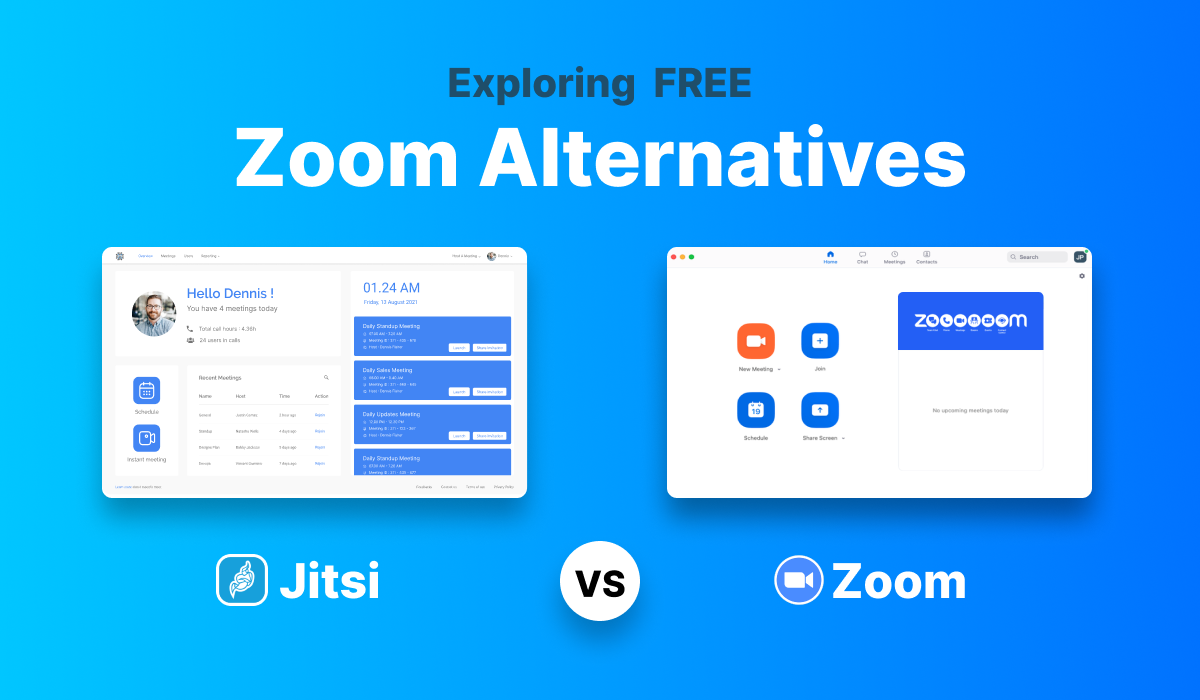
Jitsi Meet vs Zoom vs Google Meet

Jitsi MeetZoomGoogle Meet
Self-hostingYes, full control over serversNoNo
Data ownershipOn your own serversOn Zoom serversOn Google servers
Free meeting lengthUnlimited, server-dependent40 minutes60 minutes
Account to joinNo, join by linkDepends on host settingsYes
LicenceOpen sourceProprietaryProprietary

Zoom and Google Meet limits are for their free plans. Read Jitsi vs Zoom vs Google Meet →

Video: deploy Jitsi Meet on AWS

Video: deploy Jitsi Meet on Google Cloud

Jitsi Meet FAQ

Which plan should I choose?

Pick by peak concurrent participants. 50 or 100 users suits a team or classroom, 250 a department or mid-size webinar, and 500 large events or several big rooms at once. Add recording only if you need it.

How many servers does each plan run?

The 50 and 100 user plans run Jitsi Meet and the videobridge on one server. The 250 user plan runs one Meet server and two JVBs, and the 500 user plan starts there and lets you add JVBs. Recording plans add a Jibri server.

What is a JVB?

The Jitsi Videobridge routes participants' video. One bridge can only handle so many streams, so larger plans spread the load across several JVB servers.

Where are recordings stored?

In a bucket you own: an S3 bucket on AWS or a Cloud Storage bucket on Google Cloud. Deleting the deployment does not delete the bucket.

Can I use my own domain?

Yes. Point an A record for your meeting domain at the server and install a Let's Encrypt certificate. Certificates last 90 days, so renew them with certbot or set up automatic renewal.

Can I move to a larger plan later?

There is no in-place resize between marketplace products. Deploy the larger plan, point your DNS record at it and reissue SSL. Meetrix can help migrate configuration or recordings.

Is there a free trial?

Each Google Cloud plan includes a 5-day free trial with up to USD 50 in licence fee credit; infrastructure charges still apply during the trial.

Why does my call connect but show no video?

UDP 10000 is almost always closed. The page loads over TCP 443, but media cannot reach the videobridge. Open UDP 10000 to everyone in your security group or firewall.

Jitsi Meet guides and articles

Need a hand with Jitsi Meet?

Jitsi is what we do best, from scaling video bridges and recording to custom front ends and integrations. Tell us what you need.

Contact us