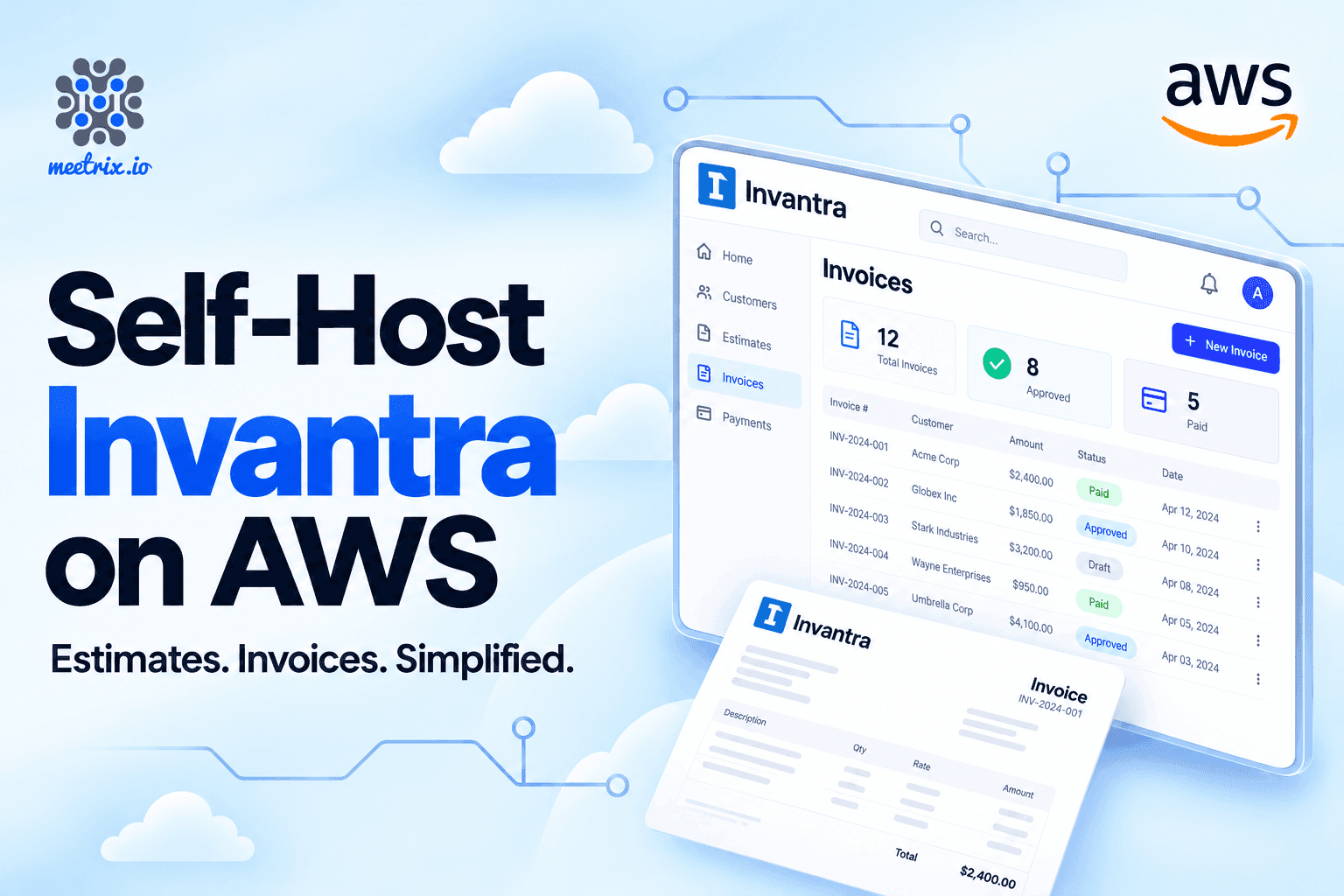
Most invoicing tools charge you per user, per month, and keep your client list, your amounts and your payment history on their servers. That's fine until you add a third person who needs to raise invoices, or someone asks where your billing data is stored. Invantra is the self-hosted alternative: open-source estimates and invoices software that runs on your own AWS account, with no per-user fees.
Meetrix's AMI sets it up in about five minutes: Invantra and PostgreSQL 17 on one server, HTTPS through Let's Encrypt, and nightly database backups. Below are the install steps, a walkthrough of your first invoice, and an honest list of what Invantra doesn't do.
The Quick Verdict
Invantra is worth it when several people bill and someone approves. It isn't when you need the app to do tax or take payments for you.
Several people billing, one approver
Drafts go to an admin before a client sees them, and the fifth user costs the same as the first: nothing.
Billing data must stay with you
Client lists, amounts and payment slips live in your own AWS account, in the region you pick.
Tax, recurring invoices or card payments
Invantra does none of these. FreshBooks or QuickBooks will save you the workarounds.
Just kicking the tyres
Run the Docker image on a laptop for an afternoon. Move to the AMI when real invoices go out.
What is Invantra?
Invantra is open source invoicing software for writing estimates, getting them approved, turning them into invoices, recording payments and printing clean PDFs. It's made by Meetrix Pty Ltd and released under the MIT licence; version 1.0.0 came out on 14 October 2026. The whole thing is one app container and a PostgreSQL database, and the source is on GitHub.
What it does
Estimates and invoices
- Reusable line items, quantities, rates, per-line discounts and named extra charges such as "Bank charges". A negative charge works as a discount on the whole document.
- An approved estimate converts into an invoice in one step, and you can adjust the dates, terms or lines before saving.
- Your own number formats, like
INV-0001orEST-202610-01with a monthly reset. - Reference, project and subject fields on every document.
Print-ready PDFs
- A4 margins, page numbers, a repeating table header and your logo.
- The file is named after the document, so you get
INV-0042.pdf, notdownload (3).pdf. - Anything not yet approved prints with a faint "Yet to be Approved" watermark.
Payments and currencies
- Full or partial payments with the payment mode, reference and bank charges, plus up to five attachments of 5 MB each.
- The invoice turns "Paid" by itself when the balance hits zero. Until then its status reads "Due in 12 days" or "Overdue by 40 days".
- Multi-currency, set per customer.
Team and data
- Three roles. Admins can do everything, including approving and managing users. Members create and edit customers, items, estimates and invoices, and record payments. Viewers can read and print.
- A home dashboard with what you're owed (current and overdue, per currency), estimates waiting on someone, and recent changes.
- CSV import for customers and items, and a new customer can be added from inside an invoice without leaving it.
Invoice approval workflow for small teams
Every estimate and invoice follows the same path:
- Draft
- Pending approval
- ApprovedorRejected, with a reason
Only drafts can be edited. An admin can reopen an approved document, but has to say why, and the Activity tab records who created, edited, submitted, approved, rejected or reopened it, and when.
Approval freezes a document. The business and customer details are locked in at that moment, so if a client moves office next year and you update their address, the invoices you already issued still show the old one. That's how an issued invoice should behave, and plenty of simpler tools get it wrong.
Self-hosted billing for small business
The clearest fit is a small agency or consultancy where more than one person writes estimates and someone senior wants to check them before a client sees them. That's the approval workflow, and since there are no per-user fees, adding the fourth or fifth biller costs nothing.
A good fit if you are
- An agency or consultancy with several people billing and an approval step before anything reaches a client.
- Bound by data residency or privacy rules. Client lists, amounts and payment records stay in your AWS account, in the region you pick.
- Billing in several currencies.
- Leaving another invoicing tool. CSV import plus an editable number series means your next invoice continues where the old tool stopped.
Look elsewhere if you need
- Tax calculated on every line.
- Recurring monthly invoices.
- A "Pay now" card button on the invoice.
The full list of what's missing is further down, in the comparison with SaaS tools.
Why self-host invoicing on AWS
You could run the Docker image anywhere. The AMI exists for the parts around it that are easy to postpone and painful to skip.
One stack, everything set up
CloudFormation creates the network, a security group, a fixed Elastic IP, and the server with Invantra and PostgreSQL 17 already installed. Give it a domain and it requests the Let's Encrypt certificate too.
No shared secrets
Each server generates its own database password the first time it boots, so nothing secret is baked into the image.
Backups from day one
Backups run every night and are kept for 14 days, with an optional copy to your own S3 bucket.
Small and cheap to run
The default t3a.small is small enough that the server is unlikely to be the line item you worry about. If you want a warning before it is, set up an AWS billing alarm.
Billing goes through your AWS account, like the rest of our self-hosted software on AWS.
Install Invantra on AWS in six steps
- Subscribe on AWS MarketplaceSubscribe to Invantra on AWS Marketplace, then choose to launch it with CloudFormation.
- Fill in the stack parametersUse the table below. Leave the VPC and subnet ranges at their defaults.
- Create the stackTick the box acknowledging IAM resources, then wait about five minutes for
CREATE_COMPLETE. If it fails on vCPUs, follow our guide to increase your AWS vCPU quota. - Point your domain (if you used one)Copy
PublicIpfrom the Outputs tab and create a DNS A record for your domain pointing at it. If the domain is in Route 53 in the same account, the certificate is issued automatically. With any other DNS provider, it's issued once the record resolves to the server. - Open InvantraUse
DashboardUrlonce the certificate is ready, orDashboardUrlIpstraight away. - Sign in and change the passwordYour email is the
AdminEmailyou entered. The password is the EC2 instance ID, shown asInitialAdminPasswordin Outputs. You're asked to choose a new one immediately, and you can't do anything else until you have.
Stack parameters
| Parameter | What to enter | Default |
|---|---|---|
DomainName | The domain for Invantra, e.g. invoices.yourcompany.com. Leave the default to use the IP address only. | invantra.example.com |
AdminEmail | Your email. It's your sign-in and is also used for the SSL certificate. | None |
InstanceType | Server size | t3a.small |
KeyName | An existing EC2 key pair, for SSH access | None |
SSHLocation | Which IPs may SSH in. Use your own IP with /32. | None |
S3Bucket | An existing S3 bucket for backup copies. Leave the default to keep backups on the server only. | yours3bucket |
DeploymentName | A label, useful if you run more than one stack | prod |
AmiId | Pre-filled by Marketplace | None |
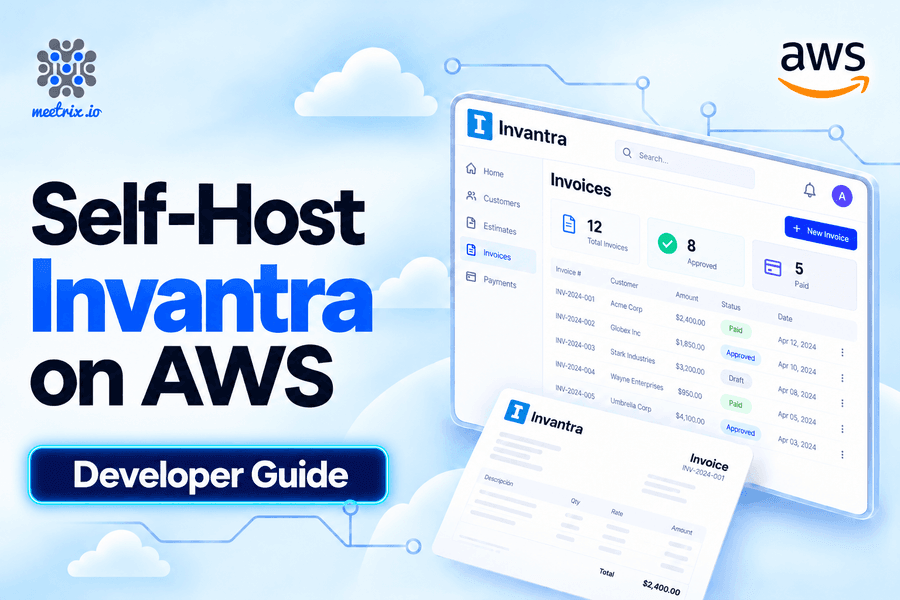
When the stack finishes, the Outputs tab shows DashboardUrl, DashboardUrlIp, AdminEmail, InitialAdminPassword and PublicIp. The Invantra developer guide walks through each of these steps with screenshots.
If SSL doesn't set itself up
This happens when DNS wasn't pointing at the server by the time the stack finished. Point the record, wait until it resolves, then SSH in and run the certificate script:
ssh -i your-key.pem ubuntu@<PublicIp>
sudo bash /root/certificate_generate_standalone.sh
No domain yet? Use the IP address
Invantra works over plain http://<PublicIp>. Opening https:// on the bare IP shows a browser warning, because certificates can't be issued for IP addresses. That's fine for a trial. For real client data, add a domain: point it at the IP, then follow the "Add a domain later" steps in the listing's usage instructions.
Stopping or removing it
Back up before you delete the stack
From estimate to invoice
Do the settings before anything else. Everything you enter there prints on every document, and it's tedious to discover a typo in your bank details after the tenth invoice.
- SettingsBusiness name, address, logo, default currency, bank or payment details, default notes and terms, and your number formats.
- Users (optional)Invite teammates as Admin, Member or Viewer. Each gets a one-time link to set their own password, valid for 7 days. Invantra doesn't send it, so copy it and pass it on however you like.
- CustomersAdd a customer with their currency and billing address, or import a CSV.
- Items (optional)Add the services or products you sell. Typing an item's name on a line fills in its description and rate.
- Create an estimateSubmit it for approval. An admin approves it, and admins can approve their own.
- Convert it to an invoiceFrom the approved estimate, create the invoice, adjust the dates if needed, then submit it and get it approved.
- Print to PDFOpen the print view and choose Save as PDF. The file takes the invoice number as its name.
- Record the paymentWhen the client pays, record it and attach the remittance slip. The invoice becomes Paid once the balance reaches zero.
If you're setting up other tools for the same team, the flow is similar for our Wekan install on AWS (project boards) and self-hosted Cal.diy (client booking pages).
Running Invantra safely
Network
- Only ports 80 and 443 are open to the internet.
- SSH on port 22 is limited to the range you set in
SSHLocation. - PostgreSQL is never exposed; it runs privately on the same server.
- Certificates renew automatically when you use a domain.
Accounts
- Passwords are stored as salted scrypt hashes, with a 10-character minimum.
- Five failed sign-ins lock the account for 15 minutes.
- Sessions use secure, HttpOnly cookies and last 7 days.
- Disabling a user signs them out everywhere straight away.
Backups: set the S3 bucket
Everything lives in the database, including your logo and every payment attachment. So the nightly dump at 02:30 UTC is your whole business record, and the server keeps 14 days of them.
But a backup on the same disk won't survive losing that disk. Set S3Bucket and each dump is also copied to S3 under invantra-dbbackup/. The S3 copies are never deleted automatically, so add a lifecycle rule to expire old ones.
If you only change one default, make it S3Bucket.
Upgrades mean a new stack
Invantra vs. SaaS invoicing
FreshBooks and QuickBooks are what most small businesses use, and they do a lot more than invoicing. If what you want is invoicing software without monthly fees per user, here's how the trade looks from the self-hosted side.
| Invantra (self-hosted on AWS) | SaaS invoicing (e.g. FreshBooks, QuickBooks) | |
|---|---|---|
| Where your data lives | Your own AWS account and region | The vendor's servers |
| Pricing | AWS infrastructure plus the Marketplace software fee. No per-user fees. | Monthly subscription, depending on the plan |
| Users | Unlimited, with Admin, Member and Viewer roles | Set by the plan |
| Approval workflow | Built in: submit, then approve or reject with a reason | Depends on the product and plan |
| Source code | Open source (MIT) | Closed |
| Customisation | Fork it and change anything | Limited to the vendor's settings |
| Tax, email sending, card payments | Not included | Usually included |
| Maintenance | You run the server; the AMI does most of the setup | The vendor handles it |
What Invantra doesn't do
Deliberately left out
- Tax calculation.
- Sending email from the app. You send the PDF yourself.
- Recurring invoices.
- Online card or payment-gateway payments. Payments are recorded, not processed.
- Single sign-on.
- A template editor. Your branding goes on every document, but the layout is fixed.
If two or more of those are dealbreakers, stay on SaaS. If what you actually need is estimates, approvals, invoices and a record of who paid what, Invantra covers that on a server you own.
AMI, Docker or source
Meetrix AMI on AWS Marketplace
Best for production use with the least effort
HTTPS, backups, firewall and first-boot secrets set up for you. Supported by Meetrix.
Docker / Docker Compose
Best for your own server or laptop
Image meetrix/invantra:1.0.0 on Docker Hub, with PostgreSQL. HTTPS, backups and updates are yours to handle.
From source
Best for developers changing the code
Node.js 24 and PostgreSQL. Instructions are in the GitHub README.
Docker is the quickest way to try it on a laptop. For invoices you'll actually send, the invoicing AMI on AWS Marketplace is less work, because the backups and the certificate are the parts people tend to put off.
Invantra is open source under the MIT licence, by Meetrix Pty Ltd.
Resources
Is self-hosting Invantra worth it?
For a team of three or more who bill clients and want someone to sign off before an invoice goes out, yes. You get the approval step, a full audit trail and unlimited users on one small server, and the AMI handles the setup work that usually stops people from self-hosting: the certificate, the firewall and the backups.
It's a weaker deal for a solo freelancer who sends a handful of invoices a month and needs tax worked out on each one. A SaaS tool's subscription will cost less than the time you'd spend adding tax by hand. And whichever way you go, set the S3 bucket on day one. That's the one setting people regret skipping.
Frequently Asked Questions
Is Invantra free?
The software is. Invantra is open source under the MIT licence. On AWS Marketplace you pay AWS for the server, plus the Meetrix listing fee for the pre-configured image and support. There are no per-user fees.
Do I need a domain name?
No. You can use the server's IP address over plain HTTP and add a domain later. For real billing data, use a domain so the connection runs over HTTPS.
What size server do I need?
The default t3a.small (2 vCPU, 2 GB RAM) is enough for a small team. You can pick a larger instance type when you create the stack.
What is the first admin password?
The EC2 instance ID, for example i-0abc123..., shown as InitialAdminPassword in the stack's Outputs tab. Invantra makes you change it the first time you sign in.
Can Invantra email invoices to my clients?
No. Invantra produces a PDF named after the invoice number, and you send it yourself. That's also why it needs no mail server or SMTP settings: invites and password resets are links the admin shares.
Does Invantra calculate tax, VAT or GST?
Not as a calculated field. Each line is quantity times rate, minus any discount. You can add named charges to a document's total, but Invantra doesn't work out tax for you.
Can I bill in different currencies?
Yes. Each customer has their own currency, and that customer's estimates and invoices use it. Amounts aren't converted between currencies, and the dashboard shows what you're owed per currency.
Can I move my data from another invoicing tool?
Customers and items import from CSV, and re-importing the same file updates records instead of duplicating them. You can also set the number counters so your invoice numbering carries on from your old tool.
Does Invantra have an invoice approval workflow?
Yes. Estimates and invoices go from Draft to Pending approval, then Approved or Rejected with a reason. Only drafts can be edited, approval freezes the customer and business details, and reopening an approved document needs a reason too.
Where do I get help?
Contact Meetrix support for anything about the AWS deployment. Bugs and feature requests for Invantra itself go to the GitHub issues page.
Ready to Own Your Invoicing?
Deploy Invantra on AWS in about five minutes, with HTTPS and nightly backups set up for you. Your clients, your numbers, your server.
Get Started on AWS Marketplace