
Open-source VPN server

Self-hosted OpenVPN server on AWS and Google Cloud

Give your team encrypted remote access to your private cloud with an OpenVPN server in your own account. The pre-configured image generates a ready-to-use client profile with one command, and there is no per-user fee.

  • Ready in minutes
  • One-command client profiles
  • No per-user fees
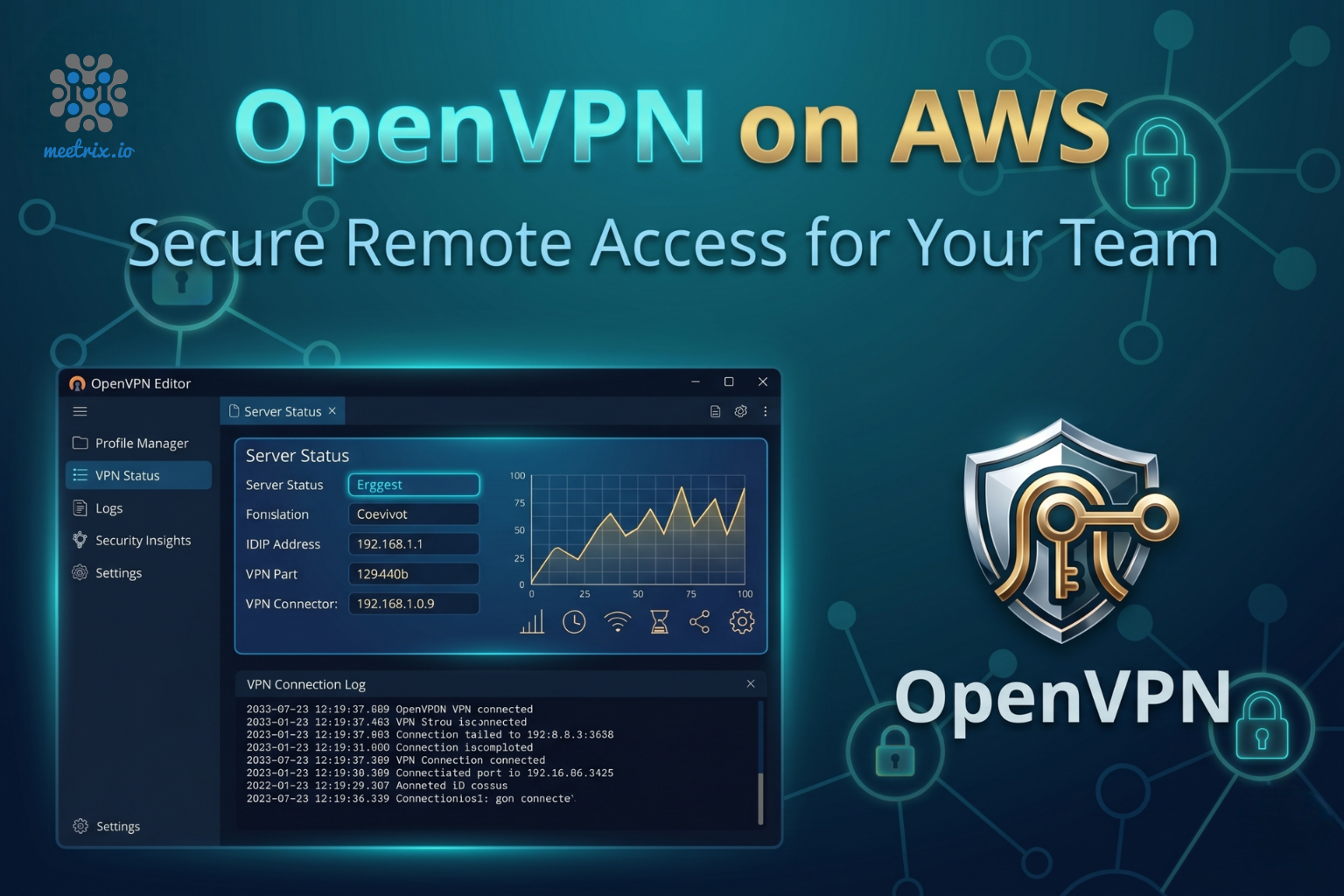
OpenVPN server deployed on AWS by Meetrix

What is OpenVPN?

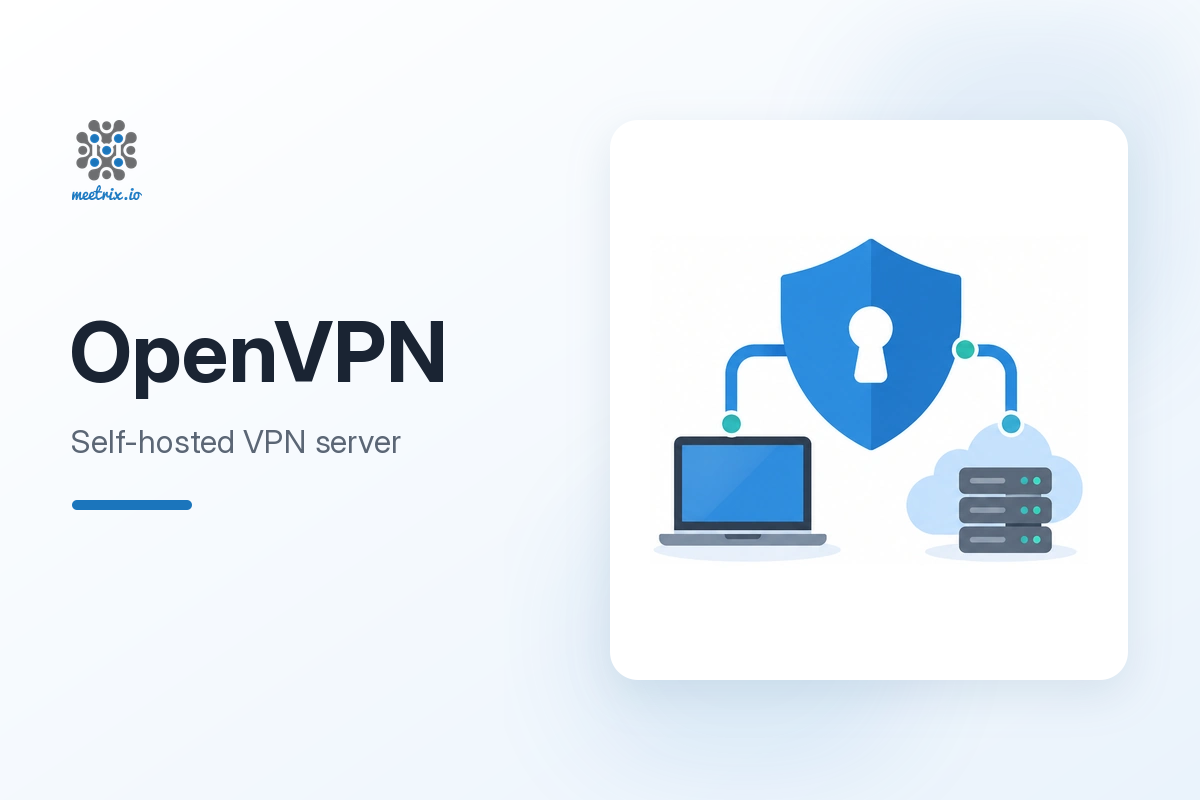
OpenVPN is a widely adopted open-source VPN that builds encrypted tunnels between client devices and your network. Remote team members connect with the OpenVPN Connect app and reach private services in your VPC as if they were on the same network, while the traffic stays on infrastructure you control.

What's in the Meetrix OpenVPN image

Setting up OpenVPN by hand means building a PKI, writing server and client configs and opening the right ports. The marketplace image does that and leaves you one script to run.

How to set up a self-hosted OpenVPN server

  1. Launch the server

    Subscribe on AWS Marketplace or Google Cloud Marketplace and deploy. On AWS the CloudFormation stack is ready in about 3-5 minutes.

  2. Create a client profile

    SSH into the server and run sudo bash /opt/openvpn/add-client.sh with a client name. It writes the profile to /home/ubuntu/clients/.

  3. Download the .ovpn file

    Copy the profile to your computer with an SFTP client such as Cyberduck or FileZilla, or with scp.

  4. Connect

    Import the profile into OpenVPN Connect and click Connect. Repeat the script for each person who needs access.

Choose your cloud

OpenVPN server ports and requirements

The image opens exactly these two ports. If OpenVPN Connect cannot connect, check that UDP 1194 is allowed.

ServicePortsProtocol
OpenVPN tunnel1194UDP
SSH (administration)22TCP

Server size: t3a.small on AWS or e2-small (2 GB RAM) on Google Cloud handles a small team. Choose a larger machine for more users or heavier throughput.

OpenVPN by Meetrix vs business VPN services vs AWS Client VPN

OpenVPN by MeetrixBusiness VPN (NordLayer, Perimeter81)AWS Client VPN
HostingYour AWS account or GCP projectVendor's cloudAWS-managed service in your VPC
Data controlTraffic never leaves your accountVendor relays and can log connectionsStays in AWS
Pricing modelFlat compute cost, no per-user feePer-user subscriptionPer connection-hour plus per-GB
SetupMinutes, certificates by one scriptInstant SaaS signupCertificate setup through ACM

Weighing protocols as well? Read OpenVPN vs WireGuard for business remote access →

Video: deploy OpenVPN on AWS

OpenVPN FAQ

Which ports does the OpenVPN server need?

TCP 22 for SSH management and UDP 1194 for the VPN tunnel. The vendor-recommended security group on AWS and the firewall rule on Google Cloud open exactly these two.

How many clients can connect?

OpenVPN has no built-in cap. Each person gets their own certificate, and the real limit is the bandwidth and CPU of the machine size you choose.

How do I add another user?

SSH into the server and run sudo bash /opt/openvpn/add-client.sh with a new client name. It creates a fresh certificate and .ovpn file without affecting existing clients.

How do I revoke someone's access?

Revoke the client's certificate on the server with easy-rsa and restart the OpenVPN service. Their profile stops working immediately.

Which client app do I use?

The standard OpenVPN Connect app. Import the .ovpn profile the server generates and connect; there is nothing cloud-specific to install.

How is this different from AWS Client VPN or Google Cloud VPN?

AWS Client VPN is billed per connection-hour and per GB, which adds up for a team connected all day. Google Cloud VPN connects networks to each other rather than individual users. This server runs on one instance at a flat cost and gives each person their own client profile.

Can I use it for site-to-site VPN?

The image is configured for client-to-site remote access. OpenVPN supports site-to-site setups, and Meetrix can help configure one.

How do I upgrade?

Back up your client .ovpn files and any custom configuration, remove the old deployment and launch the newer version from the marketplace.

OpenVPN guides and articles

Need a hand with your VPN server?

We build and run self-hosted network infrastructure for teams every day, from remote access to site-to-site setups. Tell us what you need.

Contact us