Run Keycloak on AWS Without the Guesswork
Keycloak is easy to start and easy to get subtly wrong. A container started with start-dev shows you a login page in a minute. What you put in front of real users, with every app depending on it to sign people in, needs a hostname, TLS, a proper database, and more than one node. Most teams find that out after the first outage.
This guide covers the choices that matter when you run Keycloak on AWS: where to run it, how to put it behind a load balancer, which database to use, and how nodes find each other. If you just want a working server, Meetrix packages Keycloak as a pre-configured image. Launch the Meetrix Keycloak listing on AWS Marketplace, or follow our Keycloak developer guide step by step.
What Is Keycloak?
Keycloak is an open-source identity and access management server. It gives your applications single sign-on, social login, identity brokering, LDAP and Active Directory integration, and user federation, over standards like OpenID Connect and SAML. Your apps send users to Keycloak to sign in and get back a token, so you build login once instead of in every app.
That is why teams pick it as a self-hosted alternative to a hosted identity service. We compare the two in Keycloak vs Auth0, and put it next to another open-source option in Authentik vs Keycloak.
Key Advantages of Keycloak on AWS
How Deployment Works
Setting up Keycloak by hand means provisioning an instance, installing a runtime or container engine, configuring a database and a reverse proxy, and issuing a certificate before you see the admin console once. With the Meetrix image it is four steps:
- Launch from AWS Marketplace Open the Meetrix Keycloak listing, choose your region and instance type, and deploy through CloudFormation. Our guide uses t3a.medium as the baseline instance. If you hit a vCPU quota error, raise your AWS vCPU quota first.
- Point Your Domain Copy the PublicIp from the stack's Outputs tab and create a DNS record for it, for example in Route 53. Keycloak needs a real domain for SSL.
- Set Up SSL When the domain is hosted on Route 53, the instance tries to set up SSL on its own. If that does not work, SSH in and run the certificate script described in the developer guide.
- Sign In to the Admin Console Open the dashboard URL from the stack outputs and sign in as admin with the password you set. If you see a 502, give it about five minutes to finish starting.
What Meetrix Brings to This Deployment
- A Ready-Made Image - Keycloak comes pre-configured, running as a container on the instance, so you are not building and securing the server yourself.
- SSL Handled for You - Certificate setup is attempted automatically for domains on Route 53, with a documented fallback if it is not.
- Your Data Stays Yours - Everything runs in your own AWS account. Realms, users, and logs never pass through a third-party platform.
- Upgrades With a Clear Path - When a newer image is published, you back up your realm data, remove the old deployment, and relaunch from the updated image.
- Real Support - Deployment questions go to aws@meetrix.io, and the Keycloak store page lists every guide in one place.
Who Is Keycloak on AWS Right For?
This setup suits teams that want central sign-in without handing identity data to a hosted service. It is a strong match if you are:
- A company with several internal apps that all need single sign-on
- A developer wiring OpenID Connect or SAML into a product, for example adding SSO to Jitsi Meet
- A team that cannot send user identities to a third-party SaaS for compliance or data residency reasons, as in a regulated telehealth setup
- An agency running identity for several clients, each in their own AWS account
- A team already on AWS that prefers to keep sign-in next to the rest of its infrastructure
- An engineering lead replacing a per-user identity bill with a server the team controls
Keycloak on AWS by Meetrix vs Alternatives
| Feature | Meetrix Marketplace Image | Manual on EC2 | ECS or EKS | Hosted Identity Service |
|---|---|---|---|---|
| Hosting | Your AWS account | Your AWS account | Your AWS account | The vendor's cloud |
| Time to First Login | Minutes via CloudFormation | Longer: you install, secure, and proxy it yourself | Depends on your platform and how much you already run | Fast signup |
| SSL | Automatic for Route 53 domains, script as fallback | You set it up | Usually an ACM certificate on the load balancer | Handled by the vendor |
| High Availability | One instance; clustering is yours to build | You design it | A natural fit: two or more nodes with a shared database | Handled by the vendor |
| Upgrades | Back up, then relaunch from the new image | You do them | Image upgrade and rollout | Handled by the vendor |
| Pricing Model | AWS compute; check the listing for any software fee | AWS compute only | AWS compute and supporting services | Usually priced by users or activity |
| Data Control | Total, in your account | Total, once configured correctly | Total, once configured correctly | Identity data is processed by the vendor |
Going Beyond One Instance: What Production Needs
The Marketplace image gets you a working server. When every app in your company signs in through it, one instance is a single point of failure. Keycloak's production configuration guide boils the requirements down to five things:
- A hostname. Keycloak usually runs in a private network but exposes some public endpoints. The guide suggests separating public and administrative endpoints onto different hostnames.
- TLS everywhere. All communication to and from Keycloak needs a secure channel, including traffic between cluster nodes.
- A reverse proxy or load balancer in front. Ideally one that rejects extra requests once a threshold is hit. Keycloak has the
http-max-queued-requestsoption for that. - A database you take seriously. The guide calls it crucial for performance, availability, reliability, and integrity.
- Two or more instances for high availability.
On AWS those map to Route 53, ACM certificates, an Application Load Balancer, RDS or Aurora, and an Auto Scaling group or container service running at least two copies. You can run Keycloak from the distribution on EC2, or use the official quay.io/keycloak/keycloak image on ECS or EKS. The container guide recommends running kc.sh build when you build your own image, so every start is faster. For wider context, see our guide to self-hosting software on AWS.
Putting It Behind an ALB
Keycloak has to know that the original request came over HTTPS at your public hostname, even when the load balancer talks to it differently. Its reverse proxy guide covers this. The sample for a proxy that terminates TLS looks like this:
bin/kc.sh start \
  --proxy-headers xforwarded \
  --http-enabled=true \
  --hostname=https://auth.example.com \
  --proxy-trusted-addresses=10.0.0.0/8 \
  --shutdown-delay=16s
--proxy-headers xforwardedtells Keycloak to read the ALB's forwarded headers. There is also aforwardedmode.--http-enabled=trueallows plain HTTP between the ALB and Keycloak when the ALB ends TLS.--hostnameis the public URL users reach, not the instance address.--proxy-trusted-addresseslimits which sources Keycloak believes about those headers. Use your ALB's address range, not 10.0.0.0/8 unless that really is it.
Don't Expose the Management Endpoints
The Database on AWS
Keycloak supports several databases, and on AWS the realistic choices are PostgreSQL on RDS or Amazon Aurora PostgreSQL. The docs list PostgreSQL 14 through 18 as tested, along with Aurora PostgreSQL 15, 16, and 17. Pointing Keycloak at a plain PostgreSQL instance is a few options:
bin/kc.sh start --db postgres \
  --db-url-host your-db-endpoint.rds.amazonaws.com \
  --db-username keycloak --db-password change_me
Aurora adds one wrinkle. For fast failover, Keycloak supports the AWS JDBC driver wrapper, but it is not part of the Keycloak download. You download the JAR, place it in the providers folder, and set the JDBC URL and driver:
--db-url jdbc:aws-wrapper:postgresql://<aurora-writer-endpoint>/keycloak
--db-driver software.amazon.jdbc.Driver
The docs also say to include the wrapper's failover plugin so the writer instance can fail over. Check the current database guide for the exact configuration, because the wrapper's own options change between versions.
Clustering Without Multicast
AWS networks do not give you multicast, which used to be a headache for clustering. Keycloak's caching guide says the default stack, when distributed caches are enabled, is jdbc-ping: nodes use the shared database to track who has joined the cluster. That works for EC2 instances or ECS tasks without extra discovery services, as long as every node reaches the same database.
For Kubernetes there is a DNS-based stack, though the docs mark it deprecated, and the old ec2 stack is deprecated too. If your nodes sit behind port forwarding or separate networks, there are options for the address and port other nodes should use to reach each one. If you have run high availability for a similar tool, the ideas will feel familiar. Our Authentik high availability guide covers an analogous setup.
Common Mistakes
- Running
start-devin production. It is for development. - A single node. Every app that signs in through Keycloak goes down with it.
- No trusted proxy list. Without it, Keycloak may believe forwarded headers from anyone.
- Exposing health and metrics publicly. Keep management endpoints on the private side.
- Forgetting the Aurora driver. Failover support needs the wrapper installed by hand.
- Skipping the backup before an upgrade. Back up realm data and configuration first, then replace the deployment.
Resources
Step-by-step walkthrough of the full deployment: launching the AMI, creating the CloudFormation stack, updating DNS, signing in to the admin console and generating SSL.
Meetrix.IO | Binuka Ranatunga
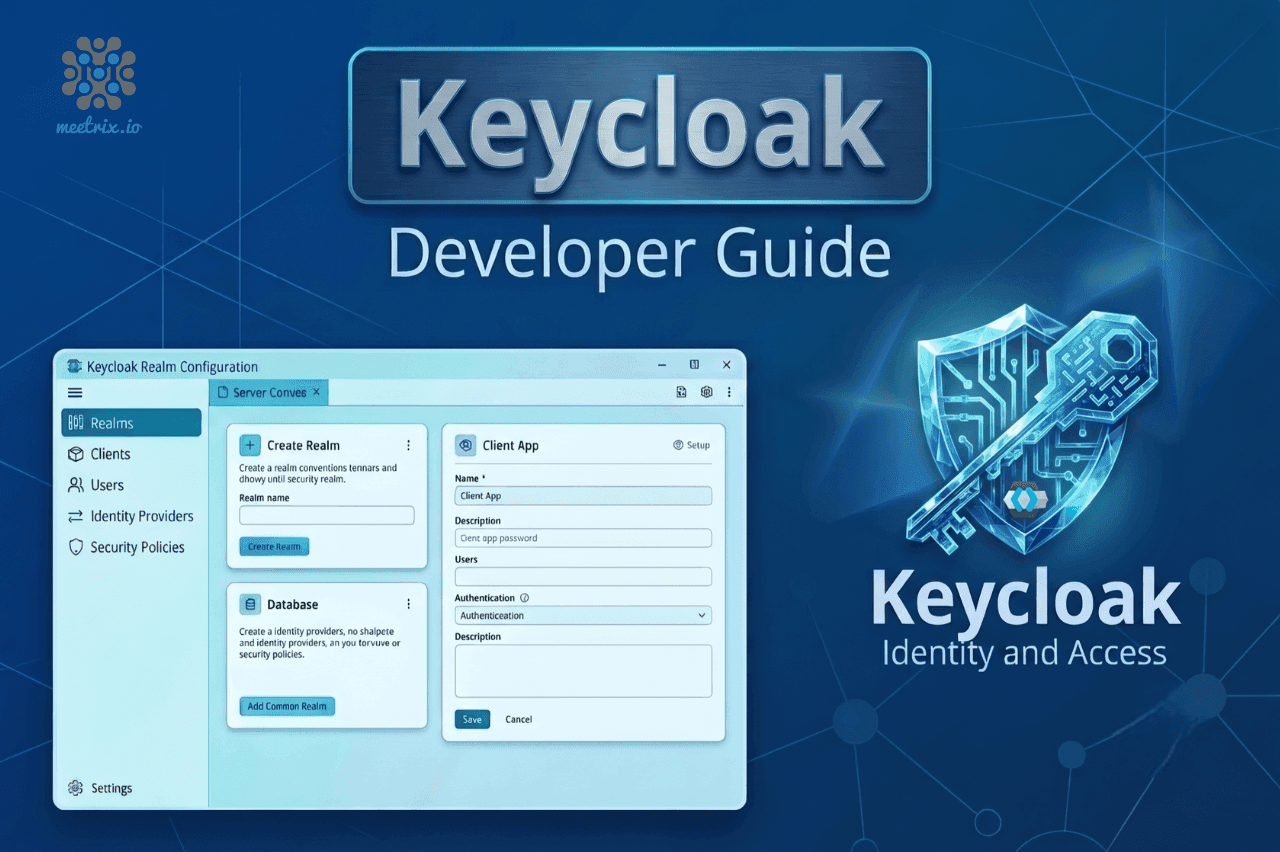
A worked example of connecting an app to Keycloak: bridging Keycloak login to the JWT that Jitsi's Prosody expects.
Meetrix.IO | Binuka Ranatunga
Frequently Asked Questions
How do you deploy Keycloak on AWS?
You can run it manually on EC2, use containers on ECS or EKS, or launch a preconfigured image such as the Meetrix Marketplace listing. Production deployments still need a hostname, TLS, a load balancer, a database, and multiple nodes.
Which database should Keycloak use on AWS?
PostgreSQL on RDS or Aurora PostgreSQL are the practical choices. Keycloak's docs list tested versions for both.
Can I run Keycloak behind an AWS Application Load Balancer?
Yes. You will need to configure proxy headers, trusted addresses, and the correct public hostname so Keycloak understands the original request.
How many Keycloak nodes do I need?
For production, at least two. One instance is a single point of failure.
How do Keycloak nodes find each other on AWS?
The default approach is jdbc-ping, which uses the shared database to track cluster membership.
Is there a ready-made Keycloak image for AWS?
Yes. Meetrix offers a preconfigured Keycloak image through AWS Marketplace.
Run Keycloak in Your Own AWS Account
Skip the server build. Launch a pre-configured Keycloak image in your own AWS account and have a sign-in server running in minutes, with your identity data staying where you put it.
Deploy on AWS Marketplace