Open-source identity provider

Self-hosted Authentik identity provider on AWS

Add single sign-on, multi-factor authentication and user self-service to your apps with Authentik, running from a pre-configured AMI in your own AWS account.

  • Ready in 5-10 minutes
  • OAuth2, SAML and OIDC
  • Runs in your own account
Authentik identity provider deployed on AWS by Meetrix

What is Authentik?

Authentik is an open-source identity provider with an MIT-licensed core. It handles sign-up, login, recovery and MFA for your applications, and its visual flow builder lets you shape each authentication step without code.

What's in the Meetrix Authentik AMI

The AMI ships Authentik ready for its first-run setup, with SSL handled at launch.

How to set up a self-hosted Authentik server

  1. Launch the stack

    Subscribe on AWS Marketplace and launch the CloudFormation stack with your domain. Allow 5-10 minutes.

  2. Point your domain at it

    Create a DNS record in your Route 53 hosted zone with the PublicIp from the stack outputs.

  3. Create the admin account

    Open the DashboardUrl, enter your details with a strong password and click Let's start.

  4. Connect your apps

    Add an application and provider for each app, then set up MFA and your login flows.

Deploy on AWS

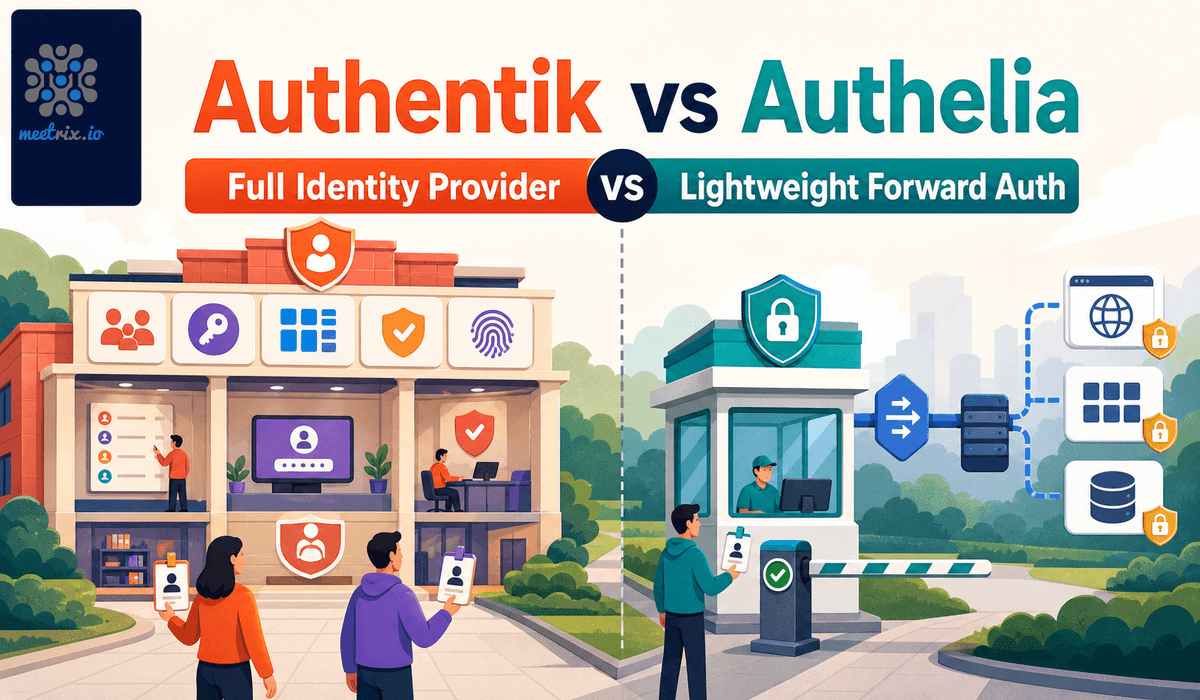
Authentik vs Keycloak vs Authelia

AuthentikKeycloakAuthelia
LicenceMIT (core)Apache 2.0Apache 2.0
CategoryFull identity providerFull identity providerForward-auth middleware
Admin UIModern web consoleTraditional web consoleNone, YAML configuration
SAML, LDAP, RADIUSAll threeSAML and LDAPNone
Visual flow builderYesNo, config-based flowsNo

Authentik's paid enterprise tier adds features such as remote access; the core is free. Read Authentik vs Keycloak →

Video: deploy Authentik on AWS

Authentik FAQ

What is Authentik?

An open-source identity provider for managing authentication and authorisation, supporting OAuth2, SAML and OpenID Connect.

Is Authentik free?

The core, including SSO, MFA, SAML, OIDC, LDAP and flows, is MIT-licensed and free. A separate enterprise tier is paid. On AWS you pay for the instance and any Meetrix software fee shown on the listing.

Can I use my own domain?

Yes. You set it in the CloudFormation template, and SSL is configured automatically when the domain is hosted on Route 53.

What if my domain is not on Route 53?

Automatic SSL may fail. SSH into the server and generate the certificate manually with the included script.

How do I create the admin account?

Open the DashboardUrl from the stack outputs and complete the setup form. Every later account is created from the admin panel.

Authentik or Keycloak?

Keycloak is older and more battle-tested; Authentik has a more modern UI and more built in, such as RADIUS and an application proxy.

Which instance size should I choose?

t3.small is the recommended starting point.

How do I upgrade?

Back up your server data, remove the old stack and launch the new version from AWS Marketplace.
Authentik guides and articles

Need a hand with Authentik?

We build and run self-hosted identity infrastructure every day, from SSO integrations to high availability. Tell us what you need.

Contact us