One Dashboard for Every Kubernetes Cluster
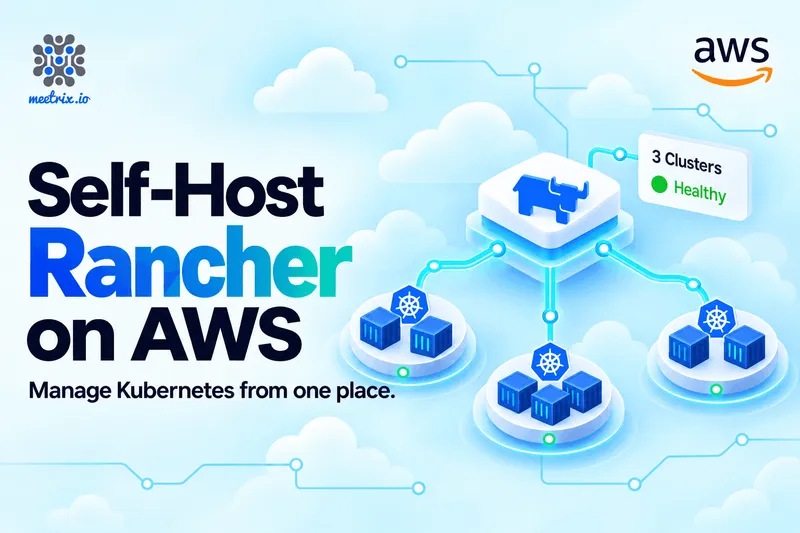
Running a single Kubernetes cluster is already a project. Running three (one on EKS, one on-prem, one that a team spun up on its own) turns into a part-time job. Each cluster has its own kubeconfig, its own users, its own deployment patterns, and no one has the full picture. That's the gap Rancher is built to fill.
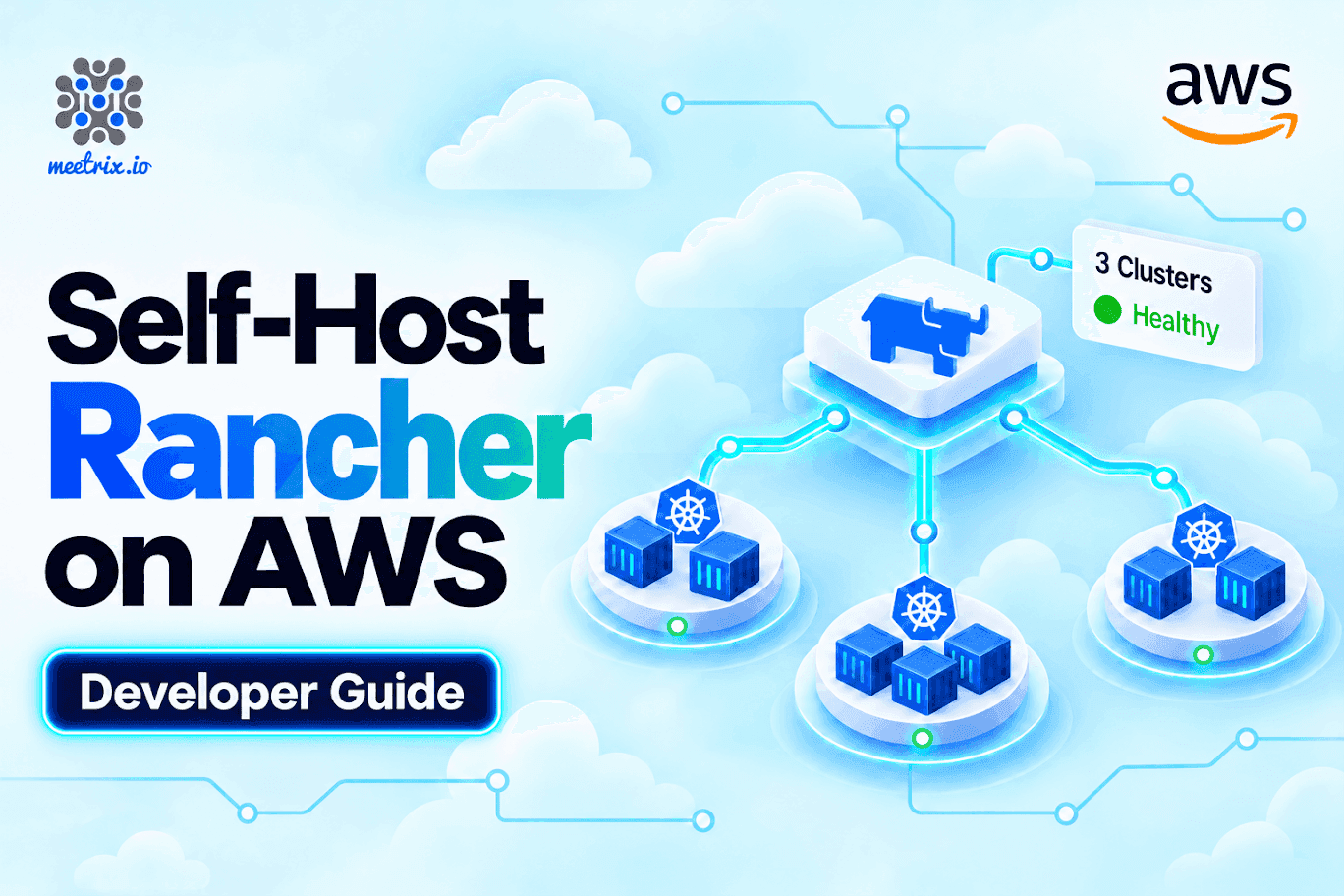
Rancher on AWS Marketplace by Meetrix packages Rancher as a ready-to-launch AMI, so you can have a management server running in your own AWS account in minutes instead of building one from scratch. Want to get started? Launch the Meetrix Rancher listing on AWS Marketplace, or follow the Rancher developer guide step by step.
The Quick Verdict
A lab or proof of concept
Launch the Meetrix image. You get a working management server in minutes, in your own AWS account.
Clusters you already run
Import them, including Amazon EKS, and manage access and apps from one dashboard without rebuilding anything.
Production management plane
Plan high availability. Rancher's docs call for at least three nodes, and this image is a single instance.
You want a vendor behind it
SUSE Rancher Prime is the commercial offering, built on the same open-source code, with SUSE support.
What Is Rancher?
Rancher is an open-source container management platform from SUSE, licensed under Apache 2.0. From a single web dashboard, you can create new clusters, import ones you already run, and manage users, access, and apps across all of them. The docs break it down: clusters Rancher provisions itself, hosted clusters on EKS, AKS, and GKE, and existing clusters from any distribution that you import.
Then there are the features platform teams actually care about: central authentication through providers like Active Directory or GitHub, role-based access control across users, groups, projects, and clusters, Prometheus-based monitoring and alerting, a Helm chart catalog, and Fleet for deploying apps from Git repositories to downstream clusters.
Rancher also ships on a regular release cadence. At the time of writing, the stable release is v2.15.2, published on 23 September, which lists Kubernetes v1.36 among the supported versions for RKE2 and K3s clusters. The v2.15 line removed support for Kubernetes v1.33. Check the release notes before you plan an upgrade.
Key Advantages of Rancher on AWS Marketplace
How Deployment Works
Setting up Rancher by hand means building a Kubernetes cluster for it to run on, installing it with Helm, wiring up ingress and certificates, and configuring authentication, all before you manage a single downstream cluster. With the Meetrix image, it's four steps:
- Launch from AWS Marketplace Subscribe to the Meetrix Rancher listing and deploy through CloudFormation. Have an EC2 key pair and an S3 bucket for backups ready in the same region. Our guide uses t3a.large as the baseline instance. Rancher's own AWS quickstart, a sandbox guide, lists t3a.medium as the minimum and suggests t3a.large or t3a.xlarge if your budget allows. If you hit a vCPU quota error, raise your AWS vCPU quota first.
- Point Your Domain Copy the PublicIp from the stack's Outputs tab and create a DNS record for it, for example in Route 53.
- Set Up SSL When the domain is hosted on Route 53, the instance tries to set up SSL on its own. If that doesn't work, SSH in and run the certificate script described in the developer guide.
- Log In and Add Your Clusters Open the dashboard URL, enter the AdminPassword you set in the stack as the bootstrap password, and confirm the server URL. Then create a new cluster or import an existing one, such as Amazon EKS, from the home page. If you see a 502, give it about five minutes to finish starting.
What Meetrix Brings to This Deployment
- A Working Management Server - Rancher comes installed and running on a lightweight K3s cluster on the instance, so the dashboard is ready when the stack finishes. You're not building a cluster to host your cluster manager.
- SSL Handled for You - Certificate setup is attempted automatically for domains on Route 53, with a documented fallback if it's not.
- Your Data Stays Yours - Everything runs in your own AWS account, and backups go to an S3 bucket you own.
- A Clear Upgrade Path - When a newer version is published, you back up what you need, remove the old deployment, and relaunch from the new one.
- Real Support - Deployment questions go to aws@meetrix.io, and the Rancher store page brings the guides together.
Who Is Rancher on AWS Right For?
This setup suits teams that need one place to see and control several Kubernetes clusters. It's a strong match if you're:
- A platform or DevOps team running clusters in more than one place, for example EKS plus on-premises
- A company that wants central sign-in and role-based access across clusters, instead of sharing kubeconfig files
- A team that wants to bring existing clusters under one dashboard without rebuilding them
- An engineering lead looking at an open-source alternative to a commercial Kubernetes platform
- A team learning Kubernetes that wants a safe lab with a real management layer
- An agency or MSP managing clusters for several clients, with Fleet deploying apps from Git
One Instance, and What That Means
The Meetrix image runs Rancher on a single instance, which is quick to launch and simple to run, and also one point of failure for your management plane.
That is a fair trade for a lab or a small team. It is worth deciding on purpose, before your critical workflows depend on it.
It's worth being upfront about the shape of this deployment. The Meetrix image runs Rancher on a single EC2 instance. Rancher's own installation requirements are clear about this: a highly available setup with at least three nodes is required for production, and a single-node Docker install is only suitable for development or testing. Older versions of the install docs describe running Rancher on a single-node Kubernetes cluster as a way to save resources in the short term while keeping a route to high availability later, by adding nodes.
The Meetrix image uses K3s rather than Docker, and K3s is the lighter-weight distribution. But the same logic applies: one instance is one point of failure for your management plane.
That's fine for many teams. Clusters that Rancher manages keep running while the Rancher instance is stopped, per our developer guide. You just can't manage them through the dashboard until it's back. Back up to S3, keep the instance patched, and treat HA as a step to plan before critical workflows depend on Rancher. For a team with a handful of clusters, a lab, or a proof of concept, a single instance gets you moving today.
Rancher on AWS by Meetrix vs Alternatives
| Feature | Rancher on AWS by Meetrix | Self-Built on K3s or RKE2 | SUSE Rancher Prime |
|---|---|---|---|
| Hosting | Your AWS account, one EC2 instance | Wherever you build it | Your own infrastructure |
| Time to First Login | Minutes via CloudFormation | Longer: cluster, Helm install, ingress and certificates are yours | Same install work as open source, with SUSE support |
| High Availability | Single instance; HA is yours to plan | Three or more nodes, as the current docs require for production | Supported HA deployments |
| SSL | Automatic for Route 53 domains, script as fallback | You configure it | You configure it |
| Support | Meetrix support at aws@meetrix.io | Community | SUSE enterprise support |
| Lifecycle and Supply Chain | Upgrade by relaunching from a newer image | You manage upgrades | Commercial offering with extended lifecycles and signed images |
| Pricing Model | AWS compute; check the listing for any software fee | Infrastructure only | Subscription from SUSE, priced per core or vCPU and by support tier; request a quote |
If your Kubernetes clusters run on EKS, our guides on running vLLM on EKS with GPUs and GPU scheduling in Kubernetes show the kind of workload Rancher can then manage across clusters. For wider context on running open-source tools on AWS, see our guide to self-hosting software on AWS.
Where I'd Start
First
Launch the image, point your domain, and log in. Add one cluster, either a new one or an existing EKS cluster, and see how it feels.
Then
Set up central sign-in and role-based access, so people stop sharing kubeconfig files.
Before it matters
Confirm your S3 backups work, keep the instance patched, and plan a high-availability setup before critical workflows depend on Rancher.
If you need a vendor
Look at SUSE Rancher Prime for enterprise support. Ask SUSE for a quote, since pricing is by quote.
Rancher moves quickly, and supported Kubernetes versions change between releases. Check the current release notes and the installation requirements before you plan an upgrade or a production rollout.
Resources
Frequently Asked Questions
What is Rancher?
Rancher is an open-source Kubernetes management platform from SUSE. It gives you one dashboard to provision clusters, import existing ones, and manage users, access, and applications across all of them.
Can Rancher manage Amazon EKS clusters?
Yes. Rancher can import and manage EKS clusters, and it can also provision them directly. The docs list EKS, AKS, and GKE as supported hosted cluster types.
What is the initial password for the Rancher dashboard?
It's the AdminPassword you set as a CloudFormation parameter during deployment. You enter it as the bootstrap password on first login.
Which instance type does the Meetrix Rancher image need?
The guide uses t3a.large as the baseline. Rancher's AWS quickstart lists t3a.medium as the minimum and suggests t3a.large or t3a.xlarge if budget allows.
Is a single Rancher instance enough for production?
Not by Rancher's current requirements, which call for a high-availability setup of at least three nodes. A single instance is fine for a lab, a proof of concept, or a small team that understands the tradeoff.
What is the S3 bucket parameter for?
It's where Rancher writes its backups. Using an S3 bucket you own keeps your configuration data inside your AWS account.
How do I upgrade Rancher on this image?
Back up your data, remove the old deployment, and relaunch from the updated image. The developer guide covers the steps.
Manage Every Cluster From Your Own AWS Account
Skip the cluster-to-host-your-clusters problem. Launch a pre-configured Rancher server in your own AWS account and start adding clusters in minutes.
Deploy on AWS Marketplace