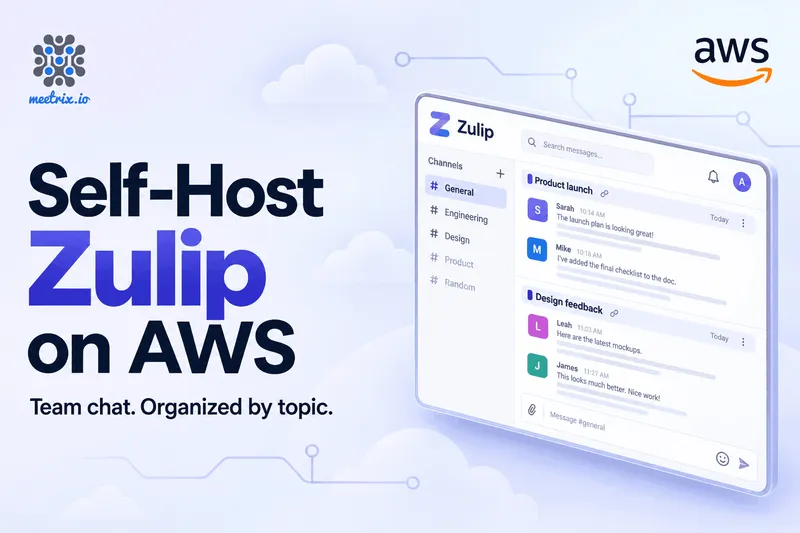
Zulip on AWS by Meetrix is a self-hosted team chat server you launch from AWS Marketplace and run in your own account. It ships Zulip 12.2 on Ubuntu 26.04 with the database, queue and cache already installed, so what's left is your domain, your SMTP details and a first organization. You can find the Meetrix Zulip AMI on AWS Marketplace. Running on Google Cloud instead? See Zulip on GCP Marketplace.
Most people land here from a Slack renewal notice. Slack's free plan keeps 90 days of history, and the paid plans charge per person. Zulip flips that: you own the server and the messages, and you're not renting seats. The trade is that you also own the uptime.
What Is Zulip?
Zulip is an open-source team chat app, licensed Apache 2.0, that organizes every conversation by topic instead of one long channel feed. Its README calls it "an open-source organized team chat app with unique topic-based threading that combines the best of email and chat." The topic part is the whole point.
In Slack, a busy channel is one long feed. Three conversations interleave, and you scroll to work out which reply belongs to what. In Zulip, every message goes into a channel and a topic. You might have a channel called backend with topics like "Postgres upgrade", "flaky login test" and "on-call rota". Each is its own thread.
That has a practical payoff for a team spread across time zones. Nobody has to be online when a discussion starts, and nobody has to read every message to catch up. You open the topics you care about and skip the rest. It also has a cost, and I'd rather say it now: everyone has to name a topic when they post. Some teams love that within a week. Others never quite adopt it, and then Zulip is just Slack with extra steps.
What's Inside the Zulip AMI
The Marketplace listing is titled "Zulip Team Chat AMI - Open Source Slack Alternative" and describes the image like this:
| Part | Detail |
|---|---|
| Zulip Server | 12.2 |
| Base OS | Ubuntu 26.04, security-hardened |
| Data services | PostgreSQL, RabbitMQ and Redis |
| SSL | Configured automatically at launch |
| Backups | Automated, to S3 |
| Integrations | 100+, according to the listing |
Ubuntu 26.04 is on Zulip's supported operating systems list alongside 22.04, 24.04 and Debian 12 and 13, so you aren't running the server on something unsupported.
Zulip 12.0, released in April 2026, is a decent release to be starting on. Among its changes are end-to-end encryption for mobile push notifications, a web app that loads about twice as fast in organizations of 10,000 or more users, a web UI for Slack imports, and a new Microsoft Teams importer. Zulip 12.1 was a bug-fix release in June, and 12.2 followed in August.
How to Deploy Zulip on AWS
Before you start, have these ready: an AWS account, a domain name, and SMTP credentials so Zulip can send invitations and sign-up emails. Gmail works if you use an app password rather than your account password. If the launch stops on a vCPU quota error, our guide to increasing your AWS vCPU quota fixes it.
- Subscribe to the Zulip listing on AWS Marketplace and launch it. It deploys through a CloudFormation stack.
- Fill in the stack parameters: your domain, your SMTP details and the instance type.
- Point your domain at the instance. The image tries to set up SSL on its own when the domain is hosted in Route 53. If your DNS lives elsewhere, or it fails, you run Zulip's certbot script over SSH.
- SSH in and run
generate_realm_creation_link. A new Zulip server won't let anyone create an organization without that one-time link, which is a sensible default, and the step to remember. - Open the link, create the organization, and invite your team.
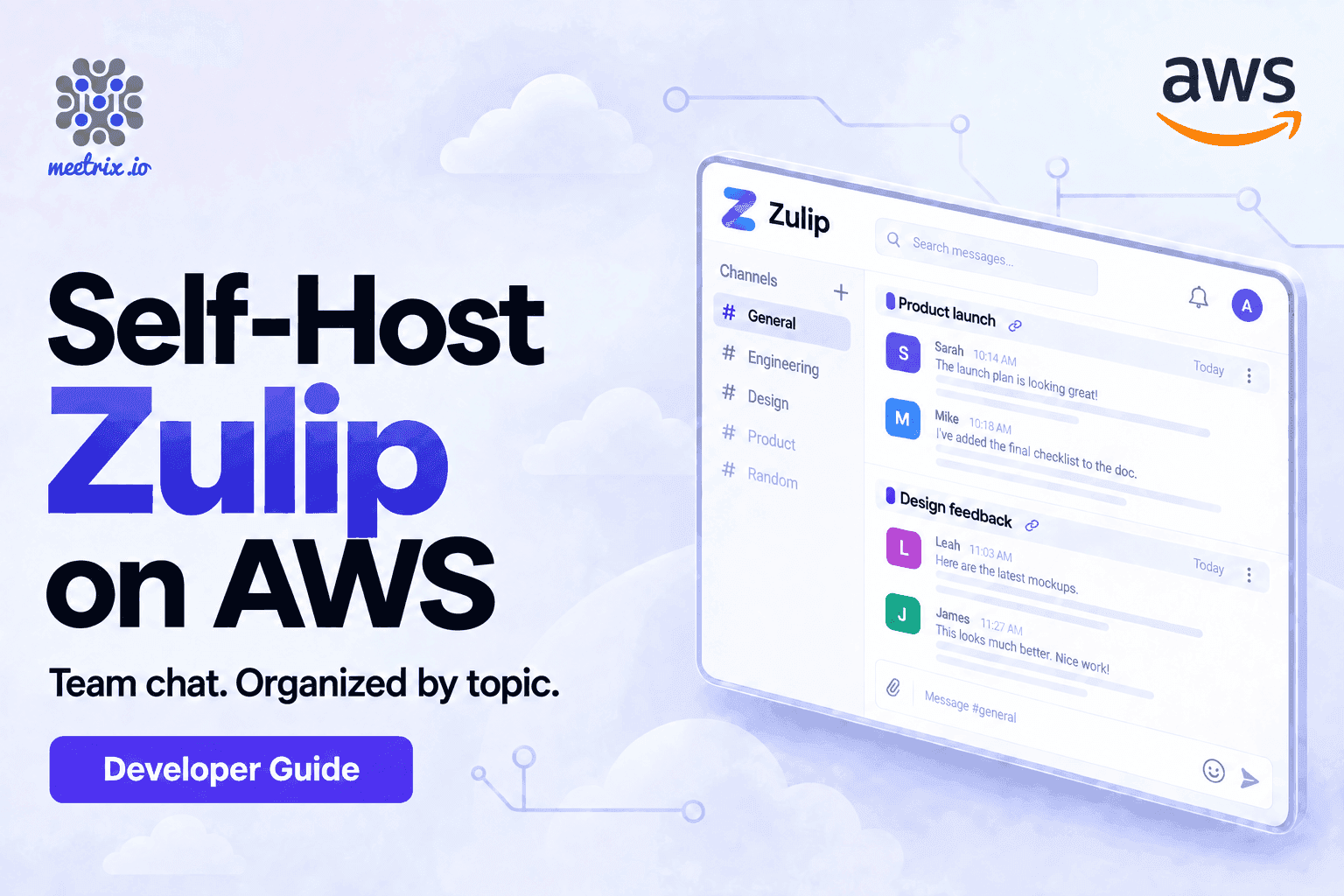
The launch walkthrough, with screenshots of every CloudFormation field, is in our Zulip developer guide, linked under Resources below. This article is the "should we do this" half.
Open only what Zulip needs
Resources
Zulip Server Requirements and Sizing
Zulip's own docs are refreshingly specific. Under 100 users, they ask for at least 2 GB of RAM and one CPU. From 100 users up, it's 4 GB and two CPUs. CPU is rarely the bottleneck. RAM is.
The listing prices the software by the hour, depending on instance type. On the instance types the listing shows, that's $0.019 on a t3.small (2 vCPU, 2 GiB), $0.024 on a t3.large (2 vCPU, 8 GiB) and $0.029 on a t3.xlarge. There is a free trial of 5 days, and a 365-day contract that the listing says saves up to 41%. Multiply the hourly figure by roughly 730 hours and the fee is about $14 a month on a t3.small and about $17.50 on a t3.large, before AWS charges for the instance, storage and data transfer.
My advice: a t3.small is fine to trial with a handful of people, but it sits exactly on Zulip's 2 GB minimum. If this is going to be the company's real chat, start on the t3.large. The software fee only moves by half a cent an hour, and you won't be resizing during a busy week.
Zulip vs Slack Pricing
Here's the comparison that usually decides it. Prices are the public list prices in September 2026, per user per month with annual billing.
| Option | Where it runs | Price | Message history |
|---|---|---|---|
| Zulip on AWS (Meetrix) | Your AWS account | $0 licence, plus hourly AMI fee and AWS costs | Yours, no cap |
| Zulip Cloud Standard | Zulip's servers | $6.67, or $8 billed monthly | Unlimited search |
| Zulip Cloud Free | Zulip's servers | $0 | 10,000 searchable messages |
| Slack Pro | Slack's servers | $7.25, or $8.75 billed monthly | Unlimited |
| Slack Free | Slack's servers | $0 | 90 days |
Sources: Zulip plans and Slack pricing.
Now the number nobody puts on the pricing page. For 50 people, Slack Pro is $362.50 a month, and Slack Business+ at $15 is $750. Self-hosted Zulip on the Basic plan, at $3.50 per user, is $175 a month, plus roughly $17.50 for the AMI and whatever the instance costs on your AWS bill.
Why would you pay Zulip anything if the software is free? Because of push notifications. On the free self-hosted plan, mobile push is limited to 10 users, unless your group qualifies for the free community plan (open-source projects, academic research, small nonprofits, families and friends). Past 10 people who want phone alerts, you need Basic, or Business at $6.67 with a 25-user minimum. That plan is a separate arrangement with Zulip, not part of your AWS bill. It's also worth knowing before you promise anyone "free".
Migrate From Slack to Zulip
You can bring your history with you. Zulip's Slack import carries over messages, attachments, reactions, users, channels and custom emoji. Two limits are worth checking before you commit. Slack only lets Business+ and Enterprise Grid workspaces export private channels and direct messages, so on a Pro workspace you'd get public channels only. And Slack threads don't stay threads. They come across as topics.
The import also creates a new Zulip organization, so do it on day one, not after your team has been chatting for a month.
Is Self-Hosted Zulip Worth It?
Zulip on AWS is a good fit if your team is technical, spread across time zones, and irritated by scrolling. It also suits anyone whose messages can't sit on someone else's servers, and teams whose Slack bill grows every time someone joins.
Skip it if you have five people, no compliance requirement and nobody who wants to look after a server. Pay for the hosted plan. Skip it, too, if your team won't adopt topics, because the whole benefit disappears.
And if threaded chat isn't the deciding factor, look at the other options first. Our comparisons of Mattermost vs Slack and Rocket.Chat vs Mattermost cover the channel-style alternatives, and self-hosted Microsoft Teams alternatives puts Zulip next to eight others. If you'd like a Slack-style tool on AWS with the same one-click launch, there's a Mattermost AMI on AWS Marketplace too.
Video Calls and Integrations
Chat is only half of a workspace. Zulip's call button hands off to a video provider, and the 12.0 release added Nextcloud Talk, Constructor Groups and Webex to the list. If you want the meeting server on your own infrastructure as well, our Jitsi Meet AWS guide covers running that beside your chat server.
Frequently Asked Questions
Is Zulip free to self-host?
The software is Apache 2.0 and every feature is in the free self-hosted plan. The catch is mobile push notifications, which are limited to 10 users unless your group qualifies for the free community plan or you pay for Basic at $3.50 per user per month.
What is the difference between Zulip and Slack?
Zulip puts every message under a topic inside a channel, so each conversation is its own thread and you can catch up later. Slack uses one feed per channel. Zulip can be self-hosted under Apache 2.0, while Slack is hosted only.
Is Zulip really an open source Slack alternative?
Yes. It covers channels, direct messages, search, bots and integrations, and it can import a Slack export. The difference is that every message lives under a topic, so conversations stay separate instead of piling into one channel feed.
How much RAM does a Zulip server need?
Zulip's docs ask for at least 2 GB of RAM and 1 CPU for under 100 users, and 4 GB with 2 CPUs once you pass 100. Give it more as daily active users grow. CPU is rarely the bottleneck, RAM is.
What is included in the Meetrix Zulip AMI?
Zulip Server 12.2 on Ubuntu 26.04 with PostgreSQL, RabbitMQ and Redis, automated SSL setup, and automated S3 backups, per the AWS Marketplace listing. You still supply your own domain and SMTP credentials at launch.
Can I move my Slack history into Zulip?
Yes. Zulip imports messages, attachments, reactions, users, channels and custom emoji from a Slack export. Private channels and direct messages need a Business+ or Enterprise Grid export, and Slack threads arrive as topics.
Which ports does Zulip need open?
Port 443 for HTTPS, port 80 if you want a redirect to HTTPS, and outbound 587 for SMTP. The server also needs outgoing web access for image previews and mobile push notifications. Keep SSH limited to your own IP.
Does Meetrix support this image?
Yes. Meetrix engineers support the image, including sizing, upgrades and launch problems. Contact us through the AWS Marketplace listing or the Meetrix website.
Run Your Own Team Chat on AWS
Launch Zulip 12.2 in your own AWS account with SSL and backups set up, and a team that can help when you need it.
Deploy on AWS Marketplace