Google Analytics Is Free. That Doesn't Mean It's the Right Fit.
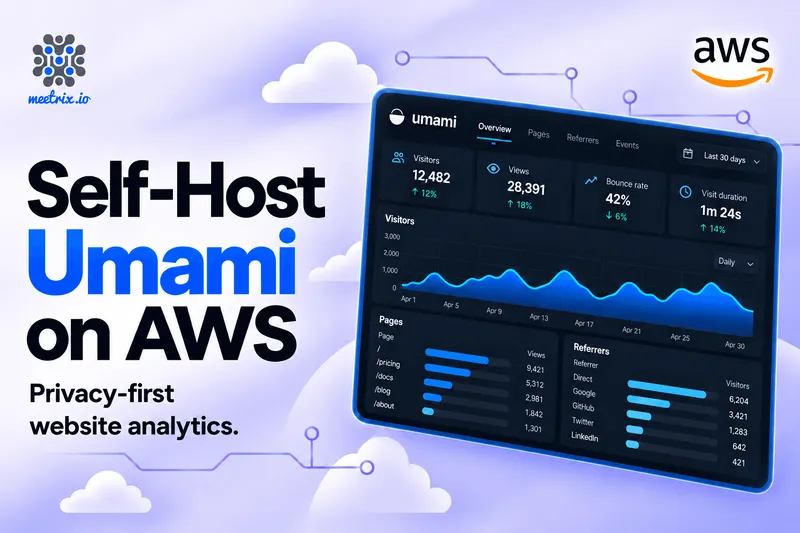
Google Analytics is free, but it's heavy. It sets cookies that trigger a consent banner in a lot of places, and every visit ends up in Google's cloud. Most sites don't need that much. They need to know which pages people read, where those people came from, and whether last week's campaign did anything. Umami answers those questions on one screen, sets no cookies, and runs on your own AWS account.
Meetrix's AMI sets it up in 5-10 minutes: Umami 3.4.0 and PostgreSQL 17 on one server, behind Nginx, with Let's Encrypt SSL and a backup script that writes to your S3 bucket. Below are the install steps, how to add your first website, and an honest look at when Umami Cloud is the better deal. You can launch the Meetrix Umami AMI on AWS Marketplace.
The Quick Verdict
Several sites, or lots of traffic
No event caps, no per-site fees. The tenth website costs the same as the first.
Visitor data must stay with you
Every event lives in a PostgreSQL database in your AWS account, in the region you pick, for as long as you keep it.
One small site, under 100K events a month
The free Hobby plan covers it, and you never touch a server.
Just kicking the tyres
Run the official Docker image on a laptop for an afternoon. Move to the AMI when real sites send data.
What Is Umami?
Umami is an open-source web analytics platform released under the MIT licence. You add one small script to your site's pages (roughly 2 KB, compared to the much heavier Google Analytics tag), and it records visits without cookies and without storing anything that identifies a person. The source and release notes are on GitHub.
What it does
Traffic
- Page views, visitors, bounce rate, and visit duration on one dashboard
- A realtime view of who's on the site right now
- Any two date ranges side by side, filtered by country, device, or page
Sources and campaigns
- Referrers and channels, picked up automatically
- UTM parameters, so a newsletter link and a paid ad show up as separate sources
Events and reports
- Custom events for clicks, signups, downloads, and form submissions, with your own properties attached
- Funnel, retention, user journey, and goal reports
- Session replay and heatmaps. Heatmaps arrived in 3.2.0; both have been refined since.
Team and access
- Unlimited websites and team invitations on self-hosted
- Public share links: a read-only dashboard anyone can open without an account
- A REST API, account API keys, and two-factor sign-in
What's new in Umami 3.4.0
The 3.x line has moved fast, and 3.4.0, released on September 16, 2026, is the current release. Here's what landed.
Annotations. You can now add dated notes to your website charts, with markers showing when something happened. Mark the day you launched a feature, started a campaign, changed pricing, or had an outage. When you come back to the data later, the context is sitting right there next to the spike.
MCP support. Umami now supports the Model Context Protocol, so compatible AI tools can query your analytics directly, with questions like "How did traffic this month compare with last month?" or "Which channels brought the most visitors to our pricing page?" The tools are read-only and follow the same user and team permission checks as the app. On self-hosted instances, the remote MCP endpoint is disabled by default; you enable it with MCP_ENABLED=1 and connect using an account API key.
Account API keys. Self-hosted users can create and revoke API keys under Settings → API keys. The full key is shown once at creation, so copy it before closing the dialog. Access follows the key owner's existing permissions.
A typed API client. @umami/api-client is a TypeScript client generated from Umami's OpenAPI spec, with typed inputs and responses for both Cloud and self-hosted instances. Analytics endpoints are now organised by website and feature, with dedicated saved funnel and goal resources.
Session property filters in saved segments. You can now attach session properties, such as plan type or account tier, to a saved audience and return to it without rebuilding the filters.
Security fixes. This release rejects partial 2FA tokens for authenticated API access, binds authenticated sessions to password fingerprints (so changing your password invalidates old sessions), excludes deleted teams from access checks, and prevents website reassignment when updating reports.
Worth noting from earlier 3.x releases: 3.2.0 brought heatmaps and better session replay controls, and 3.3.0 added two-factor authentication, session identity stitching, board cloning, sparklines, and improved bounce detection.
The public share link is still the underrated feature. Hand a client or a manager the link and they see live numbers without a login, and without you exporting a spreadsheet every Monday. If you run a blog for someone, on Ghost on AWS for example, this is usually why they stop asking for Google Analytics access.
Who Self-Hosted Umami Suits
The clearest fit is an agency, a SaaS company, or a publisher running more than one site, where Cloud's event caps or retention windows start to bite. There are no per-site or per-event fees on the AMI, so adding a client's site costs nothing extra.
A good fit if you are
- An agency or freelancer running several client sites, giving each client a share link instead of a login
- Bound by data residency or privacy rules. Visitor data stays in your AWS account, in the region you pick
- A marketing team that wants traffic and campaign numbers without the Google Analytics learning curve
- A developer who wants a REST API over their own analytics database
Look elsewhere if you need
- Scheduled email reports (Cloud-only)
- The Streaming API (Cloud Business plan only)
- Ad-platform integrations and audiences, which is Google Analytics territory
Why Run Umami on AWS
You could run the Docker image anywhere. The AMI exists for the parts around it that are easy to postpone and painful to skip.
One stack, everything set up
CloudFormation creates the VPC, a public subnet, a security group, a fixed Elastic IP, and an IAM role, plus the server with Umami and PostgreSQL 17 running in Docker Compose behind Nginx.
SSL without the fiddling
On a Route 53 domain, the Let's Encrypt certificate is issued through DNS validation while the stack builds. Anywhere else, one script on the server does it.
Backups to your own S3
A database backup script uploads dumps to the S3 bucket you name, and you can put it on a cron schedule.
No default password
A plain Docker install starts with Umami's well-known admin / umami login. The AMI uses the admin password you set in the stack instead.
Billing goes through your AWS account, like the rest of our self-hosted software on AWS.
Install Umami on AWS in Six Steps
- Create an S3 bucketThe stack asks for a backup bucket, and it has to exist already, in the region you deploy to. It's the one thing people forget before they hit Launch.
- Subscribe on AWS MarketplaceSubscribe to Umami on AWS Marketplace, then choose the CloudFormation fulfilment option and Launch CloudFormation.
- Fill in the stack parametersUse the table below. Leave the VPC and subnet ranges at their defaults.
- Create the stackTick the box acknowledging IAM resources, then wait 5-10 minutes for
CREATE_COMPLETE. If it fails on vCPUs, follow our guide to increase your AWS vCPU quota. - Point your domainCopy
PublicIpfrom the Outputs tab and create a DNS A record for yourDomainNamepointing at it. - Sign inOpen
DashboardUrl, orDashboardUrlIpover plain HTTP until DNS and SSL are ready. The username isadminand the password is yourAdminPassword.
Stack parameters
| Parameter | What to enter | Default |
|---|---|---|
DomainName | The domain for the dashboard, e.g. analytics.yourcompany.com. SSL is automatic when it's hosted on Route 53. | None |
AdminEmail | Your email, used for the SSL certificate | None |
AdminPassword | The password for the Umami admin account. Make it a strong one. | None |
InstanceType | Server size. t3a.small is recommended. | Your choice |
KeyName | An existing EC2 key pair, for SSH access | None |
S3Bucket | The existing bucket for database backups | None |
SSHLocation | Which IPs may SSH in. Use your own IP with /32. | None |
DeploymentName | A label, useful if you run more than one stack | None |
VpcCidrBlock / SubnetCidrBlock | Network ranges. Keep the defaults. | 10.0.0.0/16 / 10.0.0.0/24 |
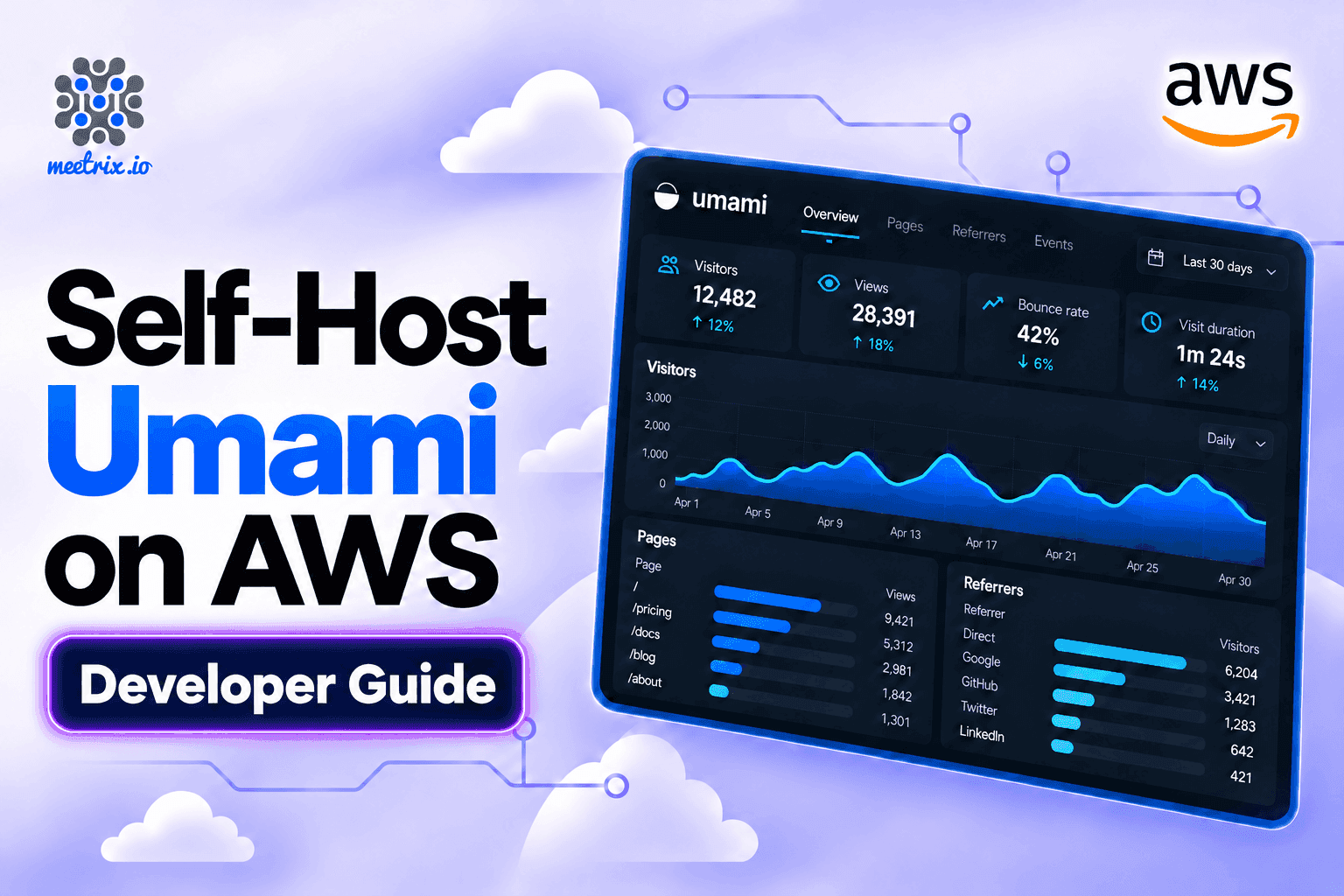
The Umami developer guide walks through each step with screenshots, plus logs, shutdown, and troubleshooting.
If SSL doesn't set itself up
This happens when the domain isn't on Route 53, or DNS wasn't pointing at the server when the stack finished. Point the record, wait until it resolves, then SSH in and run the certificate script:
ssh -i your-key.pem ubuntu@<PublicIp>
sudo /root/certificate_generate_standalone.sh
Seeing a 502 Bad Gateway?
Umami can take a few minutes to start after the instance boots. Wait about five minutes and refresh before you start debugging anything.
Add Your First Website
- Add the websiteOn the Websites page, click Add website, enter a name and the site's domain, and save.
- Copy the tracking codeOpen the website's settings, copy the snippet from Tracking code, and paste it into the
<head>of every page you want to track. - Check it worksVisit your site once. The visit shows on the dashboard within a few seconds. If it doesn't, test from a browser without an ad blocker.
- Add people (optional)Create a user for each teammate rather than sharing the admin password, or give outsiders a public share link.
The snippet looks like this, with your own Umami domain and website ID filled in:
<script defer src="https://analytics.yourcompany.com/script.js" data-website-id="your-website-id"></script>To count a button click as an event, add a data-umami-event attribute to it. No extra JavaScript needed:
<button data-umami-event="Signup button">Sign up</button>In 3.4.0, there's also a data-distinct-id attribute for setting a visitor identity through the tracker, which is useful if you want to stitch sessions together across devices.
The official docs on tracking events cover event properties and the umami.track() JavaScript call.
Switch the script to https
Running Umami Safely
Server
- SSH is limited to the range you set in
SSHLocation. Don't leave it at0.0.0.0/0for longer than a test. - The dashboard sits behind Nginx with a Let's Encrypt certificate once your domain points at it.
- The Elastic IP stays the same across reboots, so your DNS record doesn't break.
Accounts
- The
adminaccount can see and change every website. Keep it to one or two people. - Give everyone else their own user, and turn on two-factor sign-in, built into the app since 3.3.0.
- Share links are read-only, but anyone with the link can view them, so revoke old ones.
- If you enable the MCP endpoint, remember that API keys inherit the owner's permissions. Revoke keys you're no longer using.
Backups: schedule the script
Every website, user, and event you've ever recorded is in that one PostgreSQL database. The backup script copies it to your S3 bucket, but only when it runs, so put it on a cron schedule the day you launch. Then add an S3 lifecycle rule so old dumps don't pile up forever.
If you only do one thing after launch, schedule the backup. Analytics history is the one thing you can't get back by redeploying.
Upgrades mean a new stack
One upgrade note worth knowing: 3.4.0 includes schema migrations for annotations and API keys, and they run automatically during the build process. That's handled for you on the AMI, but if you're running your own Docker deployment, make sure the migration completes before you send traffic.
Self-Hosted vs Umami Cloud
Umami sells a hosted version too, and it's a fair option. Here's how the two compare, using the current plans on umami.is/pricing. Umami Cloud runs in the US and EU, and you pick the region for your account.
| Umami on AWS by Meetrix | Umami Cloud | |
|---|---|---|
| Where data lives | Your own AWS account and region | Umami's cloud (US or EU) |
| Pricing | Hourly software fee from $0.001/hr plus AWS charges. A 365-day contract saves up to 41%. | Hobby free, Pro $20/month, Business $200/month, Enterprise custom |
| Events per month | No cap, beyond what your instance handles | 100K free, 1M on Pro, 10M on Business |
| Data retention | As long as you keep it | 6 months free, 2 years Pro, 5 years Business |
| Websites | Unlimited | 1 free, up to 20 on Pro, unlimited on Business |
| API access | Included | Pro and above |
| MCP access | Included (opt-in with MCP_ENABLED=1) | Pro and above |
| Email reports | Not included | Pro and above |
| Streaming API | Not included | Business and above |
| Session replays, heatmaps, white-labeling | Included | Business and above |
| Maintenance | You run the server; the AMI does the setup | Umami handles it |
A few details worth calling out from the Cloud pricing structure. Hobby is genuinely limited: one website, no API access, no teams, no session replays or heatmaps, and six months of retention. Pro at $20/month gets you a million events, 20 websites, 10 team members, two years of retention, API access, MCP access, and email reports, but still no replays or heatmaps. Business at $200/month unlocks unlimited websites and team members, five years of retention, the Streaming API, session replays (5,000 included, then $0.005 each), heatmaps, white-labeling, and email and chat support. Enterprise adds SAML SSO, an audit log, an uptime SLA, and invoice billing.
There's also a 14-day free trial on Pro and Business, no card required during the window.
Here's my view. A single small site belongs on the free Cloud tier. Once you're past 100K events a month, or running a handful of client sites, Pro's $20 and its 20-site limit start to look tight, and a t3a.small with no caps (and no feature paywalls for replays, heatmaps, or the API) starts to look cheap.
AMI, Docker, or Cloud
Meetrix AMI on AWS Marketplace
Best for production use with the least effort
PostgreSQL, Nginx, SSL, S3 backups, and your own admin password set up for you. Supported by Meetrix.
Docker Compose
Best for your own server or a laptop
The official install guide starts Umami and PostgreSQL on port 3000. The proxy, SSL, backups, and changing the default password are yours to handle. Note that Umami v3 is PostgreSQL-only: MySQL support was dropped in 3.0. The minimum is PostgreSQL 12.14, though 15 or newer is recommended for performance.
Umami Cloud
Best for one small site
Sign up and paste the script. Free up to 100K events a month, with no server at all.
Docker is the quickest way to try it. For sites you actually care about, the AMI is less work, because SSL and backups are the parts people tend to put off.
Resources
Is Self-Hosting Umami Worth It?
For anyone tracking several sites, or a team that has to keep visitor data in its own account, yes. You get unlimited sites and events, history for as long as you keep it, and share links for clients, on one small server. The AMI handles the setup work that usually stops people from self-hosting: the database, the proxy, and the certificate.
It's a weaker deal for one personal site with modest traffic. The free Cloud tier does the job and costs nothing. And whichever way you go, schedule the backup on day one.
Umami tells you who visits your websites. For the servers behind them, our Grafana developer guide sets up infrastructure dashboards on the same cloud. Specs, launch options, and the developer guide are also collected on the Umami store page.
Frequently Asked Questions
What is Umami analytics?
An open-source, cookie-free web analytics platform. It tracks page views, visitors, referrers, and custom events without storing personal data, and shows everything on one dashboard.
Is self-hosted Umami free?
The software is MIT-licensed and free. On the Meetrix AMI, you pay an hourly software fee from $0.001/hr plus your AWS charges for the EC2 instance, storage, and any S3 backup costs.
How much does the Meetrix Umami AMI cost?
The software fee starts at $0.001 per hour, and a 365-day contract saves up to 41%. Add your AWS compute and storage charges on top.
What size server do I need?
t3a.small is the recommended starting point. Size up if you're tracking a lot of traffic across many sites.
What are the login details?
Username admin, password is the AdminPassword you set in the CloudFormation stack. There's no default password on the AMI.
Does Umami need a cookie banner?
No. Umami sets no cookies and stores no personally identifiable information, so it falls outside the consent-banner requirements of GDPR, CCPA, and PECR in most cases.
Why are some visits missing from Umami?
The usual culprits are an ad blocker, an http tracking script on an https page (browsers silently block it), or a script that wasn't pasted on every page you want to track.
How do backups work?
A script dumps the PostgreSQL database to your S3 bucket. It only runs when scheduled, so set up a cron job on day one and add an S3 lifecycle rule to clean up old dumps.
Where do I get help?
Support goes to the Meetrix team at support@meetrix.io, and the developer guide covers setup, logs, and troubleshooting.
Ready to Own Your Analytics?
Deploy Umami on AWS in about ten minutes, with PostgreSQL, SSL, and S3 backups set up for you. Your visitors, your numbers, your server.
Get Started on AWS Marketplace