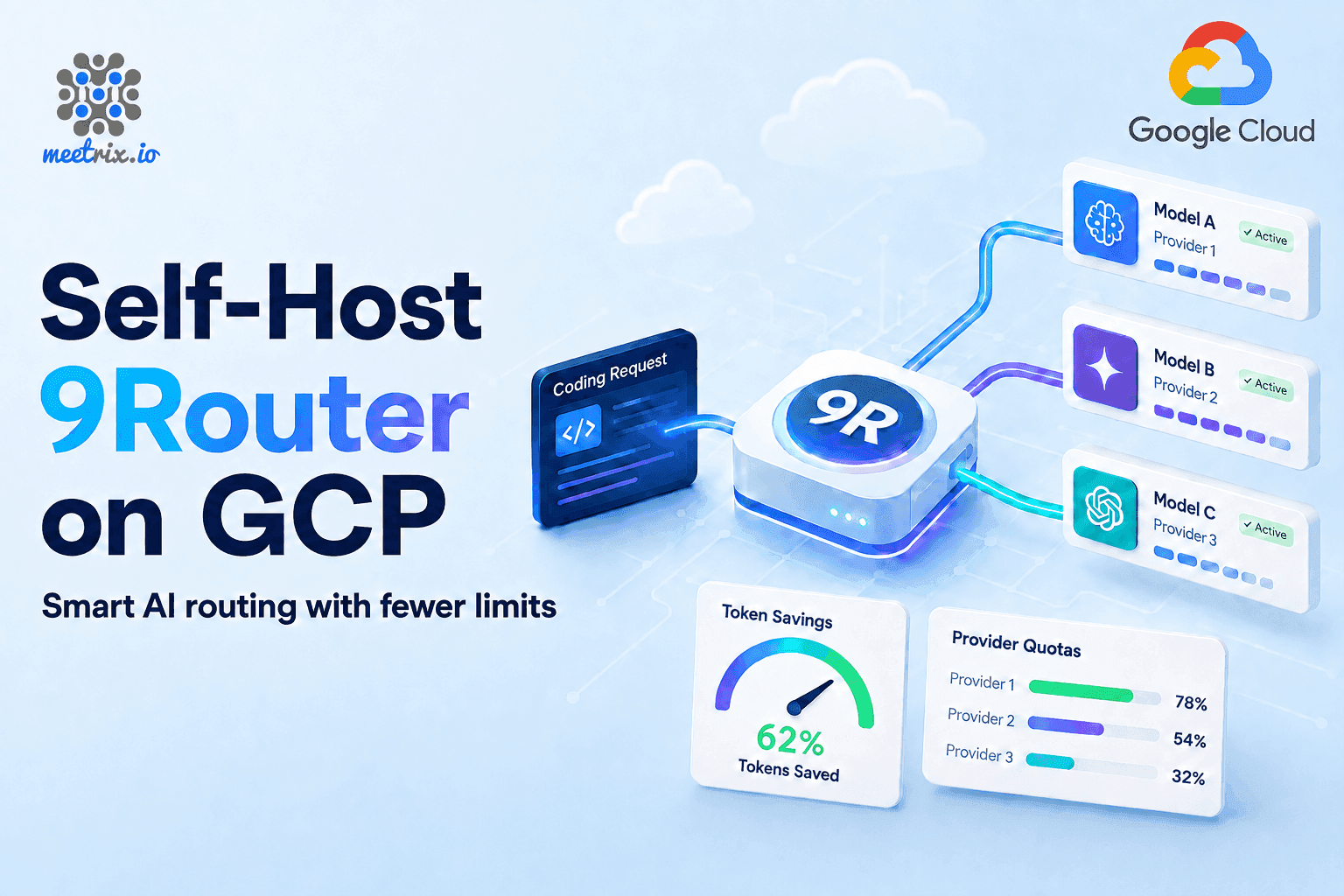
9Router on GCP: One Endpoint for Every AI Coding Tool You Use
Every AI coding setup hits the same wall eventually. Claude Code is pointed at one provider, Cursor at another, Codex is on a separate API key entirely, and the moment one of them hits its rate limit mid-task, whatever you were doing just stops. You either wait it out, or you go rewire a config file while the deadline stays exactly where it was.
Meetrix packaged 9Router as a GCP Marketplace deployment that launches to a single VM in your own Google Cloud project. One OpenAI-compatible endpoint, 40+ providers behind it, automatic fallback when one runs dry, and nginx already tuned for the long-lived streaming connections coding agents depend on. Ready to try it? Launch the Meetrix 9Router listing on GCP Marketplace.
What Is 9Router?
9Router is a self-hosted AI routing proxy, not another model provider. It sits between your coding tools and whatever LLM accounts you have, and exposes a single OpenAI-compatible endpoint for all of them. Point Claude Code, Cursor, Codex, Cline, or Copilot at it once, and it handles the translation between OpenAI, Claude, and Gemini request formats underneath, so the tool never needs to know which provider answered. The container ships as decolua/9router on Docker Hub, and it's an MIT-licensed open-source project.
Day to day, the fallback chain is what matters. Connect a subscription, a cheaper pay-as-you-go option, and a free tier like Kiro AI or DeepSeek Free, and 9Router works through them in that order automatically when one hits quota. The routing follows a three-tier system: subscription first, then cheap paid models (GLM at around $0.60 per million tokens, MiniMax at around $0.20), then free options like Kiro, OpenCode Free, or a new GCP account's $300 trial credit. It monitors quota in real time and switches providers automatically when one runs dry.
There's also a built-in RTK token saver that compresses tool output, things like git diff, grep, ls, and tree results, before it reaches the model, cutting input tokens by roughly 20-40% depending on how verbose your workflow's tool calls are. And it supports multi-account round-robin, so if you have multiple accounts with the same provider, 9Router can rotate between them.
What Routing Through a Hosted Middleman Actually Costs
How to Deploy 9Router on GCP
Setting this up by hand means picking a base image, installing Docker, wiring nginx to not buffer server-sent events (coding agents stream, and a default nginx config will silently break that), and scripting your own SSL renewal before a single request gets routed. Through the Marketplace, it's four steps:
- Find and Launch From GCP Marketplace Open the Meetrix 9Router listing, select your project, and launch the deployment. The default General purpose e2-small (2 vCPU, 2 GB RAM) machine type is enough for a single user or a small team, and the listing's 5-day free trial lets you try it with up to $50 in licence fee credits first. On-demand pricing for that instance in us-central1 runs about $0.0495 per hour, or roughly $36 per month. Spot pricing drops it to around $0.030 per hour.
- SSL and the Streaming Proxy Are Already Configured nginx ships tuned for Server-Sent Events, no buffering, long timeouts, so streaming responses don't cut off mid-answer. SSL issues automatically through Let's Encrypt once your domain resolves.
- Wait for Boot, Then Log In Give the instance a few minutes, then open the dashboard URL and log in with the Dashboard initial password you set as a deployment parameter. There's no separate username.
- Connect a Provider and Point Your Tools at the Endpoint Add a provider from the dashboard, free tier or your own key, then copy your API key from the Endpoint page and set your coding tool's base URL to your domain's /v1 path. The endpoint is the same for every tool: Claude Code, Cursor, Codex, Cline, Copilot, Gemini CLI, Qwen Code, and any other OpenAI or Claude-compatible CLI all point at the same address.
What Meetrix Brings to This Deployment
- 9Router comes pre-pulled on Ubuntu 26.04, and nginx is already set up for streaming. That's the config you'd otherwise be debugging after your first cut-off response.
- Let's Encrypt certificates issue automatically once your domain's DNS points at the instance.
- SQLite state sits on the persistent boot disk, with a one-command script to write a backup.
- A firewall, unattended upgrades, and the standard GCP guest environment are active from the first boot.
- No software license fee beyond the Meetrix licence fee shown before you deploy. The GCP machine cost is the same at ten requests a day or ten thousand; only the machine type changes the bill.
- Support from the engineers who build this image, at support@meetrix.io, with a reply inside 12 hours.
Who Is 9Router on GCP Right For?
This fits anyone whose AI coding setup has outgrown a single provider and a single API key. More specifically, it's a strong match if you're:
- A developer running Claude Code, Cursor, or Codex who's tired of a rate limit stopping work mid-task (or running an agent platform like OpenHands that burns through tokens overnight)
- A team stacking a subscription, a cheap provider, and a free tier, and wants the fallback between them handled automatically instead of by hand
- Someone who priced out OpenRouter's 5.5% fee against a real month of usage and wants to know what self-hosting the same routing looks like instead
- A developer who wants tool output compressed before it hits the model, since input tokens add up fast on long agent sessions
- A compliance-conscious team that needs provider API keys and request history to stay inside its own GCP project, not routed through a third party's servers. If the models themselves also have to stay in-house, vLLM on GCP serves open-weight models on your own GPU VM.
- Anyone standardizing several coding tools on one endpoint instead of maintaining separate provider configs per tool
9Router on GCP by Meetrix vs Alternatives
| Feature | 9Router on GCP by Meetrix | OpenRouter | LiteLLM (Self-Hosted Manual) | No Gateway (Direct API Keys) |
|---|---|---|---|---|
| Hosting | Your own GCP project, fully self-hosted | OpenRouter's cloud, no self-host option | Your own server, set up by you | No gateway, each tool talks to its provider directly |
| License | MIT, open source, self-hosted | Proprietary | Open source core (MIT), enterprise tier from roughly $30k/year | Not applicable |
| Pricing Model | GCP machine cost plus licence fee, no per-request fee | 5.5% fee on credit purchases ($0.80 min), 5% on crypto, on top of provider cost | Free core proxy, but you carry $200-$500/month in compute, database, and ops cost | No extra fee, but no fallback or format translation either |
| Automatic Fallback | Yes, 3-tier: subscription to cheap to free, configured out of the box | No automatic multi-tier fallback between your own accounts | Possible, but you configure and maintain the routing rules yourself | None, a dead provider means a dead tool |
| Format Translation | OpenAI, Claude, and Gemini formats, one endpoint | OpenAI-compatible endpoint, hosted | Yes, once you've configured it | None, each tool needs its provider's native format |
| Deployment Time | Minutes via GCP Marketplace | Instant signup | Hours to days: Docker, database, nginx, SSL by hand | None, but no benefits either |
| Data Location | Your own GCP project | OpenRouter's infrastructure | Your server | Each provider's infrastructure separately |
| Support | Meetrix engineers, response inside 12 hours | Support tiers, gated by plan | Community forums, or a paid enterprise contract | Whatever each provider offers |
Resources
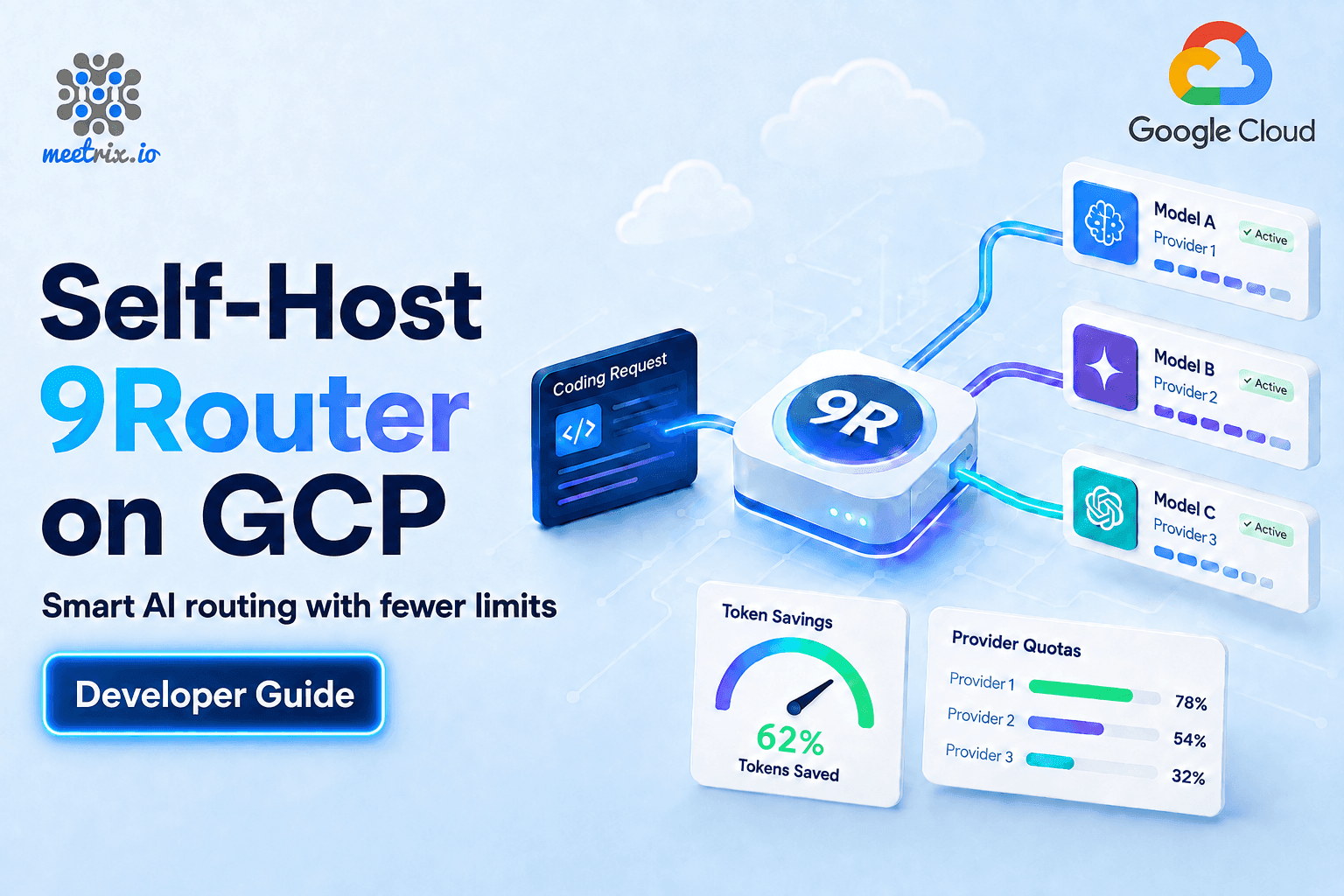
Under the Hood
What's running once the deployment finishes:
9Router in Docker
Runs as the decolua/9router container on Ubuntu 26.04 LTS, pre-pulled so the first boot doesn't spend its first few minutes downloading images. The image is around 210 MB.
nginx Tuned for Streaming
Configured specifically for Server-Sent Events, no response buffering and long timeouts, since coding agents depend on a stream that doesn't get cut off mid-response.
SSL via Let's Encrypt
Certificates issue automatically when a domain is supplied and its DNS points at the VM, no manual certbot step required.
SQLite on the Persistent Disk
State lives in the 9router-data Docker volume at /app/data/db/data.sqlite, on the boot disk, which survives a stop and restart on its own.
A Script, Not a Schedule
/opt/scripts/dbbackup.sh writes a gzipped copy of the database, but nothing runs it automatically. Add a cron entry if you want regular backups.
Firewall and Unattended Upgrades
The base image ships with a firewall active, automatic security patching enabled, and the standard GCP guest environment for console access.
One Thing 9Router Won't Do For You
It won't back itself up on a schedule. The database survives a stop and restart because it lives on the persistent boot disk, but the backup script only runs when you or a cron job tells it to. Skip that step and a bad deployment replacement could cost you routing history and provider configuration you'd rather not rebuild from memory. It's a five-minute cron entry. Set it up on day one.
Choosing which open models to route to? Our roundup of the best self-hosted LLMs is a good place to start.
Frequently Asked Questions
What does 9Router do?
9Router is a self-hosted routing proxy that sits between your coding tools and your LLM accounts. It exposes one OpenAI-compatible endpoint and handles fallback, format translation, quota tracking, and token compression automatically.
Do I need my own provider accounts?
You can use free tiers like Kiro AI or OpenCode Free without signing up for anything, or bring your own API keys for paid providers. 9Router supports 40+ providers and 100+ models.
What happens when a provider hits its rate limit mid-task?
9Router's three-tier fallback system automatically switches to the next available provider: subscription first, then cheap paid models, then free tiers. The switch happens in real time, so your tool never sees the interruption.
What is the 9Router price on GCP?
You pay the standard GCP rate for the machine type you choose (the default e2-small runs about $36 per month on-demand in us-central1), plus the Meetrix licence fee shown before you deploy. There's no per-request or per-token fee.
How much does the RTK token saver save?
The RTK token saver compresses tool output like git diff, grep, and ls results before they reach the model, cutting input tokens by roughly 20-40% depending on how verbose your workflow's tool calls are.
What is the 9Router base URL for Claude Code or Cursor?
Point your tool at https://your-domain.com/v1. The API key comes from the dashboard's Endpoint page. The same base URL works for every supported CLI tool.
Is my data backed up automatically?
No. The database survives a stop and restart on the persistent disk, but the backup script (/opt/scripts/dbbackup.sh) must be run manually or via a cron job you set up yourself.
Where does everything run?
On a VM inside your own GCP project. Provider API keys, request history, and routing configuration never leave your Google Cloud environment.
Run Your Own AI Router on GCP
Stop paying a per-request fee to route your own API calls. Deploy 9Router on GCP in minutes, set up by a team that runs this stack every day.
Deploy on GCP Marketplace