Open-source Firebase alternative

Self-hosted Supabase on AWS and Google Cloud

Run the full Supabase stack, with PostgreSQL, Auth, Storage, Realtime and the Studio dashboard, from a pre-configured image in your own cloud account. A real Postgres backend you own, without per-document billing.

  • Ready in 5-10 minutes
  • Studio over HTTPS
  • No usage-based billing
Supabase deployed on Google Cloud by Meetrix

What is Supabase?

Supabase is an open-source backend platform built on PostgreSQL. It bundles a database, authentication, file storage, realtime subscriptions and auto-generated APIs into one project, which is why it is often called the open-source Firebase alternative. Unlike Firebase, the data sits in a standard relational database you can query with SQL.

What's in the Meetrix Supabase image

Self-hosting Supabase by hand is a long Docker Compose file, a reverse proxy and certificates to keep renewed. The marketplace image installs and wires the whole stack when the server boots.

How to set up self-hosted Supabase

  1. Launch the server

    Subscribe on AWS Marketplace or Google Cloud Marketplace, enter your domain, admin email and dashboard username and password, and deploy.

  2. Give it a fixed address

    Supabase needs a real domain for SSL. Point a DNS A record at the server; on Google Cloud, reserve a static external IP first.

  3. Sign in to Studio

    Open your domain (the DashboardUrl on AWS) and sign in with the dashboard username and password you set at deployment.

  4. Start building

    Create tables, set up Auth and storage buckets, and connect your app or any Postgres client to the database.

Choose your cloud

Supabase by Meetrix vs Firebase vs Supabase Cloud

Supabase by MeetrixFirebaseSupabase Cloud
HostingYour AWS account or GCP projectGoogle's managed infrastructure, no self-host optionSupabase's managed cloud
DatabasePostgreSQL you ownFirestore, a NoSQL document storePostgreSQL on Supabase's infrastructure
Pricing modelCloud compute only, no per-document billingPay per read, write and deletePer-project subscription plus usage
Data residencyAny region you chooseGoogle's data terms applyLimited to Supabase's regions

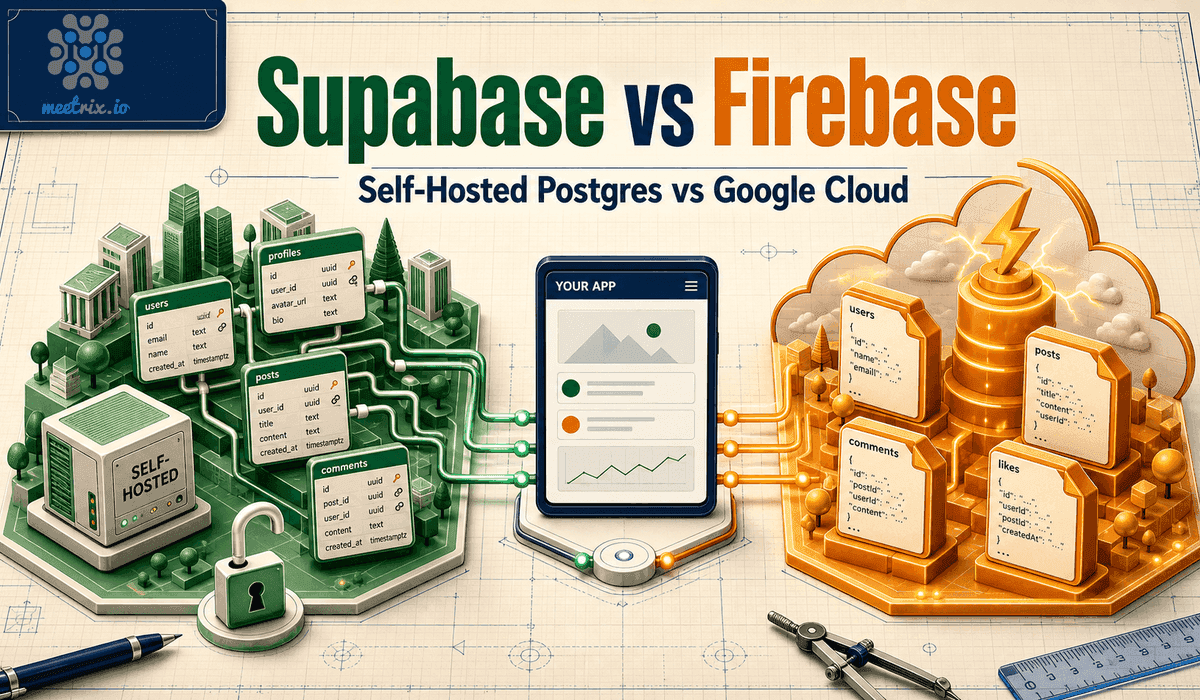
Moving from Firebase means remodelling documents into relational tables. Read the full Supabase vs Firebase comparison →

Video: deploy Supabase on AWS

Supabase FAQ

What is Supabase?

Supabase is an open-source backend platform built on PostgreSQL. It bundles a database, authentication, file storage, realtime subscriptions and auto-generated APIs, and is often described as the open-source Firebase alternative.

Is this the same as Supabase Cloud?

No. It is a self-hosted deployment of the open-source Supabase stack in your own AWS account or GCP project. Your database and files stay on infrastructure you control.

Is Supabase Studio included?

Yes. Studio is served over HTTPS and protected by HTTP Basic Auth with the dashboard username and password you set at deployment, separate from any users you create in Supabase Auth.

Can I connect to the Postgres database directly?

Yes. It is standard PostgreSQL, so you can use any Postgres client, run your own migrations and add extensions.

Do I need a domain?

Yes. Supabase needs a real domain for SSL to issue correctly; an IP address on its own will not work. On Google Cloud, reserve a static IP so the DNS record keeps working after a restart.

Can I migrate from Supabase Cloud or Firebase?

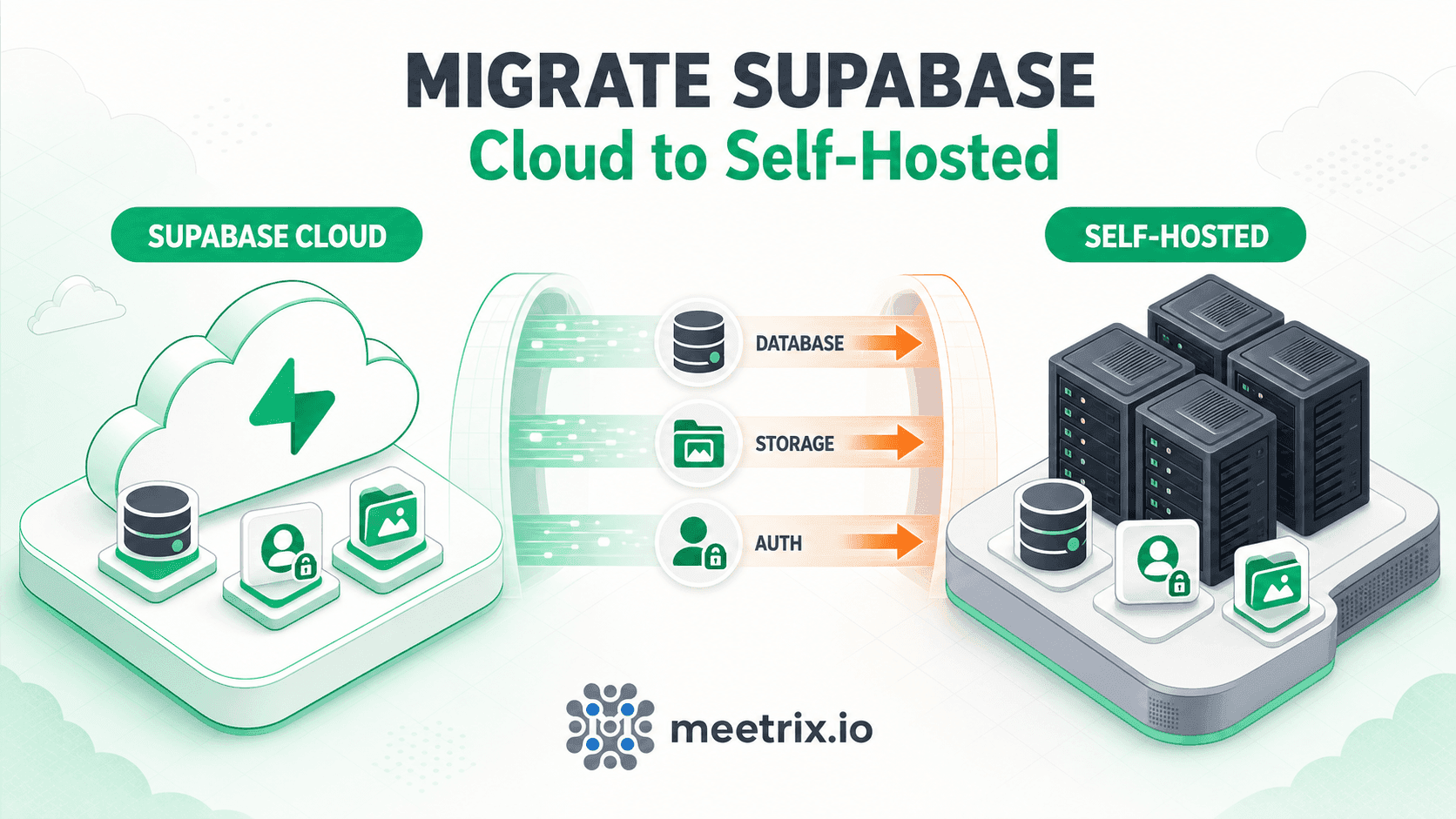
From Supabase Cloud, a Postgres dump and restore covers most of the move. From Firebase it takes more work, because Firestore documents have to be remodelled into relational tables.

Which machine size should I choose?

t3.medium on AWS, or e2-medium (2 vCPU, 4 GB RAM) on Google Cloud for early development. Scale up for heavier query load or a larger database.

How do I upgrade?

Deploy a fresh instance with the newer image and migrate your database. Back up your PostgreSQL data before removing the old instance.

Supabase guides and articles

Need a hand with your Supabase server?

We build and run self-hosted backends for teams every day, from Supabase Cloud migrations to backups and scaling. Tell us what you need.

Contact us