
LiveKit Lite on AWS
An AMI on AWS Marketplace, launched into your own AWS account with a CloudFormation stack.
- Deploys with
- CloudFormation
- Recommended size
- t3a.small, c6i for bigger meetings
- Ready in
- About 5 minutes
Setup guides
Launch on AWS Host private video meetings on your own domain from a pre-configured AMI in your own AWS account. LiveKit Lite pairs the open-source LiveKit media server with the Meetrix Meet web interface, so guests join from a link in the browser and nothing is recorded.
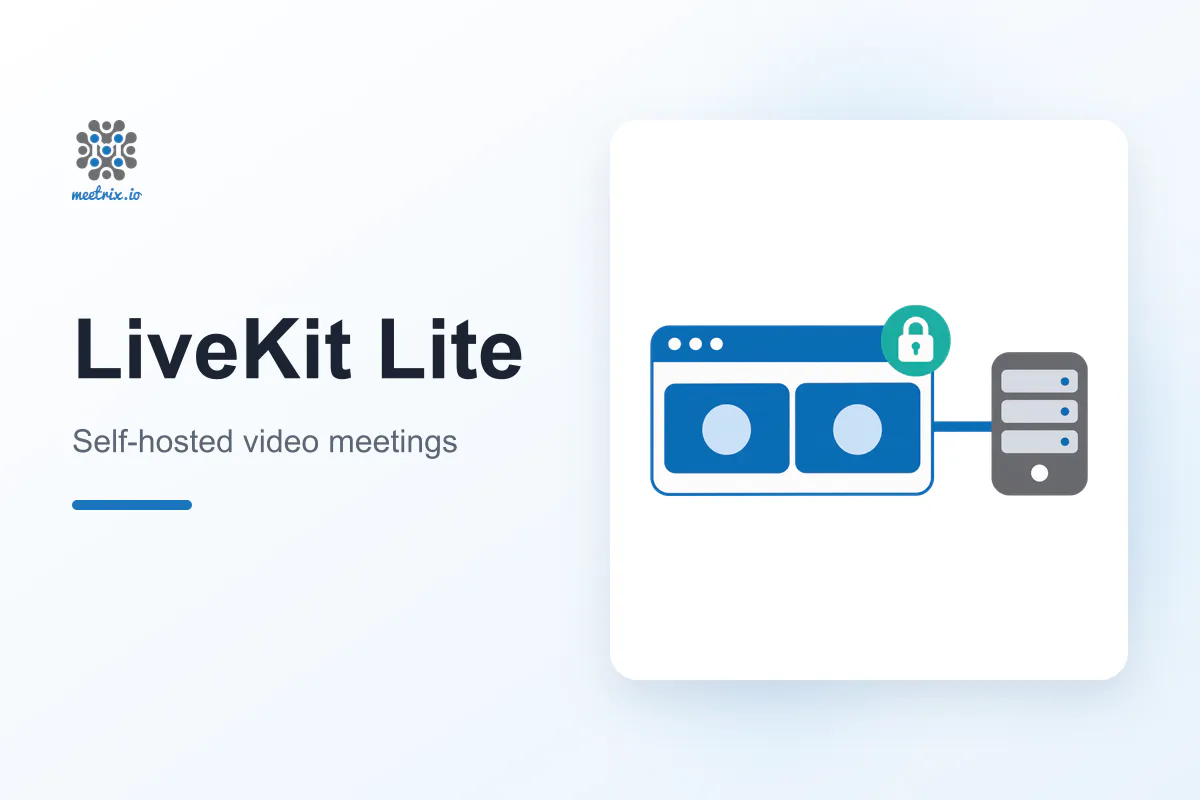
LiveKit Lite is a video meeting platform for teams, classes and telehealth sessions that want calls on their own server. It runs LiveKit, the open-source (Apache 2.0) WebRTC media server, with the Meetrix Meet web interface on a single EC2 instance, with no Docker and no database to manage.
Guests join from the browser, with no account or app.
Up to 720p simulcast video, screen sharing and in-meeting chat.
Turn it on for any meeting that needs it.
Only the host starts meetings; guests wait until the host joins.
Built-in TURN, and TURN over TLS on port 5349.
Use the server's own API key with the LiveKit SDKs.
Self-hosting LiveKit means wiring up TURN, certificates, signalling and a meeting front end. The AMI arrives with all of it in place and sets up your domain on first boot.
Subscribe on AWS Marketplace and launch the CloudFormation stack with your domain, host username and password, and meeting access mode.
Create a DNS A record with the PublicIp from the stack outputs.
Once DNS resolves, run the certificate command from the developer guide. Camera and microphone only work over HTTPS.
Sign in as the host, click New meeting and send the link to your guests.
An AMI on AWS Marketplace, launched into your own AWS account with a CloudFormation stack.
Launch on AWS The stack opens these ports in its security group. Keep them open if you change it or add a firewall in front of the server.
| Service | Ports | Protocol |
|---|---|---|
| Meet web interface and WebSocket signalling | 443 | TCP |
| Certificate issuance and redirect to HTTPS | 80 | TCP |
| WebRTC audio and video | 50000-60000 | UDP |
| WebRTC over TCP | 7881 | TCP |
| TURN | 3478 | UDP |
| TURN over TLS, for networks that block UDP | 5349 | TCP |
| TURN relay | 30000-40000 | UDP |
| SSH (administration, keep private) | 22 | TCP |
Without the UDP ranges, participants can join a meeting but nobody gets audio or video. Read the troubleshooting steps in the developer guide →
| LiveKit Lite | Zoom | |
|---|---|---|
| Self-hosting | Yes, in your own AWS account | No |
| Where meetings run | On your own server | On Zoom servers |
| Pricing | Meetrix software fee plus EC2, no per-user fees | Per user, Pro from USD 14.16 a month billed annually |
| Meeting length | Limited only by your server | 40 minutes on Basic, 30 hours on Pro |
| Participants per meeting | Depends on the instance size | 100 on Basic and Pro |
| Licence | LiveKit server is open source (Apache 2.0) | Proprietary |
Zoom figures are from zoom.us/pricing, checked November 2026. Read LiveKit vs Jitsi →
A self-hosted video meeting platform that runs the open-source LiveKit media server and the Meetrix Meet web interface on one EC2 instance. Meetings have camera, microphone, screen sharing, chat and optional end-to-end encryption, and nothing is recorded.
LiveKit server is open source under the Apache 2.0 licence. The Meetrix AMI is billed through AWS Marketplace as a software fee on top of your EC2 costs, with no per-user fees.
No. Guests open the meeting link in a modern browser. Only the host signs in, with the username and password set when the stack is launched.
t3a.small suits a handful of participants. Forwarding audio and video is CPU work, so choose c6i.large or c6i.xlarge for bigger meetings.
The server requests a Let's Encrypt certificate on first boot. If your domain did not point at the server yet, run the certificate command from the developer guide once DNS resolves. Renewals are automatic.
No. It has no recording, so no meeting content is stored on the server. For recordings, see Jitsi Meet with recording.
Yes. The server generates its own LiveKit API key and secret on first boot, which you can use with the LiveKit SDKs or the lk CLI.
Launch a new stack with the new version from AWS Marketplace, point your DNS record at it, issue the certificate, then remove the old stack.
Config, ports, instance sizing and cost against LiveKit Cloud.
A WebRTC SFU for custom apps against a finished meeting product.
Self-hosting, pricing and AI voice agent support, compared.
We build and run self-hosted WebRTC video platforms every day, from LiveKit and Jitsi servers to custom meeting front ends. Tell us what you need.
Contact us