Open-source vector database

Self-hosted Milvus vector database on AWS and Google Cloud

Run Milvus, the open-source vector database behind many RAG pipelines and semantic search engines, from a pre-configured image in your own cloud account. You pay for the server, not per stored vector or per query.

  • Ready in a few minutes
  • Runs in your own account
  • No per-query fees
Milvus vector database deployed on AWS by Meetrix

What is Milvus?

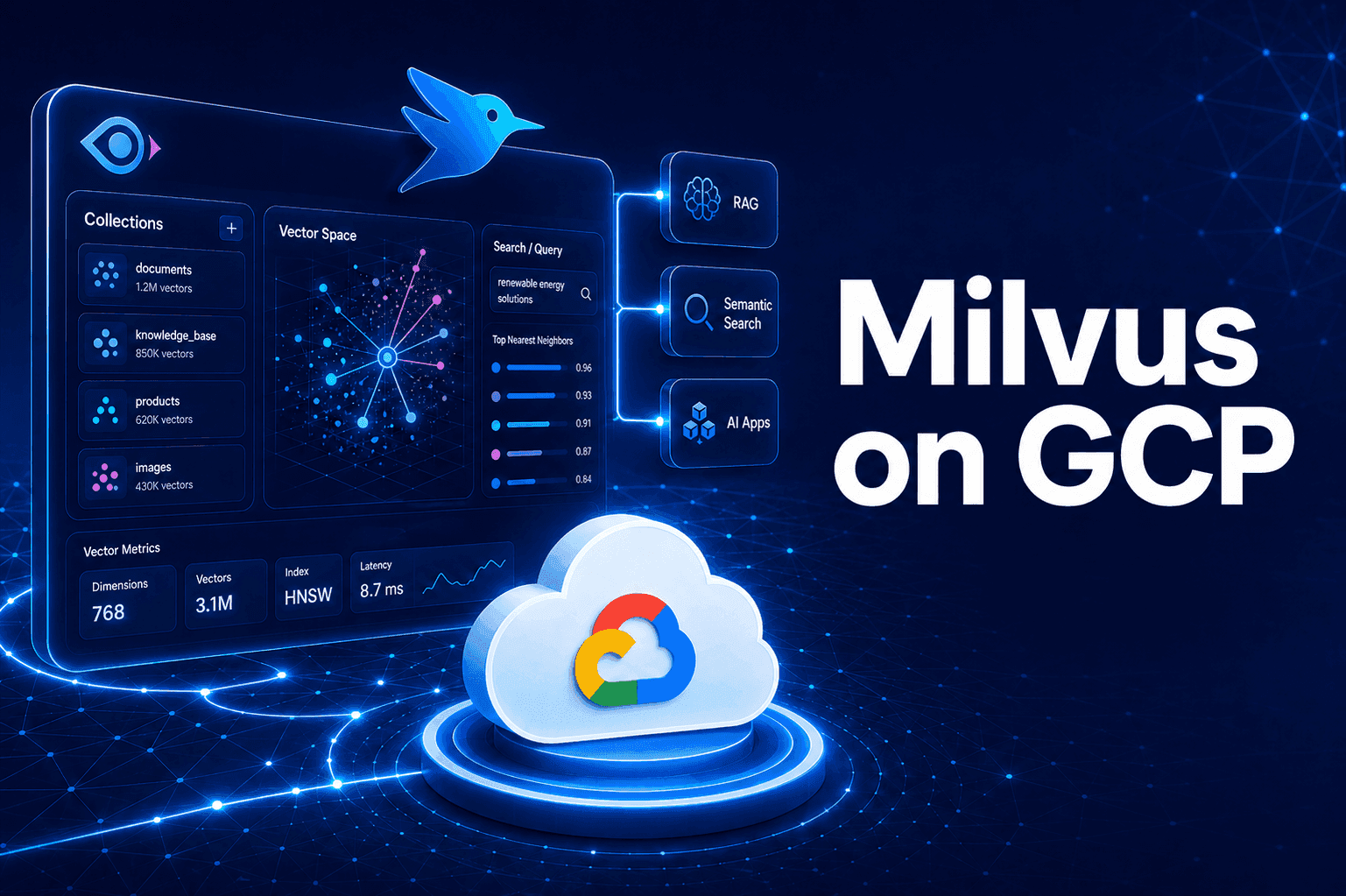
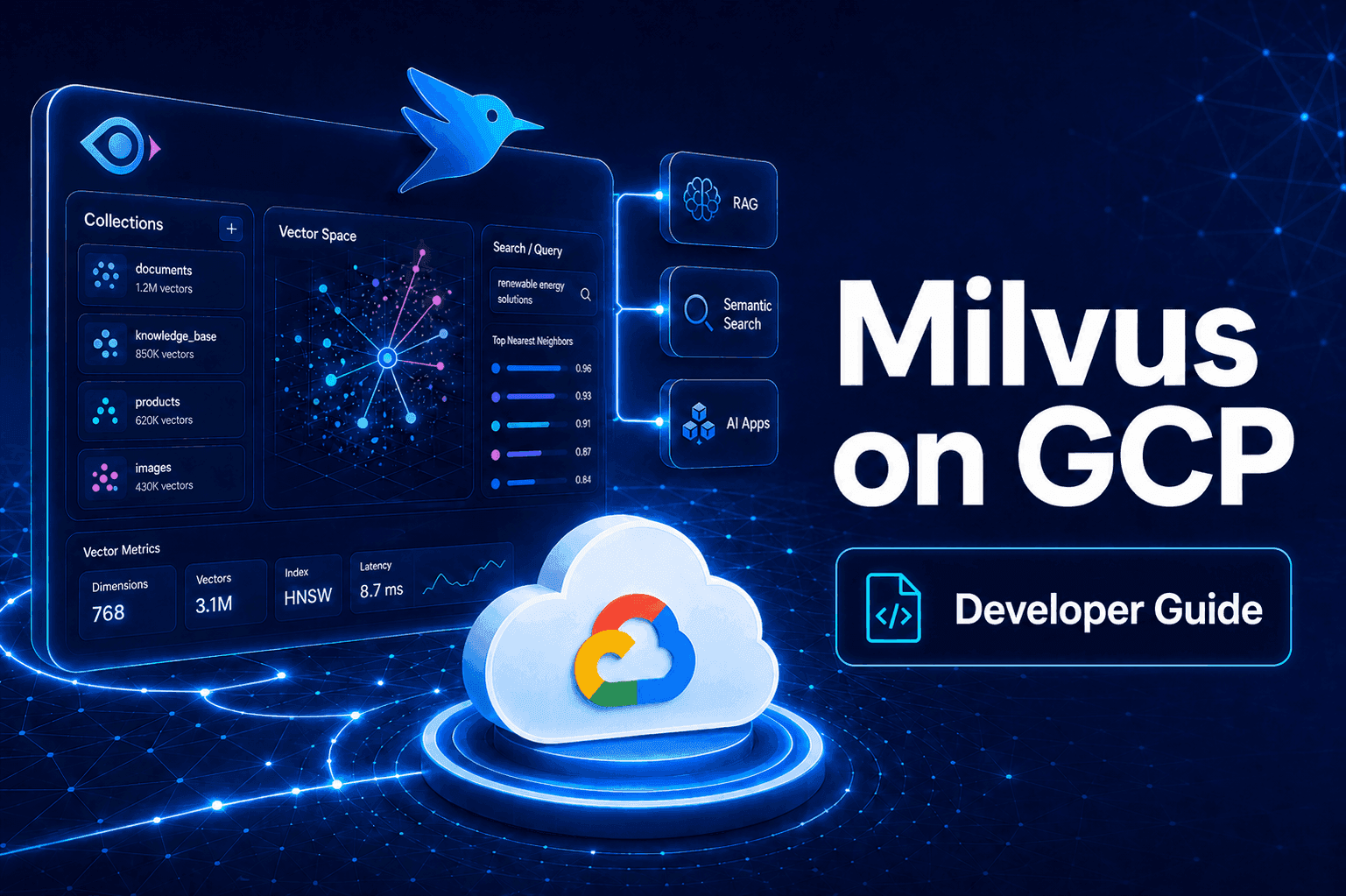
Milvus is an open-source database built for storing, indexing and searching embedding vectors, the numbers that text, images, audio and video are turned into before an AI model can compare them. Instead of matching keywords, it finds the nearest vectors to a query, which is what powers retrieval-augmented generation (RAG), semantic search and recommendations.

What's in the Meetrix Milvus image

Running Milvus by hand means Docker Compose files, dependency versions and several supporting services to wire together. The marketplace image arrives with all of that done.

How to set up a self-hosted Milvus server

  1. Launch the server

    Subscribe on AWS Marketplace or launch from Google Cloud Marketplace, pick a region and machine size, and deploy. Allow a few minutes for Milvus to start.

  2. Open port 19530

    The AWS security group opens it for you. On Google Cloud, confirm a firewall rule allows TCP 19530 from the addresses that will connect.

  3. Connect with pymilvus

    Point pymilvus at the server's public IP on port 19530 and sign in with the default root user.

  4. Secure it

    Change the default root password before storing real data, and limit the allowed source IPs instead of leaving the port open to everyone.

Choose your cloud

Milvus server ports and requirements

Allow these ports in your AWS security group or GCP firewall. If pymilvus cannot connect, check port 19530 first.

ServicePortsProtocol
Milvus client / gRPC19530TCP
HTTP and HTTPS80, 443TCP
SSH (administration)22TCP

Server size: t3a.large on AWS or e2-standard-2 (2 vCPU, 8 GB RAM) on Google Cloud to start. Choose a larger machine as your collections and query volume grow.

Milvus by Meetrix vs Pinecone vs Zilliz Cloud

Milvus by MeetrixPineconeZilliz Cloud
HostingYour AWS account or GCP projectPinecone's cloud, no self-host optionZilliz's managed cloud, or a self-hosted enterprise tier
Data controlVectors never leave your accountPinecone stores and indexes your vectorsZilliz stores and indexes your vectors on the hosted tier
Pricing modelCloud compute only, no per-query feeUsage-based, per stored vector and per queryUsage-based, per compute unit on the hosted tier
Data residencyAny region you chooseLimited region choice, Pinecone's terms applyLimited region choice, Zilliz's terms apply

Zilliz Cloud is the managed version of Milvus. Read the full Milvus on AWS comparison →

Milvus FAQ

What is Milvus used for?

Storing and searching embedding vectors at scale: retrieval-augmented generation (RAG), semantic search, recommendation engines, and image or video similarity search. If your app turns content into vectors and needs the closest matches fast, that is what Milvus does.

Is Milvus free?

Milvus itself is open source and free. Through the Meetrix listings you pay standard AWS or Google Cloud compute costs for the server, plus any Meetrix software fee shown on the marketplace listing, not a per-vector or per-query fee.

Which machine size do I need?

t3a.large is the recommended starting point on AWS, and e2-standard-2 (2 vCPU, 8 GB RAM) with a 20 GB disk on Google Cloud. Resize the instance as your collections and query volume grow.

How do I connect to Milvus after launching it?

Use the pymilvus SDK with the server's public IP, port 19530 and the default root user. Visiting http://<server IP> in a browser shows a confirmation page once Milvus is running.

What is the default login?

The image ships with the admin user root and the password Milvus. Change the password before storing anything beyond test data.

Does it include a web admin UI?

No. Milvus does not ship one and the image stays lean. If you want a UI, run Attu, the open-source Milvus management tool, in a separate container pointed at port 19530.

Can I connect my existing RAG pipeline?

Yes. It is a standard Milvus instance, so in most cases you only change the host and port your client points at.

How do I upgrade?

When a new version is published on the marketplace, back up your Milvus data, remove the old deployment and launch the new version.

Milvus guides and articles

Need a hand with your Milvus server?

We build and run self-hosted AI infrastructure for teams every day, from instance sizing to index tuning. Tell us what you need.

Contact us