Open-source business intelligence

Self-hosted Metabase BI server on AWS and Google Cloud

Run Metabase, the open-source BI tool your whole team can use without writing SQL, from a pre-configured image in your own cloud account. Dashboards and query results stay on your infrastructure, with no per-seat subscription.

  • Ready in 5-10 minutes
  • Runs in your own account
  • No per-seat fees
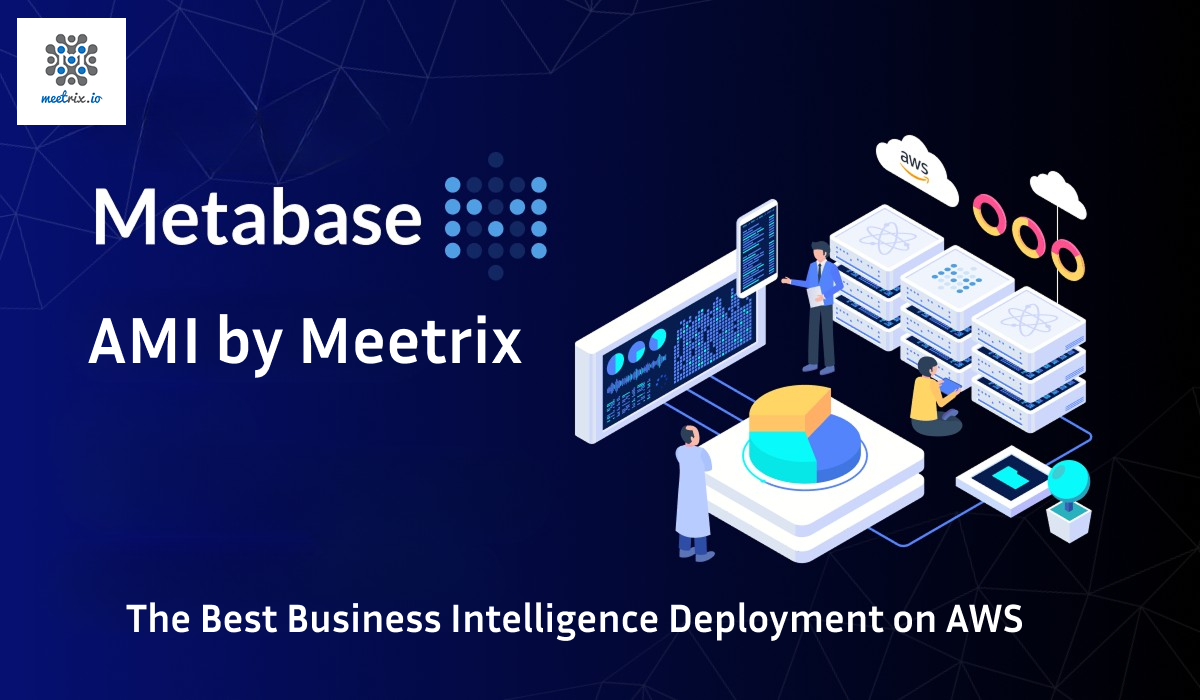
Metabase BI analytics server deployed on AWS by Meetrix

What is Metabase?

Metabase is an open-source business intelligence platform for exploring data, building dashboards and sharing reports. Its visual query builder lets non-technical people ask questions of the data, while analysts can still write SQL. It queries your databases directly instead of copying the data into itself.

What's in the Meetrix Metabase image

Self-hosting Metabase means setting up the application, a database backend for its own settings, and SSL. The marketplace image does that for you.

How to set up a self-hosted Metabase server

  1. Launch the server

    Subscribe on AWS Marketplace or Google Cloud Marketplace, pick a region and machine size, and deploy. The stack is ready in about 5-10 minutes.

  2. Point your domain at it

    Create a DNS A record for your Metabase subdomain with the server's public IP, so SSL can be issued for it.

  3. Run the setup wizard

    Open your domain in a browser. Metabase walks you through creating the admin account on the first visit.

  4. Connect your data

    Add your databases or warehouse from the admin panel, then start asking questions and building dashboards.

Choose your cloud

Metabase server ports and requirements

Allow these ports in your AWS security group or GCP firewall.

ServicePortsProtocol
HTTP80TCP
HTTPS443TCP
SSH (administration)22TCP

Server size: t3.medium on AWS or e2-medium (4 GB RAM) on Google Cloud for a small team. Choose a larger machine for heavy queries or many concurrent dashboard users.

Metabase by Meetrix vs Metabase Cloud vs Tableau

Metabase by MeetrixMetabase CloudTableau
HostingYour AWS account or GCP projectMetabase's cloudYour server or Tableau Cloud
Data controlQueries and results stay in your accountQueries run on Metabase's serversTableau processes or stores snapshots
Pricing modelCloud compute, no per-user feePer-user subscriptionPer-user licence
Data residencyAny region you chooseMetabase data processing appliesTableau data processing applies

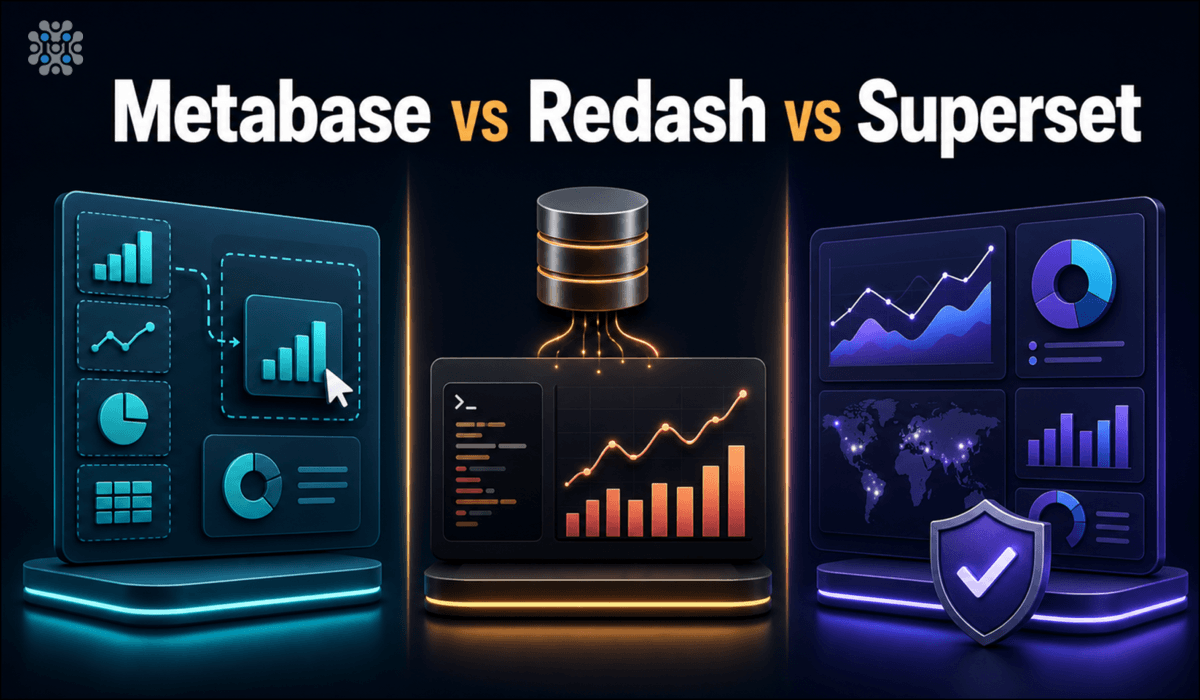
Choosing between open-source BI tools? Read Metabase vs Redash vs Superset →

Video: deploy Metabase on AWS

Metabase FAQ

What is Metabase?

Metabase is an open-source business intelligence platform that lets teams explore data, build dashboards and share reports without writing SQL. It connects directly to your existing databases and warehouses.

Which databases can Metabase connect to?

More than 20 out of the box, including PostgreSQL, MySQL, MariaDB, SQL Server, BigQuery, Redshift, Snowflake, Athena and MongoDB. Add them from the admin panel after deployment.

Is Metabase free?

The open-source edition of Metabase is free, with no per-user fees. On AWS or Google Cloud you pay for the server, plus any Meetrix software fee shown on the marketplace listing.

How is this different from Metabase Cloud?

Metabase Cloud runs on Metabase's infrastructure and charges per user. This deployment runs entirely in your own AWS account or GCP project, so queries, dashboards and activity logs stay with you.

Does it support SSO and LDAP?

SAML SSO is a feature of Metabase's paid Pro and Enterprise editions. The Meetrix image runs the open-source edition; Meetrix can help if you move to a paid edition.

Which machine size should I choose?

t3.medium on AWS, or e2-medium (2 vCPU, 4 GB RAM) with a 20 GB disk on Google Cloud. Scale up for heavier queries or more concurrent users.

How do I check that Metabase is running?

SSH into the server and run sudo docker ps to list the running containers, then sudo docker logs with the container ID to read its logs.

How do I upgrade?

When a new version is published on the marketplace, back up your server data, remove the old deployment and launch the new version.

Metabase guides and articles

Need a hand with your Metabase server?

We build and run self-hosted data platforms for teams every day, from database connections to SSO. Tell us what you need.

Contact us