Choosing the Best Video Conferencing Software for Remote Teams
Most remote teams don't need the video conferencing tool with the longest feature list. They need the one that fits the rest of their stack and lets outside guests join without making an account. And one that doesn't end the call at minute 40. Those two questions narrow the field faster than any feature matrix.
If you want the short version before the detail:
- Already on Microsoft 365? Teams.
- Already on Google Workspace? Google Meet.
- Lots of external clients: Zoom, because nearly everyone has used it and nobody needs a walkthrough.
- Want to own the server and the data: Jitsi Meet. It's open source and you can self-host it, but then the 2 a.m. outage is yours to fix too.
- Strict compliance rules: Cisco Webex, or something self-hosted.
- Quick browser-only calls for a small team: Whereby.
- A small business that wants longer free meetings: Zoho Meeting, which gives you 60 minutes instead of Zoom's 40.
Below, each of the 10 video conferencing tools gets a short profile, followed by a side-by-side comparison table. If data residency is the deciding factor for you, our guide to sovereign video conferencing goes deeper than this list can.
Best Video Conferencing Software for Business 2026: The Top 10
Zoom
Zoom has emerged as a trailblazer in the ever-growing cyberspace, revolutionizing the way individuals and teams connect virtually. It has earned its place as a go-to platform for businesses, educators, and individuals alike, given its expanse of unique features and intuitive interface. Zoom empowers hosts with the ability to manage and control various aspects of the virtual gathering whether it be during one-on-one meetings, team conferences, or webinars.
- User-Friendly Interface: Zoom's intuitive interface is designed to be user-friendly, making it accessible to both tech-savvy professionals and those new to the platform. Navigating through meetings is easy, and managing participants is streamlined, ensuring a smooth experience for hosts and attendees alike.
- Integration Options: Zoom offers compatibility with a range of applications and platforms, including calendar apps and messaging platforms, allowing for easy scheduling and communication.
- Security and Privacy Measures: Zoom prioritizes safeguarding sensitive information and ensuring secure communication with features like end-to-end encryption. Hosts can control meeting access, implement waiting rooms, and manage participant privileges to prevent unwanted interruptions.
Microsoft Teams
Microsoft Teams is a cornerstone of the Microsoft 365 suite and has emerged as a dynamic video conferencing software. Teams transcends conventional communication tools and offers a unique experience thanks to its integration with the broader Microsoft Ecosystem. The free version of Microsoft Teams covers basic meetings, and teams that like the feature set but want it on their own servers can look at these self-hosted Microsoft Teams alternatives.
- Seamless Integration with Microsoft 365: A standout feature is its seamless integration with Microsoft 365's suite of productivity tools, creating a unified environment where users can effortlessly switch between document creation/editing and real-time communication.
- Collaboration Tools and Features: Teams extends beyond video conferencing by providing an expanse of collaboration tools such as shared document editing, real-time co-authoring, and version control.
- Video Conferencing Capabilities: Its powerful video conferencing functionality allows participants to talk face-to-face, conduct presentations, and brainstorm together, simulating in-person meetings.
- Cross-Platform Availability: Microsoft Teams supports cross-platform availability on a variety of devices and operating systems, providing a consistent experience whether accessed from a desktop, laptop, tablet, or smartphone.
Google Meet
Google Meet, a free video-conferencing software, provides a powerful and user-friendly platform that redefines the virtual conference experience. Powered by Google Workspace, it is a dynamic blend of innovation and accessibility that caters to the different demands of modern remote work.
- Integration with Google Workspace: Google Meet works perfectly with the Google Workspace suite, creating a unified environment that allows for smooth transitions from other activities to virtual meetings. Users can easily book, join, and manage meetings from Google Calendar.
- HD Video Quality and Stability: Google Meet's commitment to high-definition video quality and unwavering stability allows participants to engage in meetings with crystal-clear visuals and impeccable audio.
- Real-time Captions and Translations: Google Meet offers real-time captions, enhancing accessibility for participants with hearing impairments and facilitating language diversity. Automatic transcription of spoken content allows participants to follow conversations more effectively.
- Accessibility Features: The platform provides a variety of functions for users with accessibility requirements, including keyboard shortcuts, screen reader compatibility, and flexible layouts.
Jitsi Meet

Jitsi Meet stands out because of its dedication to privacy, usability, and versatility. It is a platform that prioritizes anonymity and equips users with a variety of features that focus on security, easy use, and customization, making it an appealing option for individuals looking for a secure and specialized video conferencing solution. It is one of several open source video conference software options, and you can try it free on meet.jit.si before deciding whether to host your own.
- Open-Source Video Conferencing Platform: The open-source nature of Jitsi Meet emphasizes its commitment to transparency and community-driven growth, encouraging innovation and cooperation.
- Privacy-Focused and Secure: Jitsi Meet provides end-to-end encryption and allows users to host meetings on their own servers, giving them more control over data storage and security.
- No Account or App Installation Required: Attendees can join meetings without installing an app or creating an account, offering frictionless connection.
- Customization and Integration Possibilities: Users can customize the platform to fit their own requirements, branding, and preferences, and it can be seamlessly linked with other devices and programs.
Cisco Webex
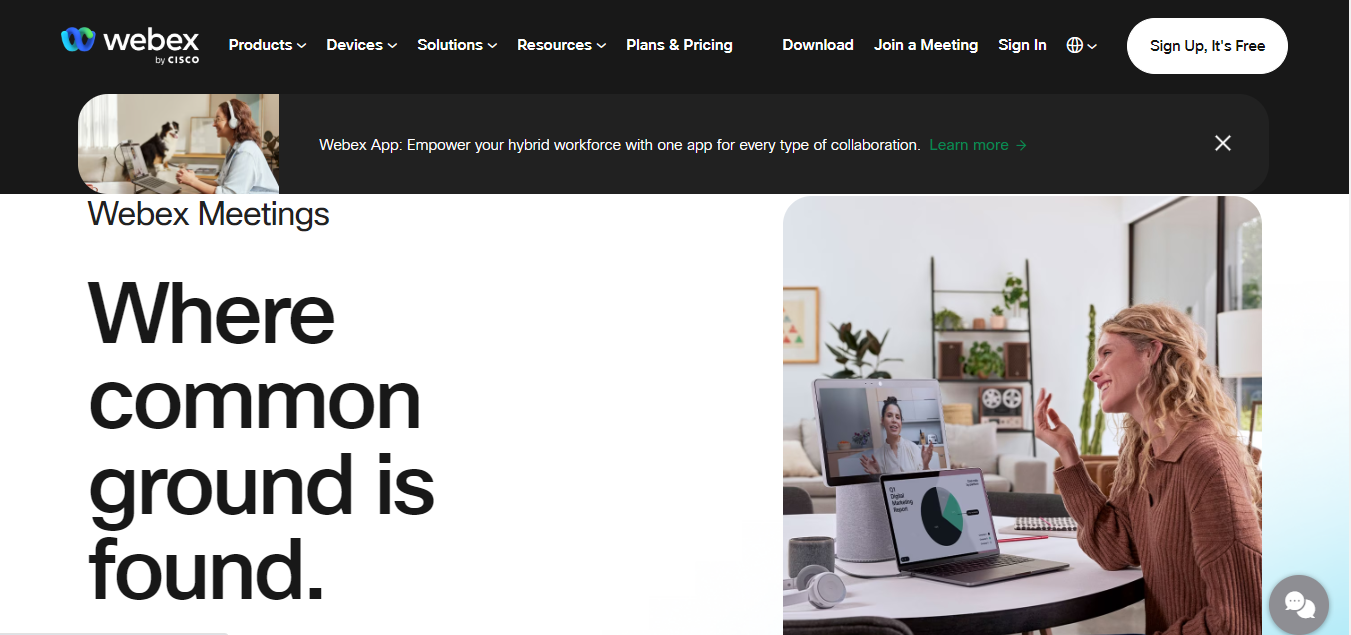
Cisco Webex is a free video conferencing software, which offers a suite of innovative tools that facilitate virtual communication. Backed by Cisco's reputation for technological prowess, Webex delivers an excellent experience that blends high-quality communication, collaboration tools, and top-tier security.
- High-Quality Video and Audio: Webex's dedication to high-quality audio and video sets the stage for interesting and effective virtual meetings, with flawless quality that rivals in-person interactions.
- Screen Sharing and Collaboration Tools: Participants have access to a wide range of effective collaboration tools, including annotation tools for immediate feedback.
- Virtual Backgrounds and Filters: Cisco Webex's virtual backgrounds and filters give virtual meetings a creative touch, allowing participants to customize their visual look.
- Encryption and Security Features: Webex addresses security concerns with strong encryption and security safeguards, including end-to-end encryption, password protection, and secure meeting links. Our secure video conferencing tools review compares how the main platforms handle encryption.
Zoho Meeting
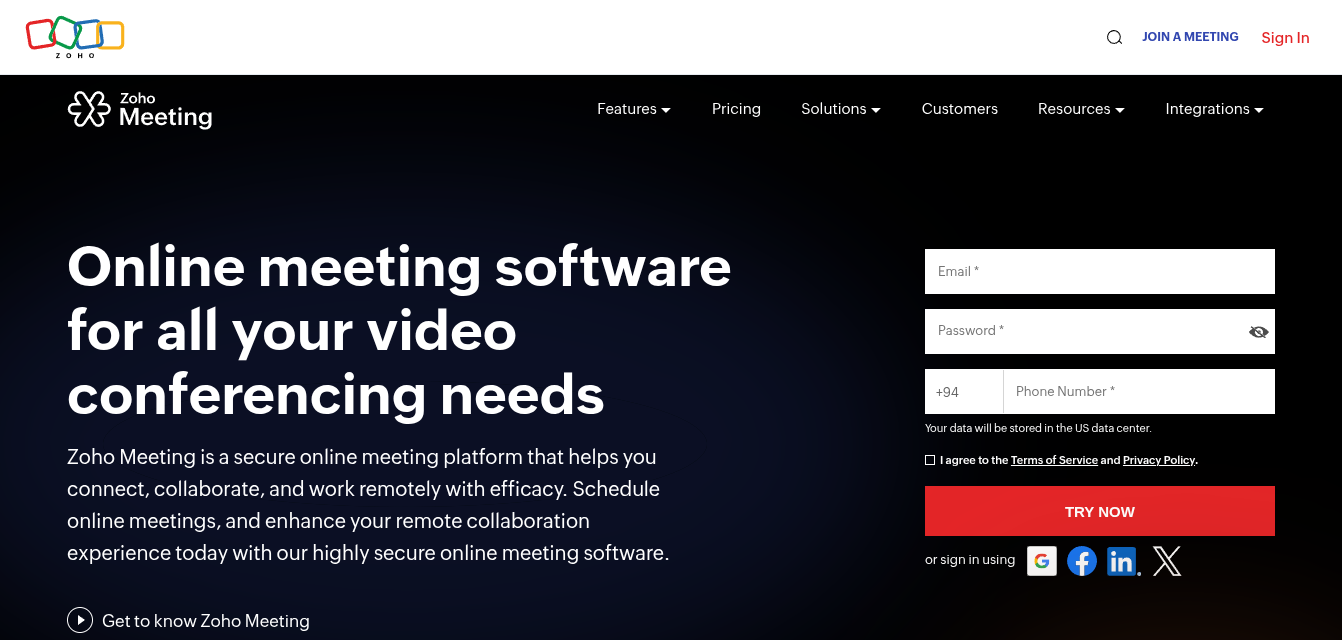
Zoho Meeting takes the slot Skype used to hold on this list. Microsoft retired Skype on May 5, 2025 and moved its users to the free version of Teams, so it's no longer something a new team can sign up for. Zoho Meeting is the one we'd point a small business to instead, especially one already running Zoho CRM or Zoho Mail.
The free plan is generous next to most of this list: up to 100 participants and 60-minute meetings, where Zoom's free tier stops at 40.
- Browser-first joining: guests join from a link in the browser, no install needed.
- Built-in whiteboard and screen sharing on the free plan, plus moderator controls to mute participants.
- Zoho integrations: meetings can be scheduled straight from Zoho CRM, and there are calendar add-ons for Google and Outlook.
- Cloud recording, co-hosts and polls need the paid Standard plan, which also stretches meetings to 24 hours.
GoToMeeting
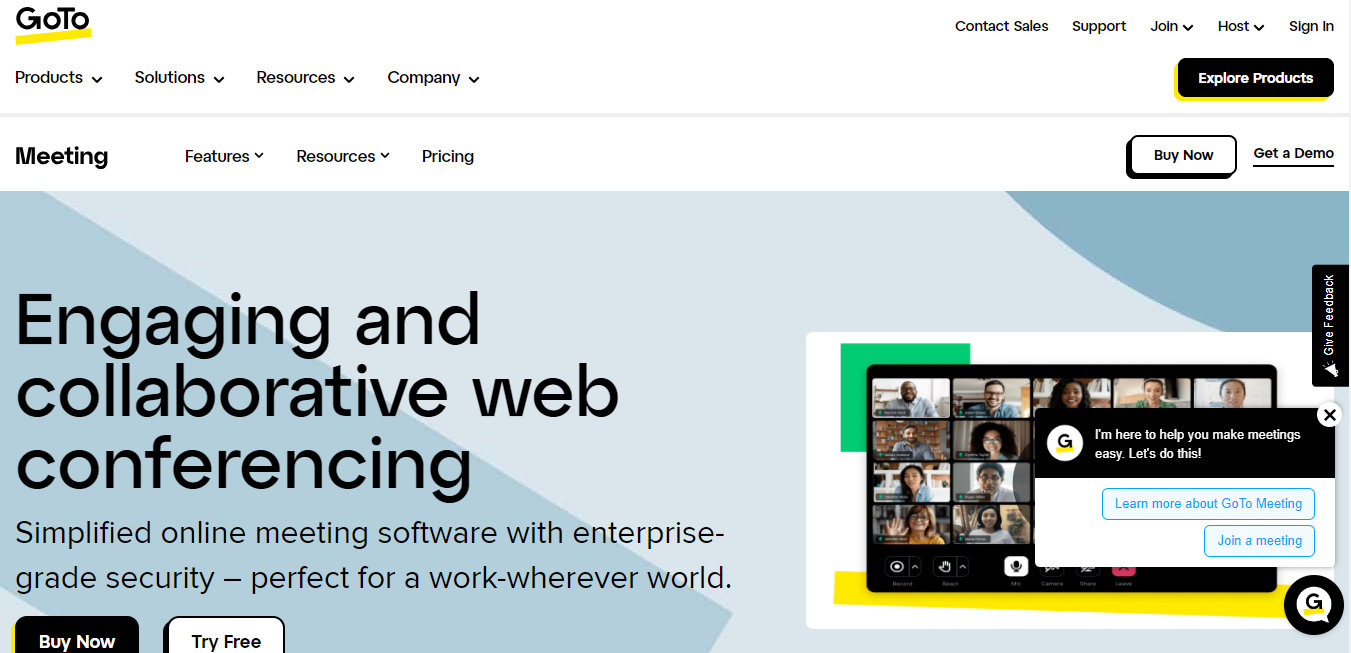
A leader in the field of free video conferencing software, GoToMeeting is a prime example of user-centred design and dependable performance. GoToMeeting delivers a user-friendly platform that promotes seamless virtual collaboration with a feature set that caters to various communication demands.
- User-Friendly Interface: GoToMeeting's intuitive user interface was created to remove obstacles and simplify the virtual meeting process, making it easy to organize, invite attendees, and navigate meetings.
- Web and Video Conferencing Features: It provides access to effective communication tools with high-quality video and audio, and screen sharing for presentations and document collaboration.
- Reliable Performance and Scalability: The platform guarantees steady performance even in fluctuating network conditions and enables enterprises to easily expand their virtual collaboration efforts.
- Mobile App for On-the-Go Meetings: GoToMeeting provides a specialized mobile app that extends the platform's capabilities to smartphones and tablets, allowing users to participate in meetings from almost anywhere.
RingCentral Video
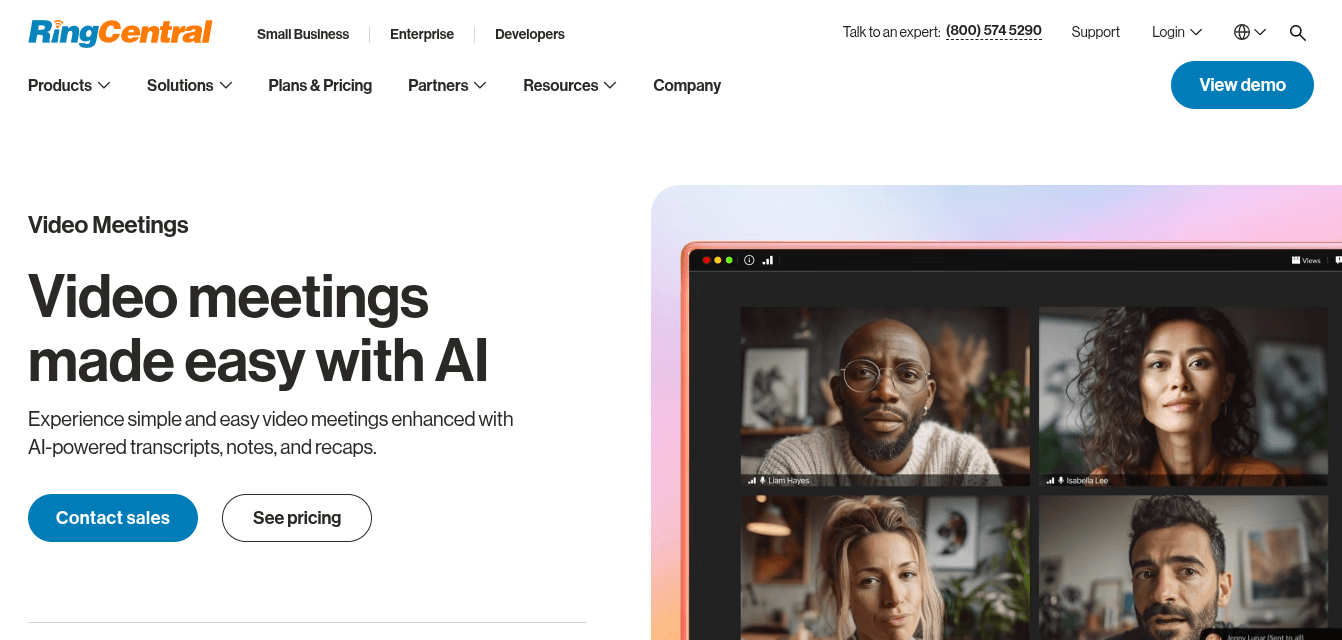
RingCentral Video replaces BlueJeans here. Verizon shut BlueJeans down in 2024, after ending its free plan in August 2023. RingCentral is a better fit for the same buyer anyway: a company that wants video meetings bundled with its business phone system.
The free tier allows unlimited 50-minute meetings for up to 100 participants, and guests can join from a supported browser without downloading anything.
- AI meeting notes: transcripts, notes and recaps are built in, although the free tier gets a limited version.
- Phone and video together: if you already use RingCentral for calls, meetings live in the same app and account.
- Screen sharing and chat work the way you'd expect.
Lifesize
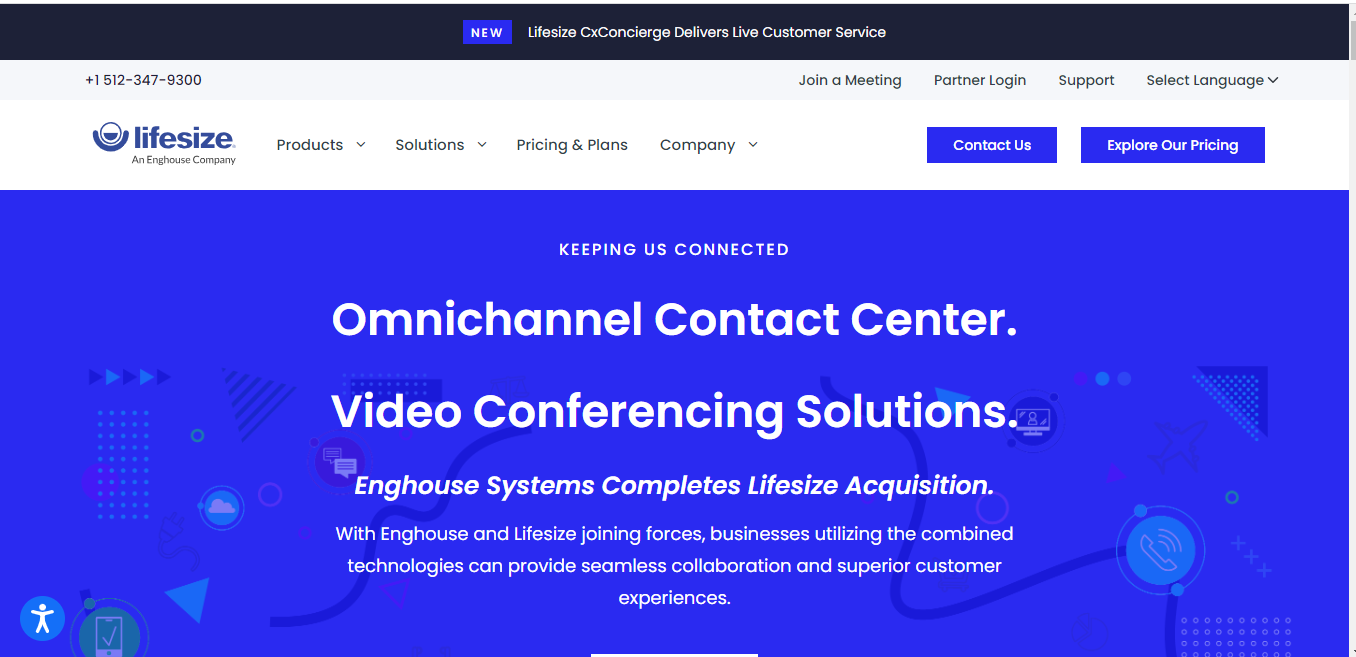
Lifesize is a free video-conferencing software which stands out for its dedication to providing a remarkable virtual meeting experience distinguished by high-definition video, cross-platform compatibility, imaginative customization, and rigorous security measures.
- 4K Video Conferencing: Lifesize raises the bar for video quality with its capability for 4K video conferencing, providing a visual experience in ultra-high definition.
- Cross-Platform Compatibility: It provides cross-platform compatibility, assuring a consistent experience on multiple devices.
- Virtual Backgrounds: Lifesize's synthetic surroundings and recording features add creativity to online meetings, allowing participants to change their settings and retain a professional image.
- Admin Controls and Security Features: It addresses security concerns with strong admin controls and security tools, including the ability to control meeting access, construct waiting areas, and manage participant credentials, with encryption to keep information private.
Whereby

Whereby redefines virtual meetings with its browser-based approach, user-friendly design, and wide range of customization possibilities, making it a standout among free video conferencing applications. It provides users with hassle-free communication and enables accessible and interesting virtual interactions.
- Browser-Based Video Conferencing: Whereby differs from conventional software as it doesn't require downloads or installations thanks to its browser-based architecture.
- Simple and Intuitive Interface: Its simple UI was created with user-friendliness in mind, making it easy to navigate meetings, control features, and manage guests.
- Custom Branding and Meeting Rooms: Whereby enables customers to add branding components to their virtual meeting spaces, giving meetings a professional touch and encouraging a sense of continuity.
- Screen Sharing and Chat Options: The screen sharing and chat features increase cooperation and collaboration, allowing for interactive presentations, document discussions, and real-time text-based communication.
Top Video Conferencing Software Comparison 2026
The table sums up each tool's key features, pros and cons. For a closer head-to-head on three of them, see our Jitsi vs Zoom vs Google Meet comparison.
| Video Conferencing Tool | Key Features | Pros | Cons |
|---|---|---|---|
| Zoom | HD video, screen sharing, integration options | User-friendly, robust features | Privacy concerns, meeting time limits |
| Microsoft Teams | Microsoft 365 integration, collaboration tools | Seamless productivity, diverse features | Learning curve for some functionalities |
| Google Meet | Google Workspace integration, real-time captions | High-quality, easy accessibility | Limited customization, requires Google acct |
| Cisco Webex | HD video, screen sharing, encryption | Reliable, security features | Can be resource-intensive |
| Zoho Meeting | Browser joining, whiteboard, Zoho CRM integration | 100 participants and 60 minutes free | Recording and polls need a paid plan |
| Jitsi Meet | Open-source, privacy-focused, no app install | Privacy, customization options | Limited advanced features |
| RingCentral Video | AI notes and recaps, phone system integration | 100 participants free, no download for guests | Free meetings end at 50 minutes |
| GoToMeeting | HD video, reliability, mobile app | Stable performance, scalability | Fewer advanced features compared to others |
| Lifesize | 4K video, cross-platform, admin controls | High-quality, security measures | May be costlier for additional features |
| Whereby | Browser-based, customization, chat options | Simple access, customization options | Limited features for larger meetings |
Advantages and Disadvantages of Video Conferencing
The tool changes. The trade-offs of meeting over video mostly don't.
Advantages
- No travel. The hours and the flight budget go back into the actual work.
- A 20-minute call settles what a 30-message email thread doesn't.
- You can hire the right person, not the right person within commuting distance.
- Recordings. Whoever missed the meeting can watch it later, and there's a record of what was agreed when someone remembers it differently next month.
- Screen sharing beats describing a bug in words.
Disadvantages
- Fatigue. Four back-to-back video calls wear people out more than four meetings in a room.
- One person on bad hotel wifi can stall the whole call.
- Rapport suffers, because the small talk before and after a meeting mostly disappears.
- Time zones. Someone on a global team is always joining at 7 a.m. or 9 p.m.
- Leaked meeting links and stored recordings are a real security risk. Audit both once a quarter.
Conclusion
Video conferencing has evolved as an important aspect of contemporary communication and collaboration in an ever-evolving environment where digital connectivity knows no bounds. The need of selecting the appropriate tool becomes important as we say goodbye to traditional boardrooms and hello to virtual meeting spaces.
Individuals, companies, and organizations are able to customize their virtual communication experiences because of the availability of free video conferencing software. Every platform offers a special combination of features, advantages, and considerations that meet a range of requirements.
Establishing your goals and needs is crucial before stepping into the world of virtual meetings. Are you looking for pristine video quality, an intuitive interface, or strong security measures? Do you place more emphasis on personalization and branding or interactive features like polls and Q&A?
It is also wise to take into account technological factors like accessibility, usability, and cross-platform compatibility. A user-friendly design and the lack of complicated installation procedures can significantly improve the virtual meeting experience for all.
The potential for virtual communication expands as the digital environment does. The appropriate software is the link that makes your communication goals a reality, whether you're trying to promote team cohesiveness, hold client meetings, or plan big virtual events.
The tools at your disposal are powerful, and the canvas is enormous; the choice is yours to make. You may unleash a world of opportunities and influence how people connect, collaborate, and communicate in the future by comprehending the rapidly changing video conferencing landscape and carefully choosing the finest free video conferencing software that fits your particular needs.
Frequently Asked Questions
What is the best video conferencing software for remote teams in 2026?
It depends on the tools your team already uses. Microsoft Teams fits Microsoft 365 companies, Google Meet fits Google Workspace, and Zoom is the one outside guests know best. Teams that want to own their data self-host Jitsi Meet.
What is the best free video conferencing software in 2026?
Google Meet and Jitsi Meet are the strongest free options. Google Meet's free plan caps group calls at 60 minutes and Zoom's stops at 40. Jitsi Meet is free on meet.jit.si and can be self-hosted with no licence cost or meeting cap.
What are the advantages and disadvantages of video conferencing?
The advantages are less travel, faster decisions, recorded meetings and access to remote talent. The disadvantages are meeting fatigue, dependence on a stable connection, weaker rapport than in person, and security risks when links or recordings leak.
What is the best open source video conferencing software?
Jitsi Meet is the best-known open source option and the only one in this top 10. BigBlueButton suits online classes, and Nextcloud Talk suits teams already on Nextcloud. All three can run on your own server.
What is free video conferencing software?
Free video conferencing software refers to platforms that allow users to conduct video meetings, webinars, and virtual conferences without requiring payment for basic features. These tools typically offer HD video, audio communication, screen sharing, and chat functionality at no cost, though they may have limitations on meeting duration, participant numbers, or advanced features.
What features can I expect from free video conferencing software?
Most free video conferencing tools offer HD video and audio quality, screen sharing capabilities, chat messaging, basic recording features, virtual backgrounds, participant management controls, and cross-platform compatibility. Some also include advanced features like real-time captions, breakout rooms, and integration with productivity tools.
Are free video conferencing software options secure?
Yes, reputable free video conferencing platforms implement robust security measures including end-to-end encryption, password protection, waiting rooms, and secure meeting links. However, security levels vary between platforms, so it's important to choose solutions that prioritize data protection and comply with relevant privacy regulations.
Do I need to install special software to use free video conferencing tools?
It depends on the platform. Some tools like Whereby and Jitsi Meet work directly in web browsers without requiring downloads, while others like Zoom and Microsoft Teams offer both browser-based access and dedicated desktop/mobile applications for enhanced functionality.
Are there limitations to using free video conferencing software?
Free versions typically have limitations such as meeting duration caps (often 40-45 minutes), participant limits (usually 100-500 people), restricted cloud storage, limited recording capabilities, and fewer administrative controls. Premium features like advanced analytics, larger meetings, and extended storage usually require paid subscriptions.
Can I record meetings using free video conferencing software?
Most free video conferencing platforms offer basic recording capabilities, though they may be limited in duration, storage capacity, or availability. Some platforms allow local recording to your device, while others provide cloud recording with storage limitations in their free tiers.