
LiveKit Pro on AWS
An AMI on AWS Marketplace, launched into your own AWS account with a CloudFormation stack.
- Deploys with
- CloudFormation
- Recommended size
- c6i.large, c6i.xlarge to record often
- Ready in
- About 10 minutes
Setup guides
Launch on AWS Run recorded video meetings, virtual classrooms and webinars on your own domain from a pre-configured AMI in your own AWS account. LiveKit Pro runs plugNmeet on the LiveKit media server, with a Meetrix meetings page where you create meetings and share guest links.
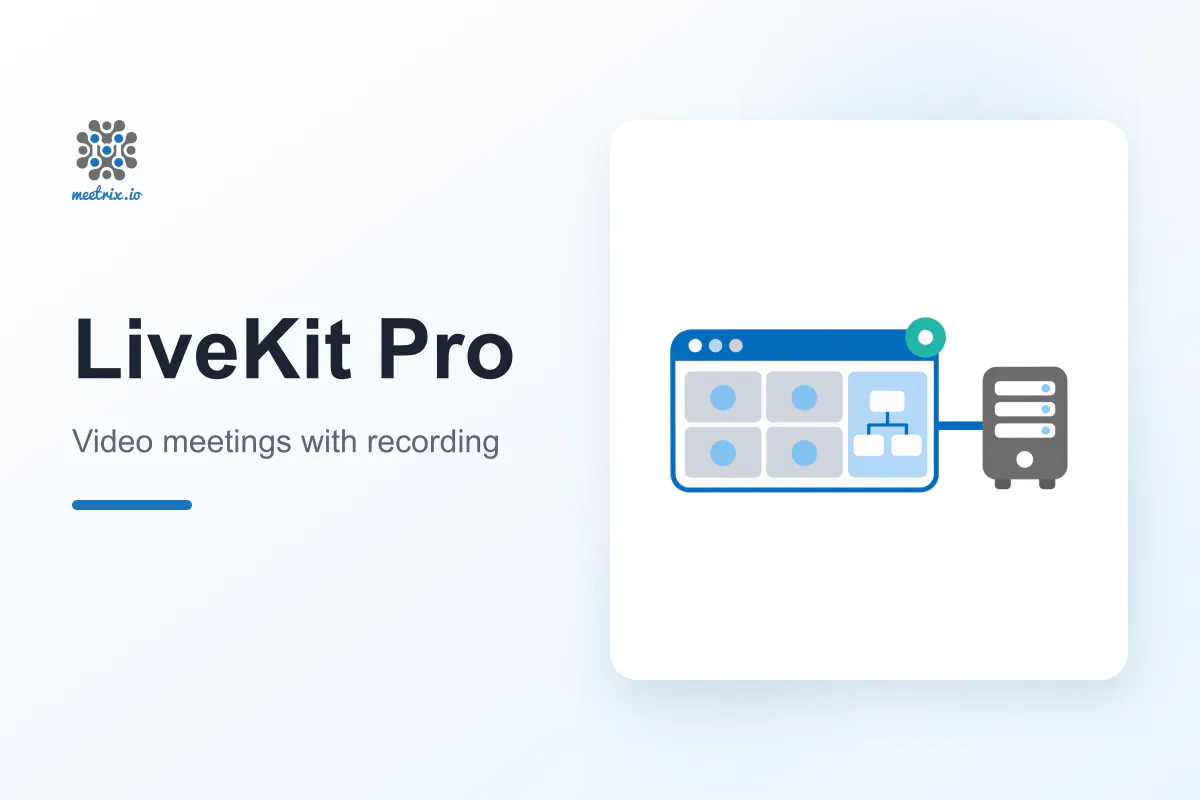
LiveKit Pro is a video conferencing platform for classes, webinars, training teams and telehealth providers that want meetings and recordings on their own server. It runs plugNmeet, the open-source (MIT) conferencing system built on the LiveKit WebRTC media server, on a single EC2 instance.
Hosts record meetings as MP4 files that stay on your server.
Draw, annotate and take notes together during the meeting.
Run live polls, split into breakout rooms and admit guests.
Broadcast over RTMP, or bring OBS into a meeting over RTMP or WHIP.
Guests join from the browser, with no account or app.
Transcription, AI summaries and SIP dial-in with your own keys.
Self-hosting plugNmeet means running LiveKit, a recorder, a database, Redis, NATS and a TLS proxy, then wiring up TURN and certificates. The AMI arrives with all of it in place and sets up your domain on first boot.
Subscribe on AWS Marketplace and launch the CloudFormation stack with your domain, admin username and password, instance size and disk size.
Create A records for your domain and turn.<your domain> with the PublicIp from the stack outputs.
The Let's Encrypt certificate is issued automatically within 10 minutes of DNS pointing at the server. Camera and microphone only work over HTTPS.
Sign in to the meetings page, create a meeting, start it and send your guests the link.
An AMI on AWS Marketplace, launched into your own AWS account with a CloudFormation stack.
Launch on AWS The stack opens these ports in its security group. Keep them open if you change it or add a firewall in front of the server.
| Service | Ports | Protocol |
|---|---|---|
| Web app, signalling and TURN over TLS | 443 | TCP |
| TURN over UDP | 443 | UDP |
| Certificate issuance and redirect to HTTPS | 80 | TCP |
| WebRTC audio and video | 50000-60000 | UDP |
| WebRTC over TCP | 7881 | TCP |
| RTMP ingest, such as OBS into a meeting | 1935 | TCP |
| SSH (administration, keep private) | 22 | TCP |
Without the UDP range, participants can join a meeting but nobody gets audio or video. The SIP ports for phone dial-in stay closed until you turn that feature on. Read the troubleshooting steps in the developer guide →
| LiveKit Pro | Zoom | |
|---|---|---|
| Self-hosting | Yes, in your own AWS account | No |
| Where recordings are kept | MP4 files on your own server disk | Local only on Basic, 10 GB cloud per licence on Pro |
| Pricing | Meetrix software fee plus EC2, no per-user fees | Per user, Pro from USD 14.16 a month billed annually |
| Meeting length | Limited only by your server | 40 minutes on Basic, 30 hours on Pro |
| Participants per meeting | Depends on the instance size | 100 on Basic and Pro |
| Licence | plugNmeet is open source (MIT), LiveKit server is Apache 2.0 | Proprietary |
Zoom figures are from zoom.us/pricing, checked November 2026. Read plugNmeet as a Jitsi and Jibri replacement →
A self-hosted video conferencing platform that runs plugNmeet on the LiveKit media server on one EC2 instance. Meetings have HD video, screen sharing, chat, cloud recording, a whiteboard, shared notes, polls, breakout rooms and a waiting room. On AWS Marketplace it is listed as LiveKit Based Video Conferencing with Recording, Whiteboard and Polls.
plugNmeet is open source under the MIT licence and LiveKit server under Apache 2.0. The Meetrix AMI is billed through AWS Marketplace as a software fee on top of your EC2 costs, with no per-user fees.
LiveKit Lite is for meetings only and records nothing, so it runs on a small instance. LiveKit Pro adds cloud recording and the plugNmeet collaboration tools, such as the whiteboard, shared notes, polls, breakout rooms and streaming, and needs a larger instance.
The default c6i.large suits meetings with occasional recording. One 1080p recording uses about 1.5 vCPU, so choose c6i.xlarge or larger if you record often. Recordings are stored on the server disk, 50 GB by default, so size that for how much you record.
As MP4 files on your own server disk, with nothing sent to third-party storage. Copy them off over SSH or download them through the plugNmeet API. They are not deleted automatically.
No. Guests open the guest link in a modern browser and enter their name. Only the admin signs in, with the username and password set when the stack is launched.
Point A records for your domain and turn.<your domain> at the server. The Let's Encrypt certificate is issued automatically within 10 minutes, or at once with sudo meetrix-cert, and renews automatically.
Launch a new stack with the new version from AWS Marketplace, copy your recordings across, point both DNS records at it, then remove the old stack.
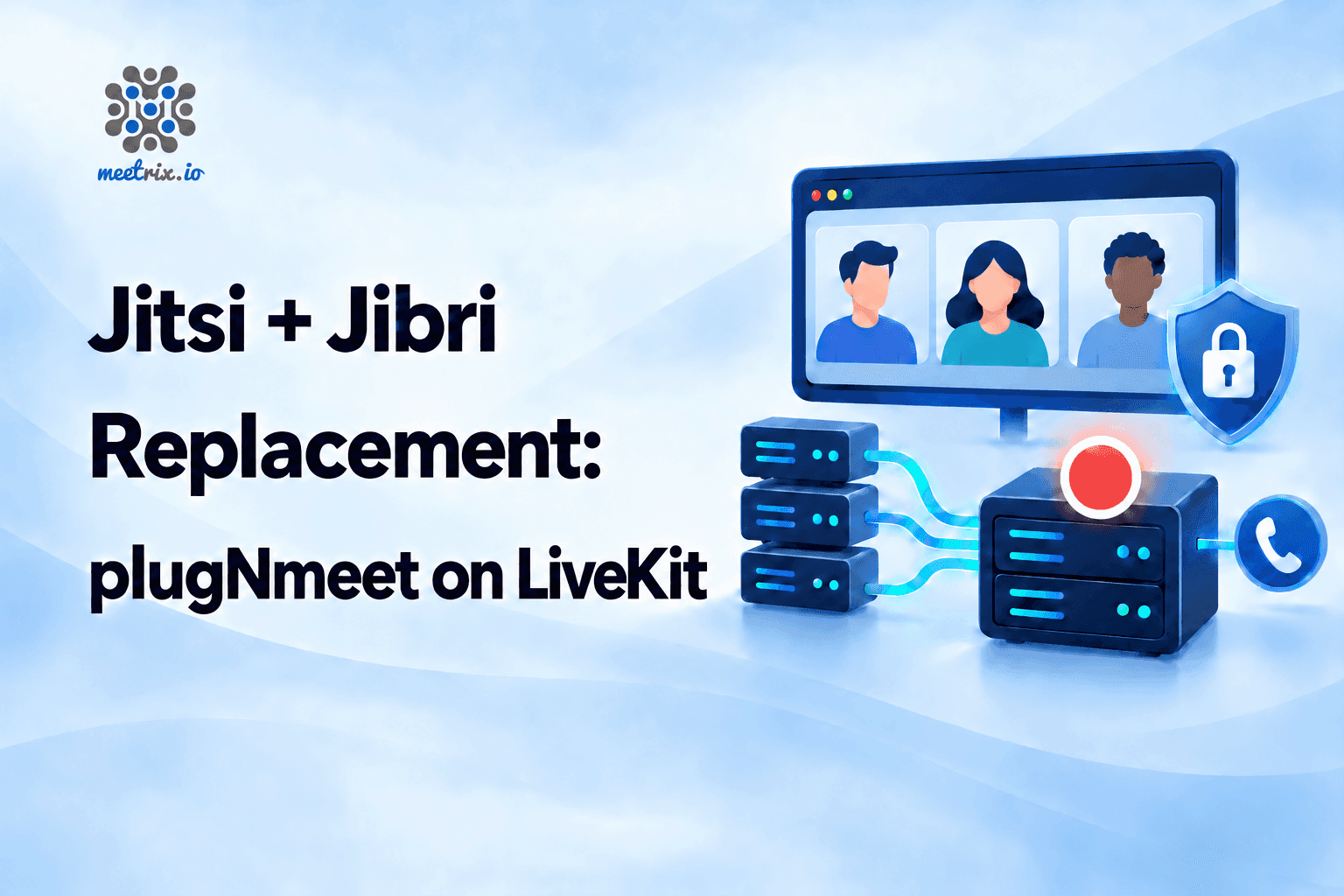
Recording, SIP dial-in and a whiteboard in one stack on LiveKit.
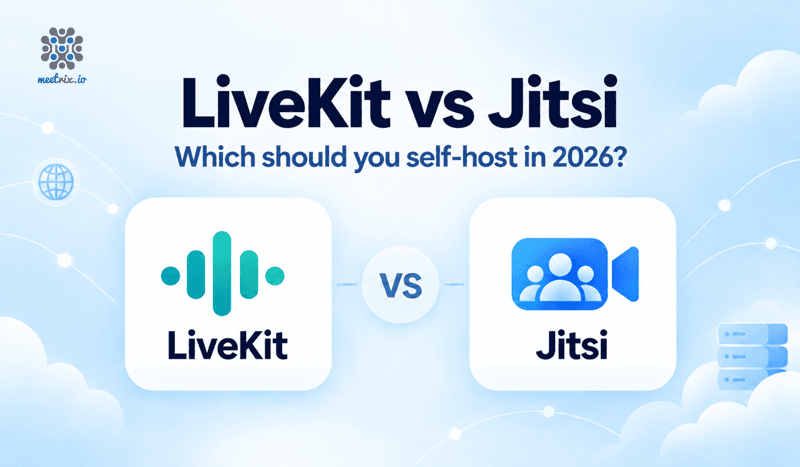
A WebRTC SFU for custom apps against a finished meeting product.
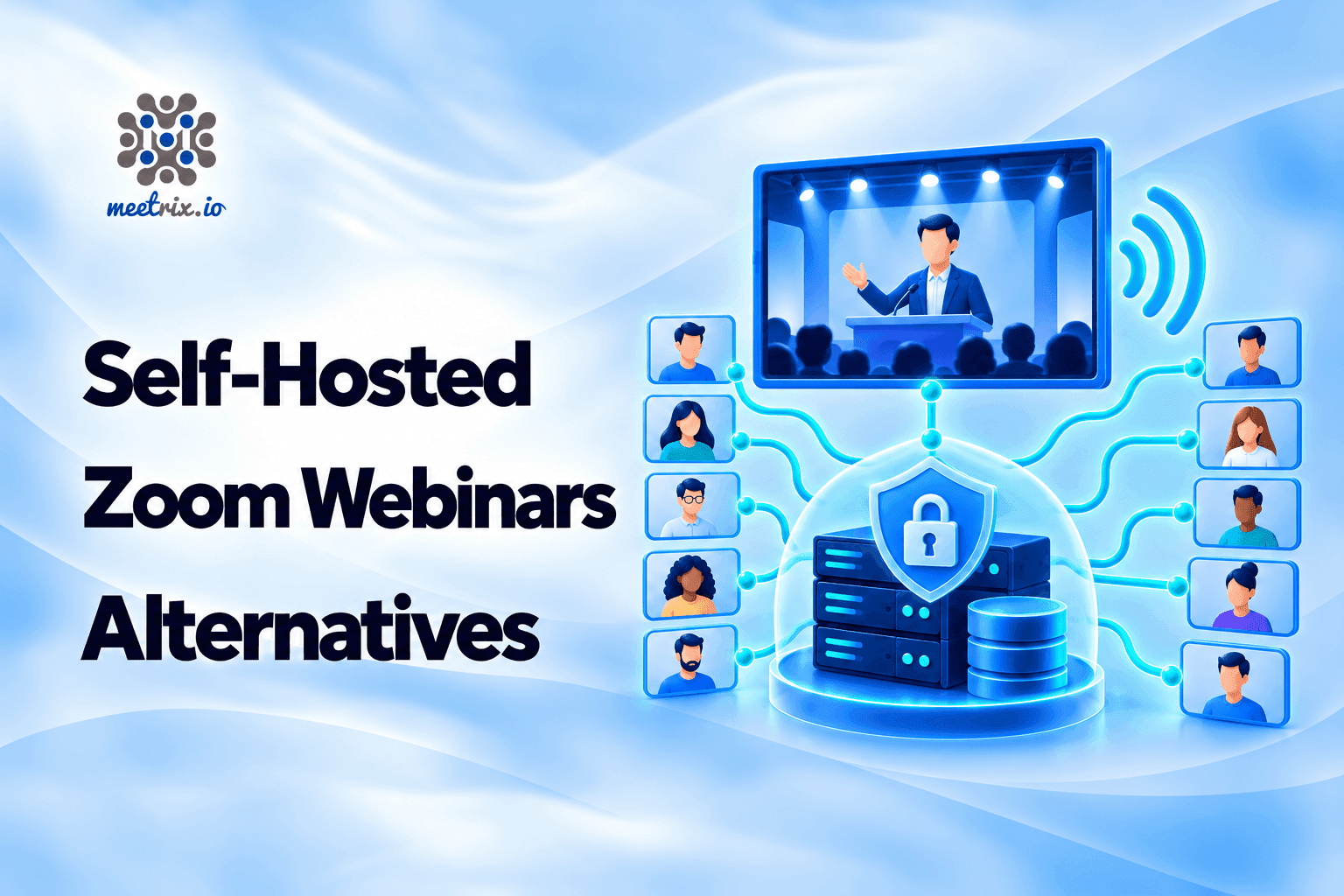
Seven options for large webinars, plugNmeet among them.
We build and run self-hosted WebRTC video platforms every day, from plugNmeet and LiveKit servers to Jitsi with recording. Tell us what you need.
Contact us