Open-source ERP

Self-hosted ERPNext on AWS

Run ERPNext, the fully open-source ERP from Frappe, from a pre-configured AMI in your own AWS account. Accounting, inventory, manufacturing and CRM in one system, with no per-user licence.

  • Ready in 5-10 minutes
  • All modules included
  • No per-user fees
ERPNext ERP deployed on AWS by Meetrix

What is ERPNext?

ERPNext is a GPLv3 ERP system built on the Frappe Framework. It brings a business's key processes into one place, and every module, including full accounting and manufacturing, is part of the single free edition.

What's in the Meetrix ERPNext AMI

The AMI ships a clean ERPNext install, ready for the setup wizard.

How to set up a self-hosted ERPNext server

  1. Launch the stack

    Subscribe on AWS Marketplace and launch the CloudFormation stack with your domain and backup bucket.

  2. Point your domain at it

    After 5-10 minutes, create a DNS record with the PublicIp from the stack outputs.

  3. Sign in and change the password

    Log in with the default Administrator account from the developer guide and change its password straight away.

  4. Run the setup wizard

    Enter your company name, country, currency and fiscal year, and accept the default chart of accounts.

Deploy on AWS

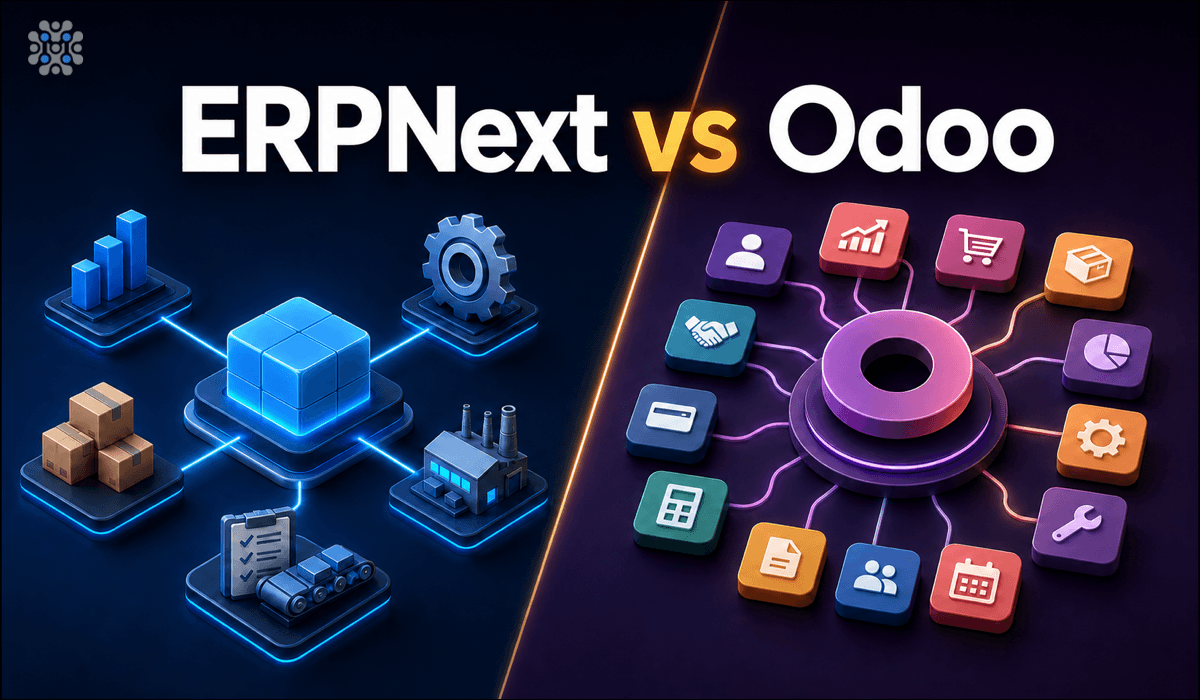
ERPNext vs Odoo

ERPNextOdoo
LicenceGPLv3, one editionLGPLv3 Community plus paid Enterprise
Full accountingFree, includedEnterprise only
ManufacturingFree, first-classBasic in Community, deeper in Enterprise
Pricing past freeNone at any scalePer user, per month for Enterprise
App ecosystemSmallerLarge and mature

We run both; the right choice depends on your modules and budget. Read ERPNext vs Odoo →

Video: deploy ERPNext on AWS

ERPNext FAQ

What is ERPNext?

A free, open-source ERP from Frappe Technologies covering accounting, inventory, manufacturing, CRM, sales, purchasing, projects and more.

Is ERPNext free?

Yes. It is GPLv3 with no separate paid edition. On AWS you pay for the instance and any Meetrix software fee shown on the listing.

How do I sign in the first time?

Use the default Administrator account listed in the developer guide, then change the password immediately after the setup wizard.

Which modules are included?

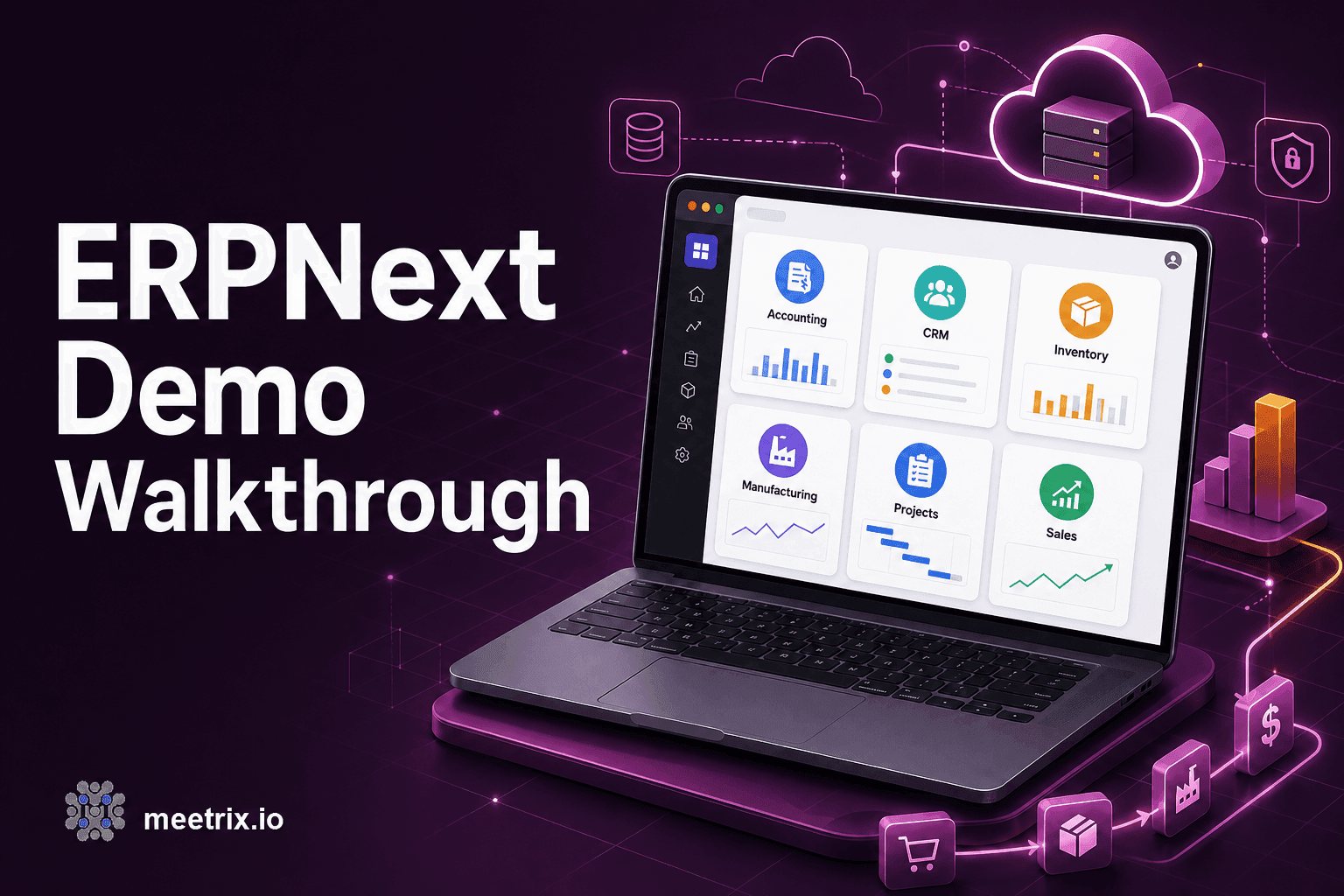
Accounting, CRM, Sales, Purchasing, Stock, Manufacturing, Projects, Point of Sale, Quality, Support and Assets, all in the base install.

Can I install custom apps?

Yes. You have full admin access to install and manage custom ERPNext apps.

ERPNext or Odoo?

ERPNext for manufacturing-heavy, cost-sensitive teams that want everything free. Odoo for its larger app ecosystem, accepting that some modules are Enterprise-only.

Which instance size should I choose?

t3.medium is the recommended starting point.

How do I upgrade?

Back up your server data, remove the old stack and launch the new version from AWS Marketplace.
ERPNext guides and articles

Need a hand with ERPNext?

We build and run self-hosted business systems every day, from custom apps to integrations. Tell us what you need.

Contact us