Stop Building the Same Internal Tool From Scratch
Every team ends up needing some kind of internal tool. A tracker for a process that outgrew a spreadsheet. An admin panel so support can look up orders without bugging engineering. A CRM that actually matches how your sales team works instead of forcing them into someone else's workflow. The usual fix is either paying an engineer to build it, or signing up for a SaaS tool that charges per seat and holds your data on someone else's servers.
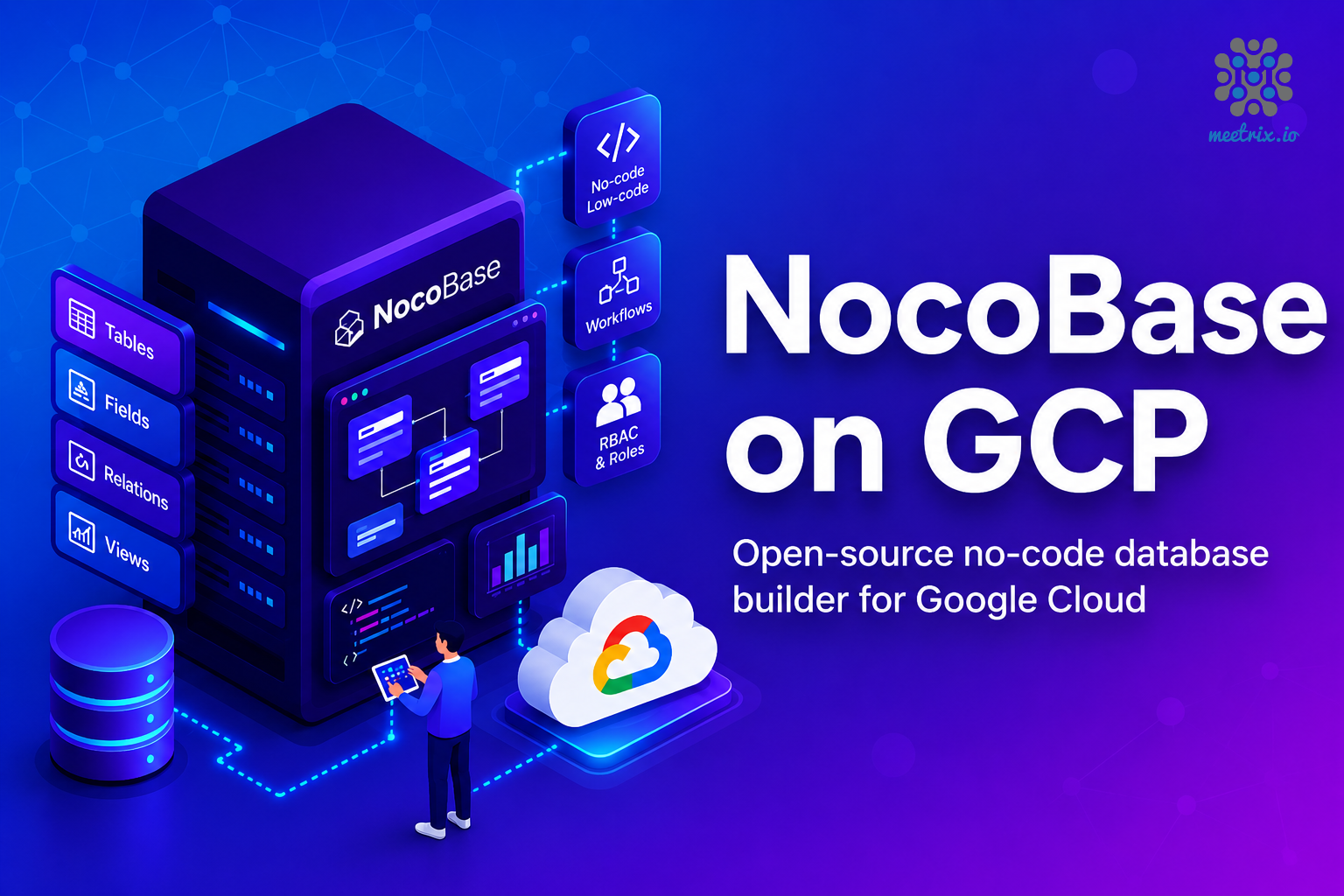
NocoBase on GCP Marketplace by Meetrix skips both of those. We packaged NocoBase, a database, and SSL into one Google Cloud listing, so you get a working no-code platform on your own infrastructure in minutes, not a week of server setup. Ready to try it? Launch the Meetrix NocoBase listing on GCP Marketplace.
What is NocoBase?
NocoBase is an open-source no-code platform that turns a relational database into a usable application - tables, forms, dashboards, and permissions, all built by dragging things around rather than writing code. Under the hood it runs on PostgreSQL, MySQL, or MariaDB, so the data you build on is a real database you can query, back up, and own, not a proprietary blob locked inside someone's app.
What sets it apart from most no-code tools is how it's put together. Data structure, business logic, and the interface are separated into their own layers, and almost everything - fields, blocks, workflows - is a plugin. That means you're not stuck with whatever the vendor shipped this quarter. You add what you need and leave the rest out.
Why Self-Hosted No-Code Tools Are Gaining Ground
How Deployment Works
Setting up NocoBase by hand means provisioning a server, installing Docker, wiring up Postgres, and configuring a reverse proxy with SSL before you've built a single table. Through the Marketplace, it's four steps:
- Launch from GCP Marketplace Open the Meetrix NocoBase listing, choose your region and machine type, and deploy. The image arrives with NocoBase, its database, and a reverse proxy already wired together.
- Point Your Domain Create an A record pointing your domain at the instance's external IP. NocoBase needs a real domain for SSL to issue correctly - an IP address alone won't work.
- SSL Issues Automatically Once DNS resolves, the instance requests and installs a Let's Encrypt certificate on its own. No certbot commands, no manual renewal cron jobs.
- Create Your Admin Account Visit your domain and the first account you create becomes the super admin. From there you're building tables and inviting your team.
What Meetrix Brings to This Deployment
- The Database Is Already Wired In - NocoBase needs a relational database to run on. The image ships with one already configured and connected, so you're not debugging a connection string before you've built anything.
- SSL Without the Renewal Babysitting - Certificates issue and renew automatically. Most people who self-host find out about certificate expiry the hard way, usually on a Monday morning. This skips that entirely.
- No Per-Seat Math - Add as many users as your team needs. You're paying for the GCP instance underneath, not a per-editor license that climbs every time someone joins.
- Your Data Never Leaves Your Project - Everything runs inside your own GCP environment. No vendor has a copy of your database, and no SaaS outage takes your internal tools down with it.
- People Who Actually Run This Stack - If you need help with backups, scaling, or wiring up a plugin, you're talking to engineers who deploy this image regularly, not a support queue reading from a script.
Who Is NocoBase on GCP Right For?
This deployment fits anyone who needs an internal tool built on their own data, without a per-seat bill attached. It's a strong match if you're:
- A startup that's outgrown spreadsheets but doesn't have an engineer free to build an internal tool
- An operations team that wants a CRM, tracker, or approval workflow shaped around how you actually work, not a vendor's template
- A development team that wants admin panels and dashboards without writing CRUD boilerplate
- A company replacing Airtable or a similar SaaS tool to cut recurring per-seat costs
- A compliance-conscious team that needs internal data to stay inside its own infrastructure
- An agency or consultancy building a separate internal tool instance per client
- A product team prototyping a data model before committing engineering time to it
NocoBase on GCP by Meetrix vs Alternatives
| Feature | NocoBase on GCP by Meetrix | Airtable | Retool | Self-Hosted NocoBase (Manual) |
|---|---|---|---|---|
| Hosting | Your GCP project, fully self-hosted | Airtable's cloud, no self-host option | Retool's cloud, or self-hosted on Enterprise plans | Your GCP VM, set up by you |
| Data Control | Total - data stays in your own database | Stored on Airtable's infrastructure | Depends on plan and deployment model | Total, once configured correctly |
| Deployment Time | Minutes via GCP Marketplace | Instant SaaS signup | Instant SaaS signup, or weeks for self-hosted setup | Hours, often longer for SSL and the database |
| SSL & Auth | Automated, issued and renewed on its own | Handled by the vendor | Handled by the vendor on cloud plans | Manual - easy to forget renewal |
| Pricing Model | GCP compute costs only, no per-seat fee | Per-seat subscription, scales with team size | Per-user subscription, often $30-50/user/month | GCP compute costs only |
| GDPR / Data Residency | Pick your GCP region, data stays put | Vendor's data processing terms apply | Vendor's data processing terms apply on cloud plans | On you to configure correctly |
| Support | Meetrix engineers, 24/7 | Vendor support tiers | Vendor support tiers | Community forums, or you fix it yourself |
How Teams Use This in Production
Replacing a Per-Seat Airtable Plan for a Growing Ops Team
The problem
A mid-sized e-commerce company was running order tracking and supplier management out of Airtable. As the ops team grew past 20 editors, the monthly bill kept climbing, and they were nervous about pulling business-critical data out of a SaaS tool with no real export plan.
What we did
We deployed NocoBase on a single GCP instance, migrated their order and supplier tables over from CSV exports, and rebuilt their existing views and permissions inside NocoBase.
"We were paying more for Airtable seats than we were for the servers running our actual store. Moving to NocoBase on our own infrastructure just made the math stop being embarrassing." Operations Director, E-Commerce Company, United States
Keeping Patient Intake Data Inside a Required EU Region
The problem
A healthcare technology company needed an internal intake tool for case managers, but their data residency policy ruled out any SaaS platform that couldn't guarantee where the underlying database physically sat.
What we did
We deployed NocoBase inside their GCP project in an EU region, configured role-based access for case managers and admins, and walked their compliance team through the setup for review.
"We needed to say exactly where patient data lived, not just where the vendor says it lives. Running NocoBase in our own region meant we could actually prove it." Head of Compliance, Healthcare Technology Company, Germany
Standardizing Internal Tools Across Eleven Client Accounts
The problem
A digital agency was building one-off internal tools for clients in whatever stack the project called for, which meant no two client tools looked or worked the same way, and handover documentation took longer than the build itself.
What we did
We helped them spin up a NocoBase instance per client engagement on GCP, using the same base template each time, so every project started from a known configuration instead of from scratch.
"Every client used to mean reinventing how we'd build their tool. Now we deploy the same NocoBase template and adjust it, instead of starting over each time." Founder, Digital Agency, Singapore
Frequently Asked Questions
What is NocoBase used for?
NocoBase is an open-source no-code platform for building internal tools on top of your own database. People use it for CRMs, project trackers, inventory systems, approval workflows, and admin panels - basically anything where you'd otherwise pay an engineer to build a CRUD app.
Is NocoBase free?
The core platform is open-source and free to self-host. What you pay for is the infrastructure it runs on, plus whatever time it takes to set up servers, a database, and SSL yourself. The Meetrix GCP image removes that setup cost - you're paying for compute, not a license.
How is NocoBase different from Airtable?
Airtable is a hosted SaaS product - your data lives on Airtable's servers, and pricing scales with seats and records. NocoBase runs on infrastructure you control, with no per-seat fee and no record caps, but you're responsible for hosting it. That's exactly the part Meetrix handles.
Can I migrate my existing data into NocoBase?
Yes. NocoBase connects to PostgreSQL, MySQL, and MariaDB databases, and supports importing data from spreadsheets and CSV files directly through the UI. If your data is already in a relational database, you can point NocoBase at it without rebuilding anything.
Do I need to know how to code to use NocoBase?
No. Building tables, forms, and views is entirely drag-and-drop. NocoBase does support custom plugins and code-level extensions if you want to go further, but you don't need any of that to ship a working internal tool.
Can multiple people use the same NocoBase instance?
Yes. NocoBase has role-based access control built in, so you can give different teams or departments different permissions on the same instance - one shared admin panel, with everyone seeing only what they should.
Build Your Internal Tools on Your Own Infrastructure
Stop paying per seat for tools built on your own data. Deploy NocoBase on Google Cloud in minutes, set up by people who run this stack themselves.
Deploy on GCP Marketplace