Booking Links Without Handing Calendly Your Calendar Data
Calendly works fine until you start noticing what it costs - either in dollars per seat, or in the fact that every booking link runs through someone else's servers. Free tiers cap how many event types you can set up. Paid tiers charge per user, every month, whether that person books five meetings a week or fifty.
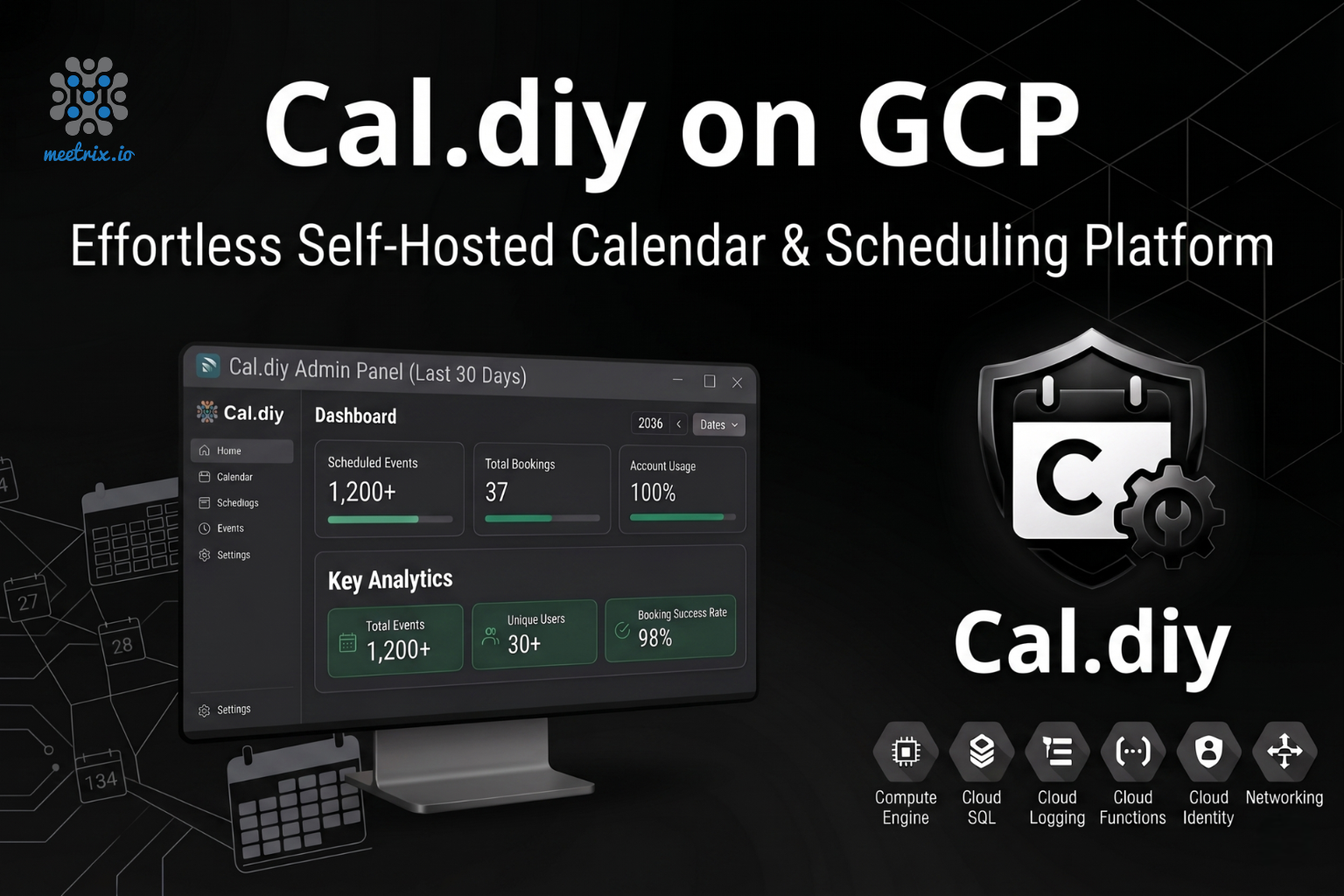
The Cal.diy Scheduling Platform on GCP Marketplace by Meetrix skips that. Cal.diy is the open-source, MIT-licensed scheduling tool that grew out of Cal.com's original codebase, and we packaged it so it launches ready to use on your own Google Cloud project. Ready to get started? Launch the Meetrix Cal.diy listing on GCP Marketplace.
What is Cal.diy?
Cal.diy is the open-source, self-hostable scheduling platform that came out of Cal.com's codebase. When Cal.com moved its commercial product to a closed-source SaaS model in April 2026, the open-source side of the project relaunched under the MIT license as Cal.diy - same booking logic, same calendar sync, free to run yourself.
It covers what you'd expect from Calendly: customizable meeting types, time zone detection, availability rules, automated reminders, and calendar sync with Google Calendar, Office 365, and Zoom. The difference is you run it on your own infrastructure instead of routing every booking through a vendor's servers.
Worth Knowing Before You Deploy
How Deployment Works
Doing this by hand means provisioning a VM, installing Node and Postgres, then wiring up SSL on your own. Through the Marketplace, it's four steps - or follow our Developer Guide for the full walkthrough with screenshots:
- Launch from GCP Marketplace Open the Meetrix Cal.diy listing, pick your region and machine size, and hit Deploy. Cal.diy and its database come up already connected.
- Point Your Domain Add an A record pointing your chosen subdomain (book.yourdomain.com, for example) at the instance's external IP. This is what your booking page and admin panel will run on.
- SSL Switches On The instance provisions a Let's Encrypt certificate automatically once your domain is attached. No certificate wrangling on your end.
- Set Your Availability and Share Your Link Log in, connect your calendar, set your event types and availability, and start sharing your booking link. That's the whole setup.
What Meetrix Brings to This Deployment
- We Already Wired the Database to the App - The image ships with Cal.diy, its Postgres database, and the right firewall rules already connected. You skip the evening you'd otherwise spend debugging environment variables.
- SSL That Just Works - Point a domain at the instance and SSL sets itself up. No manual certificate generation, unless your DNS setup falls outside the usual path.
- People Who Have Actually Run This Before - If something isn't syncing right with your calendar, you're talking to someone who has deployed Cal.diy before, not someone reading from a script.
- It's Your GCP Project, Not a Vendor's Servers - Every booking, every calendar sync, every event type lives on infrastructure you control.
- No Per-Seat Pricing - Cal.diy doesn't charge per user. You pay GCP for the compute you use, whether it's one person's calendar or five.
Who Is Cal.diy on GCP Right For?
This isn't built for a mission-critical enterprise booking flow - Cal.diy itself is upfront about being meant for personal and non-production use. It's a strong fit if you're:
- A freelancer or consultant tired of paying per seat for a booking link
- A small team that wants its own scheduling tool without routing data through a vendor
- A developer who wants API access to build scheduling into another product
- Someone prototyping a scheduling workflow before committing to a paid platform
- A privacy-conscious user who doesn't want a third party holding their calendar data
- An open-source enthusiast who'd rather self-host than subscribe
Cal.diy on GCP by Meetrix vs Alternatives
| Feature | Cal.diy on GCP by Meetrix | Calendly | Cal.com (Hosted SaaS) | Self-Hosted Cal.diy (Manual) |
|---|---|---|---|---|
| Hosting | Your GCP account, fully self-hosted | Calendly's cloud | Cal.com's cloud | Your GCP VM, set up by you |
| Booking & Calendar Data | Total - bookings never leave your project | Calendly holds your scheduling data | Cal.com holds your scheduling data | Total, if you got the config right |
| Deployment Time | Minutes via GCP Marketplace | Instant signup | Instant signup | Hours, more if Postgres trips you up |
| SSL & Auth | Automated via Let's Encrypt | Handled by Calendly | Handled by Cal.com | Manual - easy to get wrong |
| Pricing Model | Just GCP compute costs - no per-seat fee | Free tier capped, paid tiers per seat/month | Per-seat subscription | Just GCP compute costs |
| GDPR / Data Residency | Pick your GCP region, data stays put | Calendly's data processing terms apply | Cal.com's data processing terms apply | On you to configure correctly |
| Support | Meetrix handles deployment - no official Cal.diy SLA | Calendly support tiers | Cal.com support tiers | Community forums, or you fix it yourself |
Resources
Video Guide
How Teams Use This in Production
Dropping a Per-Seat Booking Tool for a Small Consulting Practice
The problem
A three-person consulting practice was paying for three separate Calendly seats, plus an add-on for team scheduling pages. The bill kept creeping up every time someone joined a call rotation.
What we did
We deployed Cal.diy on a single GCP instance, connected each consultant's Google Calendar, and set up shared availability for team booking pages.
"We were paying per person just to share a booking link. Now it's one server, zero seats, and everyone's calendar still syncs the way it used to." Founder, Consulting Practice, Canada
Building Scheduling Into a Product Instead of Linking Out to One
The problem
A small SaaS company wanted booking built into their own onboarding flow, not a separate Calendly link that took customers off-site. Calendly's API didn't expose enough control over booking logic for what they needed.
What we did
We deployed Cal.diy on GCP, and their dev team used its open API to wire booking directly into the onboarding flow, customizing availability rules specific to their service.
"Calendly's API boxed us in. Cal.diy's didn't. We got the exact booking flow we wanted instead of the closest thing a SaaS plan would allow." Lead Engineer, B2B SaaS Startup, Germany
Giving Tutors Their Own Booking Pages Without a Subscription Each
The problem
An online tutoring platform needed individual booking pages for over 40 tutors. Paying for that many Calendly seats wasn't realistic for a small operation still finding its footing.
What we did
We deployed Cal.diy on a right-sized GCP instance and onboarded every tutor with their own calendar connection and booking page, all run from one deployment.
"Forty Calendly seats would have cost more than some of our tutors make in a month. Cal.diy let us give everyone a booking page without that math ever being a problem." Operations Lead, Online Tutoring Platform, Philippines
Frequently Asked Questions
What is Cal.diy and how is it different from Calendly?
Cal.diy is the open-source, self-hostable scheduling platform that came out of Cal.com's original codebase. Calendly is a hosted SaaS product you pay for per seat. Cal.diy gives you similar booking and calendar features, but you run it yourself, on your own infrastructure, for free.
Is Cal.diy meant for production use?
Cal.diy is built and positioned for personal projects, internal tools, and non-production use - it doesn't carry an official commercial SLA the way Cal.com's hosted SaaS does. For a small team's booking page or your own scheduling link, it's a solid fit. For a mission-critical booking flow with guaranteed uptime, look at the managed Cal.com product instead.
Will my calendar sync work the same way it does on Calendly?
Yes. Cal.diy connects to Google Calendar, Office 365, and other standard calendar providers the same way Calendly does, checking your existing events before offering open slots. You connect your calendar from the admin panel after your first login.
Can I customize Cal.diy beyond what Calendly allows?
Yes, that's actually one of the bigger draws. Cal.diy is open-source with API access, so you can adjust booking logic, build custom integrations, or change how event types behave in ways a closed SaaS platform like Calendly won't let you touch.
Get Your Cal.diy Instance Running on GCP
Stop paying per seat just to share a booking link. Deploy Cal.diy on Google Cloud in minutes, set up by people who actually run scheduling tools for a living.
Deploy on GCP Marketplace